
Image to prompt
Turn any image into a ready-to-use prompt
Upload a photo, illustration, or screenshot. CinePixel reads what is visible, from subject and composition to lighting, colors, and style, and writes one detailed prompt you can edit, copy, or create with.
Free to use, no sign-up needed. Your image is only used to write the prompt.
Prefer to start from an idea? Use the text prompt generatorHow image to prompt works
- 01
Upload a reference
Choose a photo, artwork, product shot, or screenshot whose look you want to reproduce or remix.
- 02
Get a detailed prompt
The prompt covers the visible subject, composition, camera angle, lighting, materials, colors, and style, and keeps legible text in quotes.
- 03
Edit and create
Adjust any detail, then send the prompt to GPT Image 2.5, Nano Banana 2, Seedream, or another model in one click.
Real images and the prompts behind them
These gallery images come with the exact prompt that made them. Compare how each prompt describes the subject, style and light, then open one to copy and run it.
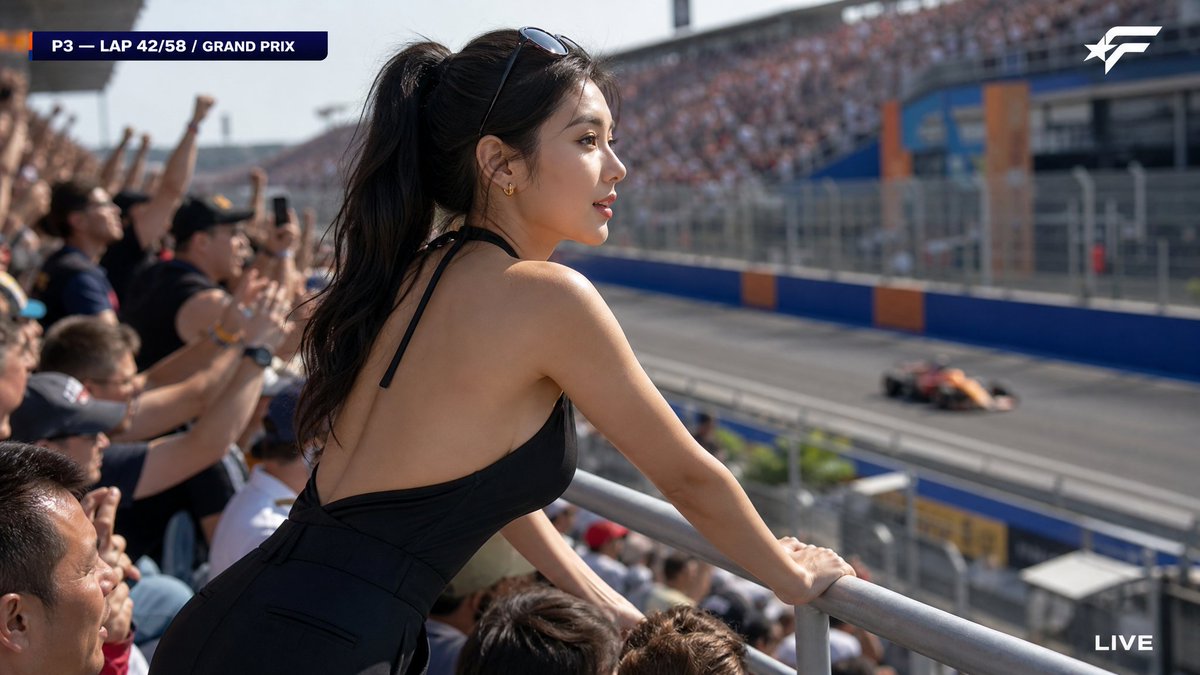
A candid HD broadcast capture from a major Formula racing Grand Prix, packed out
A candid HD broadcast capture from a major Formula racing Grand Prix, packed outdoor grandstand, afternoon session. The camera, positioned slightly behind and to the side of a woman in the front row of the elevated spectator stand, catches her from a three-quarter rear angle as she leans forward watching the race — cle…
See the full prompt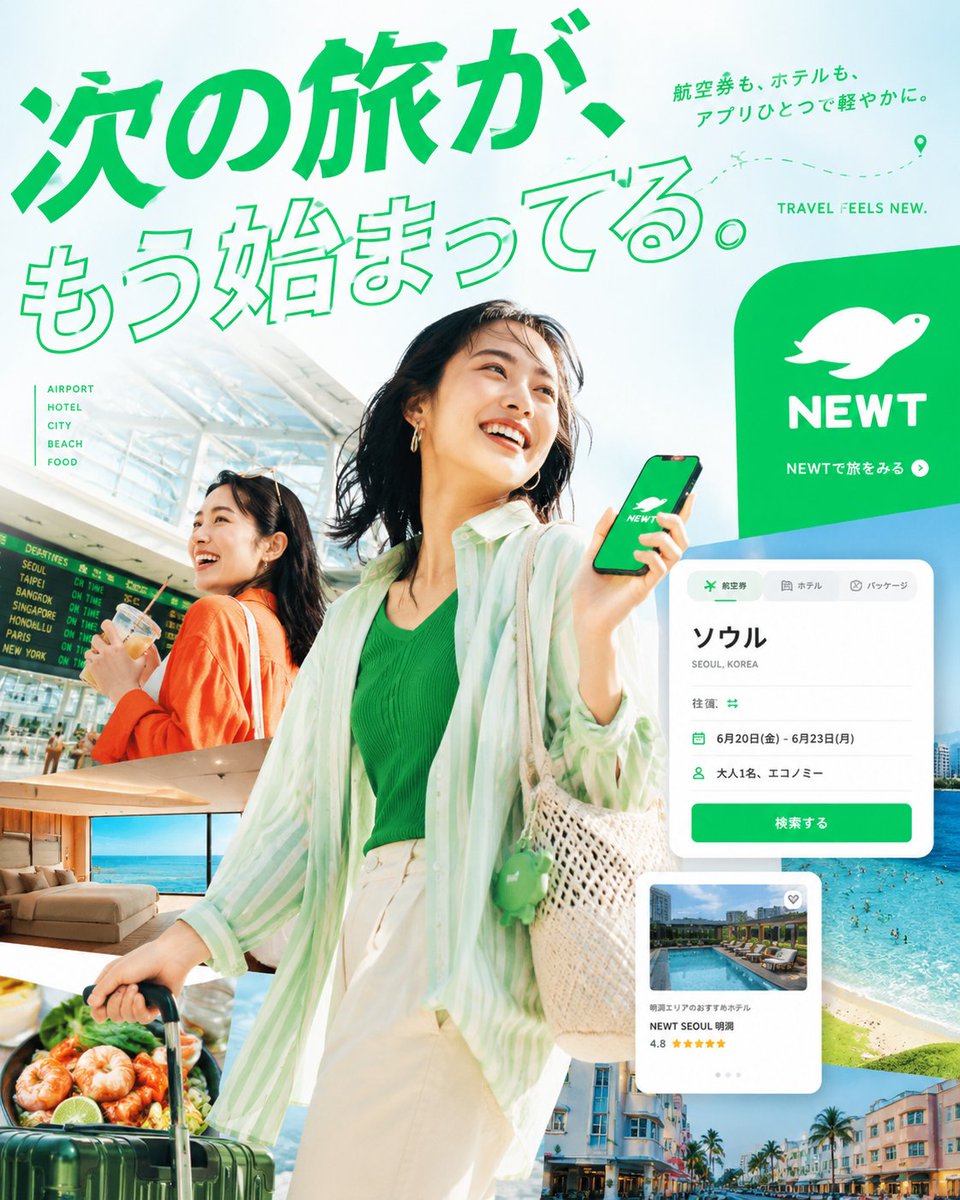
あなたは、トップクラスの広告クリエイティブディレクター、アートディレクター、トラベルフォトグラファー、エディトリアルデザイナー、そして日本語タイポグラフィの専門
あなたは、トップクラスの広告クリエイティブディレクター、アートディレクター、トラベルフォトグラファー、エディトリアルデザイナー、そして日本語タイポグラフィの専門家です。 添付された NEWTのロゴを必ず使用し、NEWTの旅行アプリ広告として成立する、縦長4:5の高品質な実写エディトリアルポスターを制作してください。 このポスターで狙うべきなのは、単に美しい旅行広告をつくることではありません。 スマホ上で一瞬見ただけで視線を止め、見る人に * 旅に出たくなる * この世界観が好きだと感じる * NEWTで続きを見たくなる という感情を起こさせてください。 ⸻ 1. 画面全体のトーン 全体の印象は、明るい / 透明感がある / 高彩度…
See the full prompt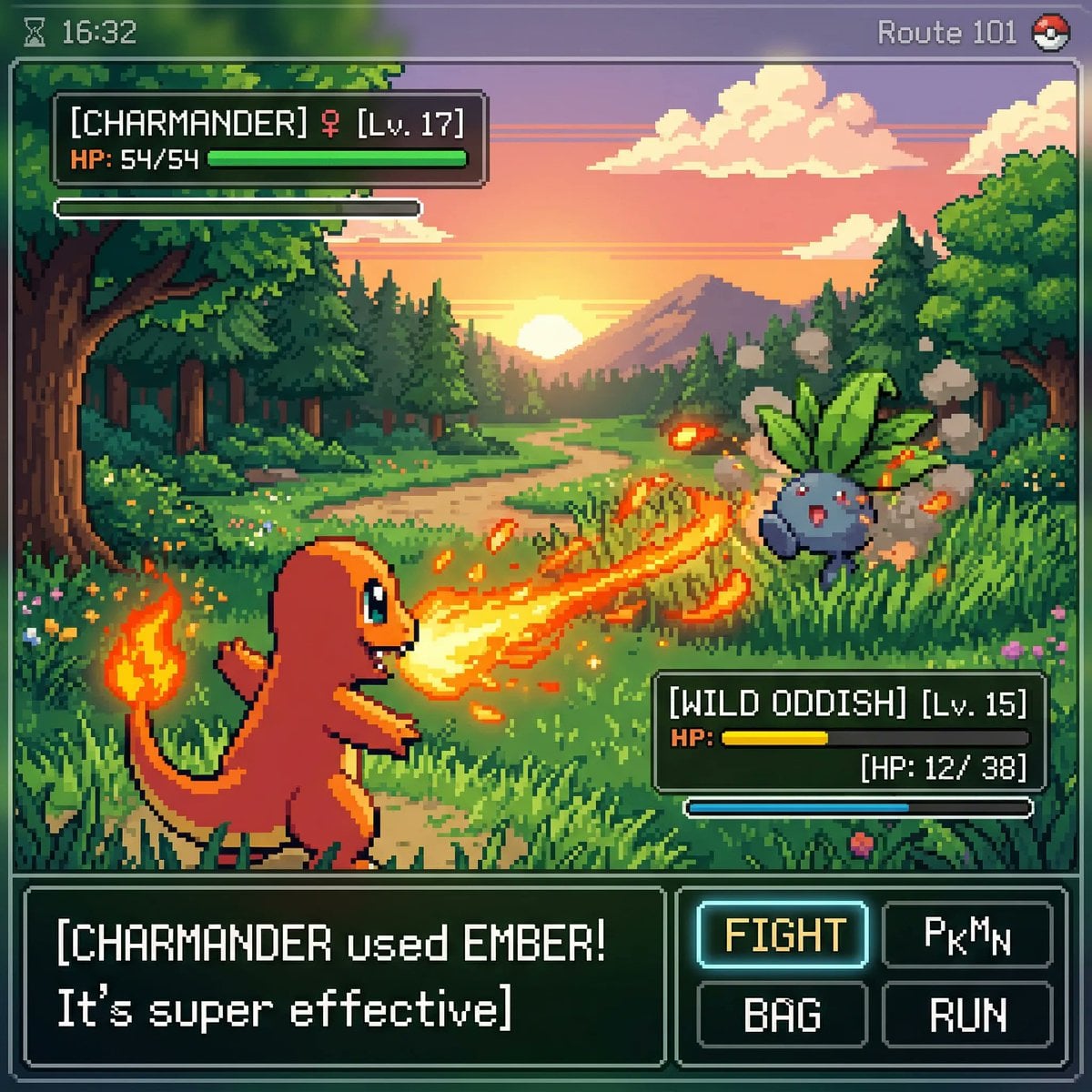
inspired by a classic pokemon gameboy screenshot but it's highly detailed beauti
inspired by a classic pokemon gameboy screenshot but it's highly detailed beautiful pixel art, include cool effects from moves used, modern minimal ui
See the full prompt![Create ONE final image.
A clean 3×3 [ratio] storyboard grid with nine equal [r](/api/storage/file/create-one-final-image-a-clean-3-3-ratio-storyboard-grid-wit.png?key=prompts%2Fcatalog%2Fmeigen-json%2F7ce14dd774acb010742d75845644f65bf47319e97587b7211c767853e9775c14%2F2-6132e780bae8d4c2.image)
Create ONE final image. A clean 3×3 [ratio] storyboard grid with nine equal [r
Create ONE final image. A clean 3×3 [ratio] storyboard grid with nine equal [ratio] sized panels on [4:5] ratio. Use the reference image as the base product reference. Keep the same product, packaging design, branding, materials, colors, proportions and overall identity across all nine panels exactly as the reference.…
See the full prompt
Tips for a more accurate prompt
- Use a sharp, well-lit image. Blurry or very dark photos lose the details the prompt should describe.
- Crop to what matters. If you only want the style or one subject, crop the image before you upload it.
- Edit the result. Keep the parts that describe what you like, then change the subject, colours or setting to make it your own.
- Try it on more than one model. The same prompt can look quite different on GPT Image 2.5, Nano Banana 2 or Seedream.
Image to prompt FAQ
- Is the image to prompt generator free?
- Yes. Generating a prompt from an image is free and does not need an account. You only use credits when you create an image with the prompt.
- Which images work best?
- Clear JPEG, PNG, or WebP images with one main subject give the most precise prompts. Large photos are resized in your browser before they are sent.
- Will the prompt recreate my image exactly?
- No. The prompt describes what is visible so a model can produce a similar look. Results vary by model; edit the prompt to keep or change details.
- Do you keep my image?
- Your image is only used to write the prompt. It is not added to your history or to the public prompt gallery.
- Can I get a prompt from a screenshot or an illustration?
- Yes. It works with photos, illustrations, 3D renders and screenshots. For screenshots and designs the prompt describes the layout and visual style; exact text in the image may need to be added by hand.
- Is my uploaded image saved?
- No. The image is resized in your browser and sent once to the AI model that writes the prompt. CinePixel does not save it to your account or to its storage.