
01
Choose an approved reference
Use a clear image you created, own, or have permission to transform. Decide which pose, silhouette, clothing, colors, and accessories should remain recognizable.
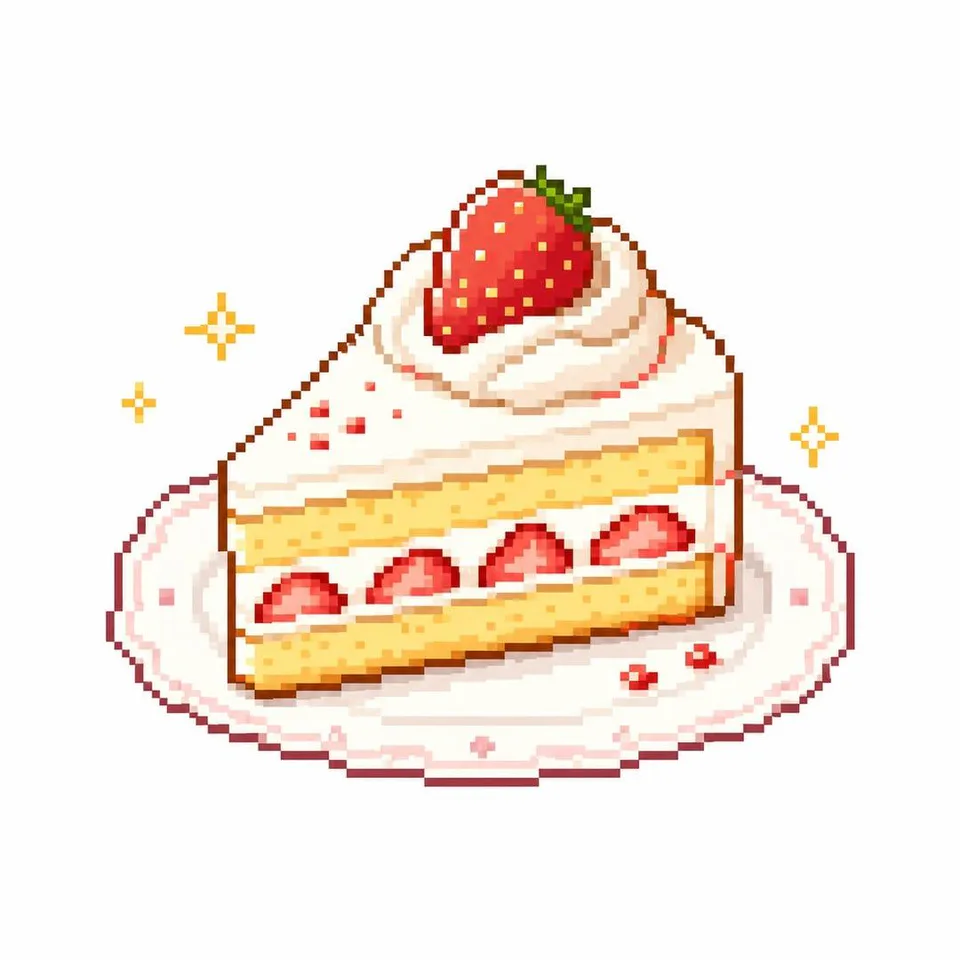
AI pixel character generator
Start from an image you are allowed to use, inspect the proven reference-required prompt and output, then continue in the GPT Image 2 editor workspace.
Model-owned editor workspace
GPT Image 2
Inspectable reference-required source prompt
#1984
Supported editor frames
2:3, 9:16, 1:1
Concept media license: CC0 1.0
The verified Prompt for Transform one reference into a pixel-character concept is owned by GPT Image 2. These alternatives cover the required workflows and output shapes; compare typed facts before choosing.
Jump into a focused image generator for a specific creative task, then continue in its canonical CinePixel workspace.
How it works
01
Use a clear image you created, own, or have permission to transform. Decide which pose, silhouette, clothing, colors, and accessories should remain recognizable.
02
Open GPT Image 2 with Prompt 1984 prepared, upload the required reference, and describe the pixel scale, palette, scene, lighting, and details to preserve.
03
Compare the result with the approved source and inspect face, pose, clothing, hands, symbols, and unwanted franchise cues before further use.
Pixel character directions
Treat the result as one raster concept image. It is not a sprite sheet, game skin, rigged asset, animation set, exact likeness, or franchise-compatible production file.
Explore a pixel-style avatar from an approved portrait, then review likeness, permissions, cropping, and platform requirements separately.
Use your own reference artwork to test an original non-player-character direction without copying a protected game's characters, UI, or visual identity.
Compare palette, pixel density, outline, lighting, and environment choices while keeping the uploaded image as the source of truth.
Before you generate
Prompt 1984 is pinned to an immutable source that explicitly transforms an uploaded image. The workspace therefore opens in Image-to-Image mode and must not silently fall back to a text-only workflow.
The handoff opens the existing GPT Image 2 image-editor workspace. This page does not create another generator or hide the required reference input.
No. It creates one raster concept image and does not guarantee a sprite grid, transparent layers, animation frames, engine import, exact likeness, franchise compatibility, or commercial-use clearance.
No. Prompt 1984 opens in a reviewable draft with Image-to-Image selected. A generation request starts only after you upload an approved reference and explicitly choose Generate.
Open GPT Image 2 with Prompt 1984 and Image-to-Image ready, add your approved reference, refine one concept direction, and generate only when you choose to proceed.
Open pixel character workspace