
01
Define the subject
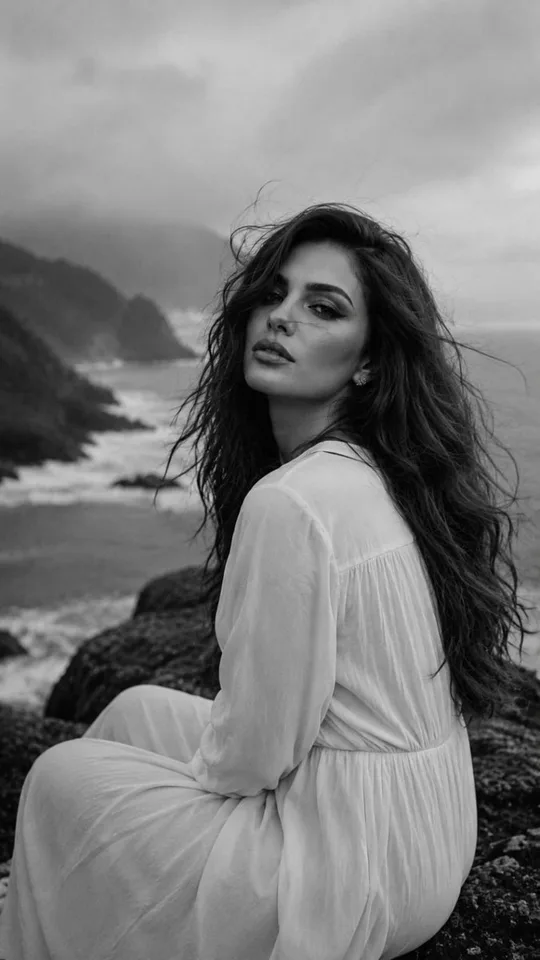
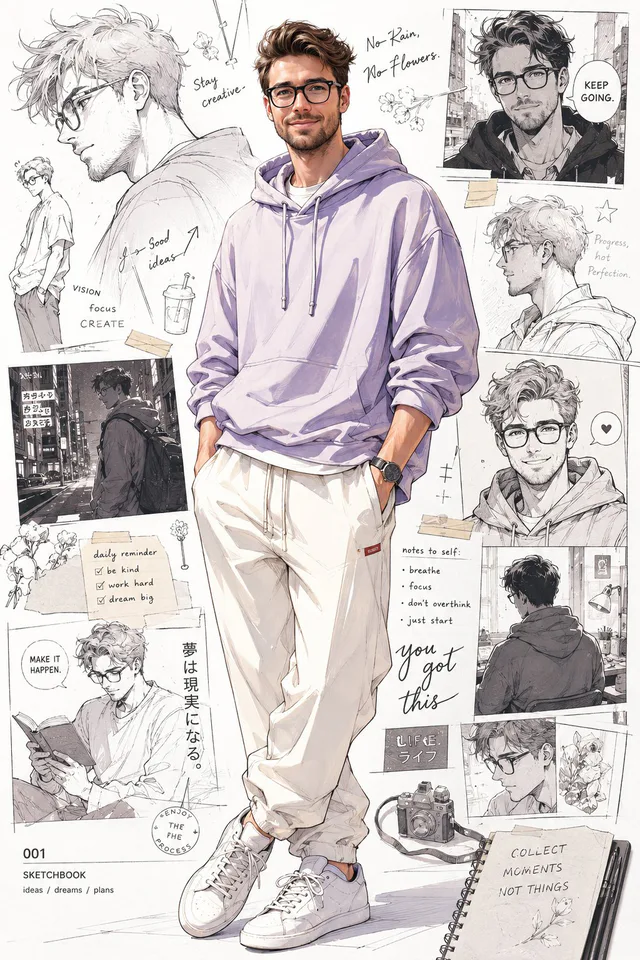
Describe the character, age range, expression, clothing, pose, and any features that make the fictional or conceptual subject recognizable.

AI portrait generator
Describe the subject, expression, setting, lighting, and visual style. Start from a real CinePixel example, inspect its source prompt, then continue in the GPT Image 2 workspace.
Model-owned workspace
GPT Image 2
Inspectable source prompt
#1975
Supported portrait and square frames
9:16, 1:1
Concept media license: CC0 1.0
The verified Prompt for Turn a clear character brief into a focused portrait concept is owned by GPT Image 2. These alternatives cover the required workflows and output shapes; compare typed facts before choosing.
Jump into a focused image generator for a specific creative task, then continue in its canonical CinePixel workspace.
How it works
01
Describe the character, age range, expression, clothing, pose, and any features that make the fictional or conceptual subject recognizable.
02
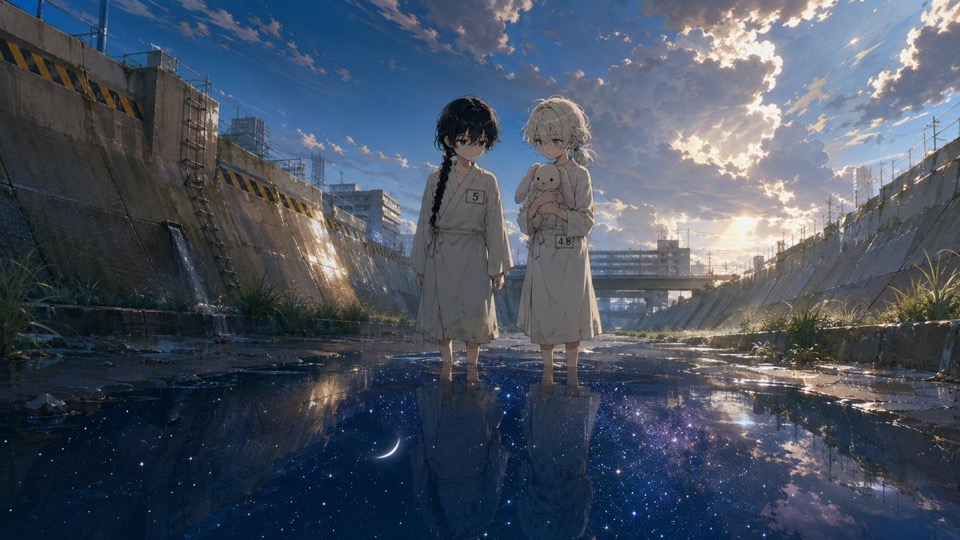
Name the setting, camera distance, lighting direction, color palette, and visual style so the portrait has one coherent point of view.
03
Inspect the prompt and supported frame first, remove conflicting instructions, then explicitly choose Generate when the concept is ready to review.
Practical directions
Keep the subject and visual hierarchy explicit, then adjust the environment, styling, and frame for each creative goal.
Develop fictional characters for stories, games, pitches, or world-building without implying a real person's identity.
Explore square or vertical profile directions for creative projects, then review details before using a result publicly.
Test lighting, wardrobe, setting, and composition ideas for a mood board or concept-stage visual treatment.
Before you generate
Yes. Prompt 1975 has its own canonical CinePixel detail page, so you can review the real prompt and output before opening the workspace.
The handoff opens the existing GPT Image 2 text-to-image workspace. This page does not create another generator or hide the selected model.
No. This route starts from words and does not claim to preserve a real person's identity. Use a supported image-editing workflow when you have a source photo, and review the result instead of treating it as biometric or professional identity proof.
No. Prompt 1975 opens in a reviewable draft state. A generation request starts only after you explicitly choose Generate in the workspace.
Open GPT Image 2 with Prompt 1975 ready, refine the subject and scene, and generate only when you choose to proceed.
Open portrait workspace