Skip to content
CinePixel logoCinePixel
Create bold poster concepts from a clear visual direction
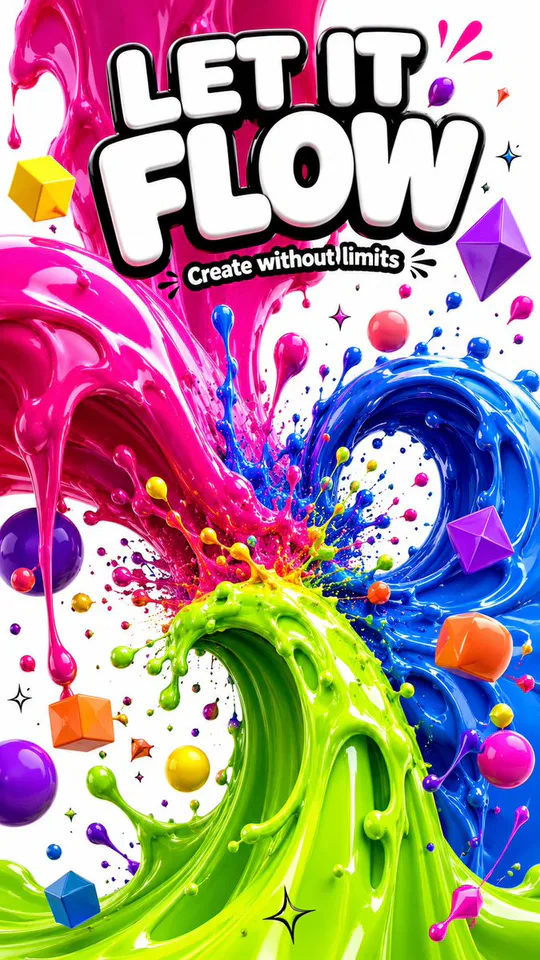
CinePixel liquid-art poster concept with vivid sculptural color, floating geometric forms, and portrait framing

AI poster generator

Create bold poster concepts from a clear visual direction

Shape a subject, material treatment, color system, and portrait composition in one prompt. Start from a real CinePixel example, inspect its prompt, and refine it in the GPT Image 2 workspace.

Model-owned workspace

GPT Image 2

Inspectable source prompt

#2186

Supported portrait frames

9:16

Concept media license: CC0 1.0

Compare capable models for this task

The verified Prompt for Create bold poster concepts from a clear visual direction is owned by GPT Image 2. These alternatives cover the required workflows and output shapes; compare typed facts before choosing.

Compare 3 capable models

Explore image generators by task

Jump into a focused image generator for a specific creative task, then continue in its canonical CinePixel workspace.

Browse the full generator directory
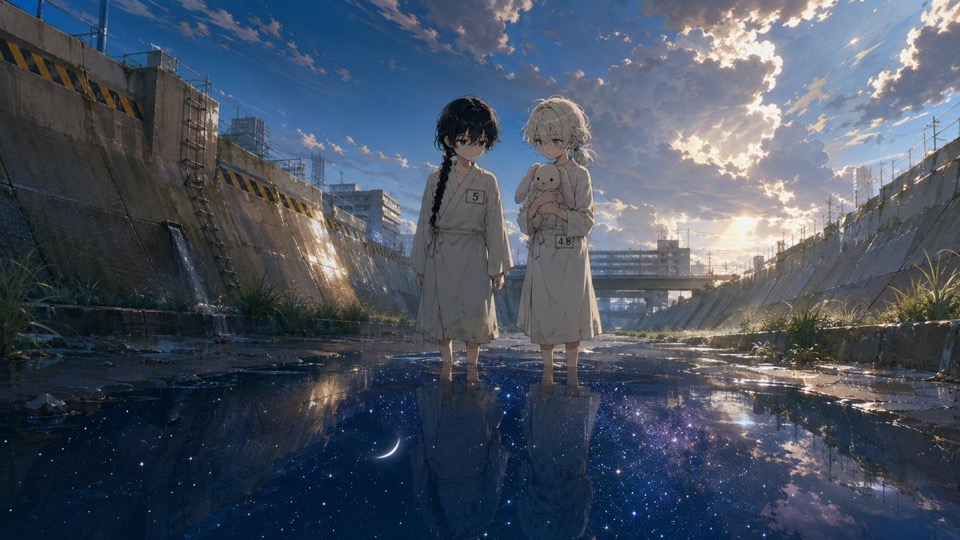
  1. Why it is relatedSame Text to Image workflow · Same prompt-led startAnime scene conceptsExplore one static 16:9 anime scene through character relationship, environment, light, and mood before continuity, dialogue, animation, and release review.
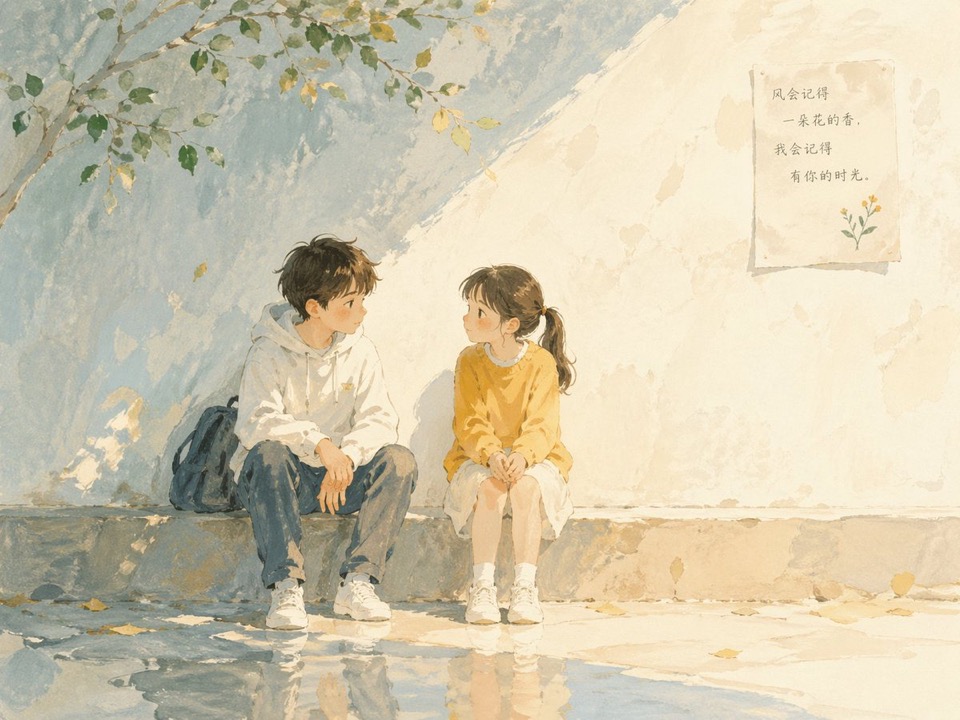
  2. Why it is relatedSame Text to Image workflow · Same prompt-led startBook illustration scenes
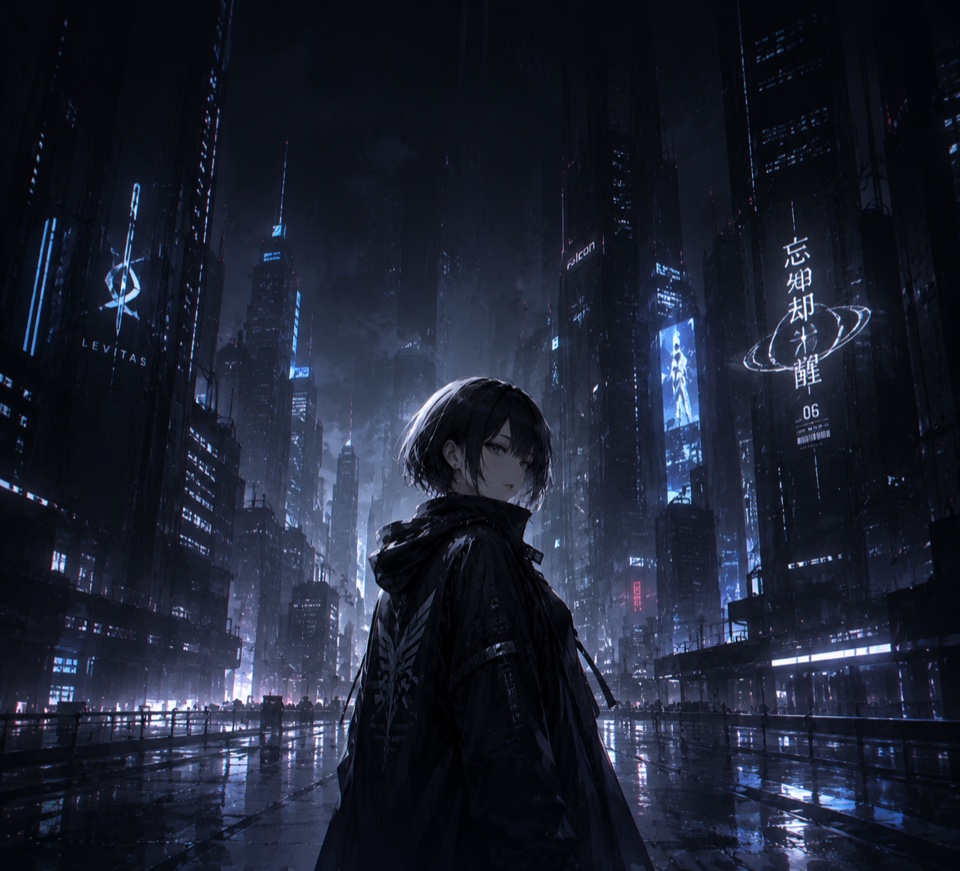
  3. Why it is relatedSame Text to Image workflow · Same prompt-led startCyberpunk wallpaper concepts
  4. Why it is relatedSame Text to Image workflow · Same prompt-led startStoryboard concepts

How it works

Move from creative direction to an editable poster prompt

01

Define the visual system

Describe the poster subject, intended mood, material language, color palette, and any text that should appear.

02

Choose a portrait frame

Open the GPT Image 2 workspace with the example prompt loaded, then choose a supported portrait ratio for the composition.

03

Review, refine, and generate

Check the prompt and settings first. Adjust hierarchy or wording, then explicitly choose Generate when the direction is ready.

Practical directions

One workflow for distinct poster jobs

Keep the workflow consistent while changing the subject, hierarchy, palette, and framing for each communication goal.

Launch concepts

Explore a strong key visual, product or event name, and a deliberate typographic hierarchy before final production.

Event directions

Develop portrait compositions for conferences, performances, exhibitions, or community programs.

Campaign variations

Test coordinated subject, color, and material directions that can inform a wider campaign system.

Before you generate

AI poster generator questions

Can I inspect the example prompt first?

Yes. Prompt 2186 has its own canonical CinePixel detail page, so you can review the real prompt and output before opening the workspace.

Which model owns this poster workflow?

The handoff opens the existing GPT Image 2 text-to-image workspace. The page does not create a separate generator or hide the selected model.

Does opening the workspace generate an image automatically?

No. The prompt is prepared for review, but no generation request runs until you explicitly choose Generate in the workspace.

Should I review text inside a generated poster?

Yes. Treat generated typography as a concept-stage output. Review names, dates, prices, legal copy, and other exact text before publishing or printing.

Continue with the proven prompt in the real workspace

Open GPT Image 2 with Prompt 2186 ready, refine the direction and settings, and generate only when you choose to proceed.

Open poster workspace