

01
创建让每种图像创意成为可能
AI 图片与视频生成器:每一帧,由你执导。
写下画面,或上传一张参考图。在 GPT Image、Seedream、Nano Banana 等模型间对比,每一版都留在同一个工作台。
CinePixel 是独立运营的平台,集成了精选的第三方 AI 模型。了解更多
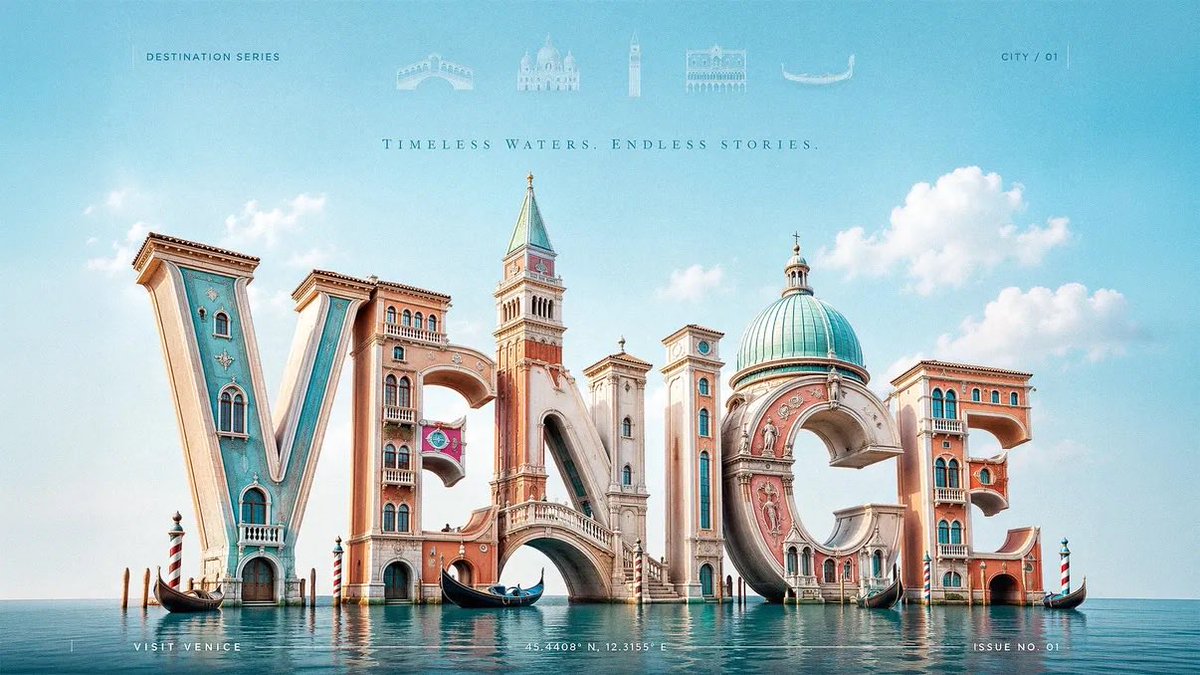 3D Typography Travel Poster
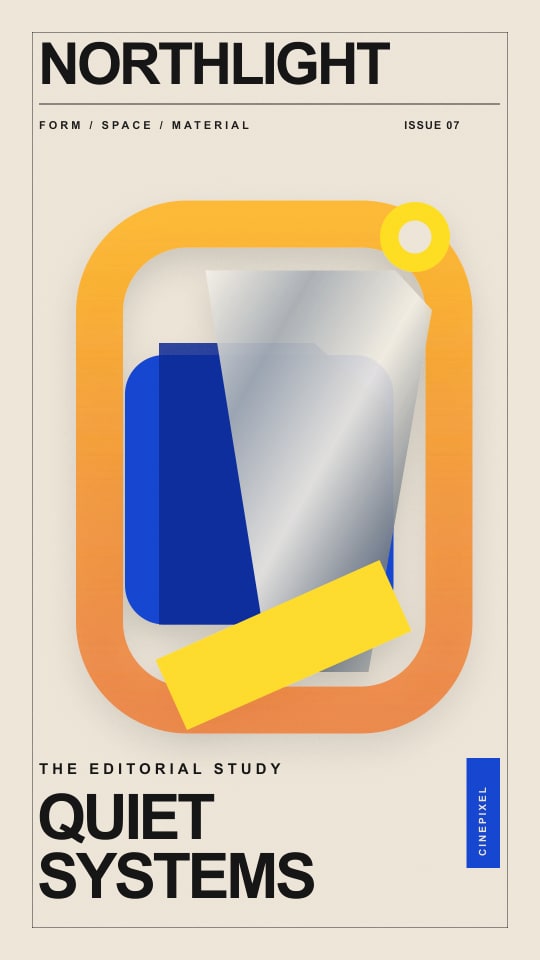 Luxury Fashion Magazine Cover
 Guangdong Super League Invitation Poster
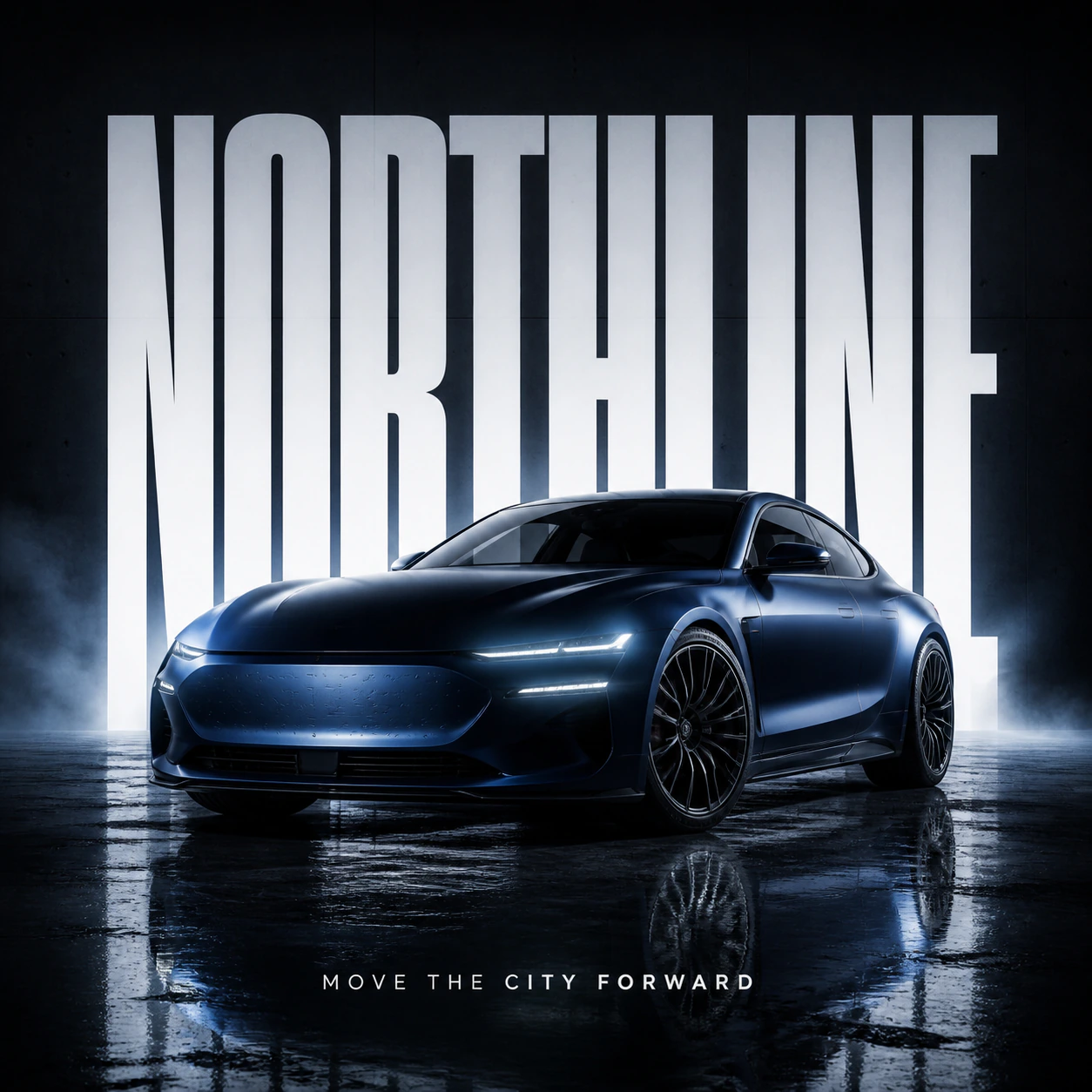 Automotive Billboard Ad Concept
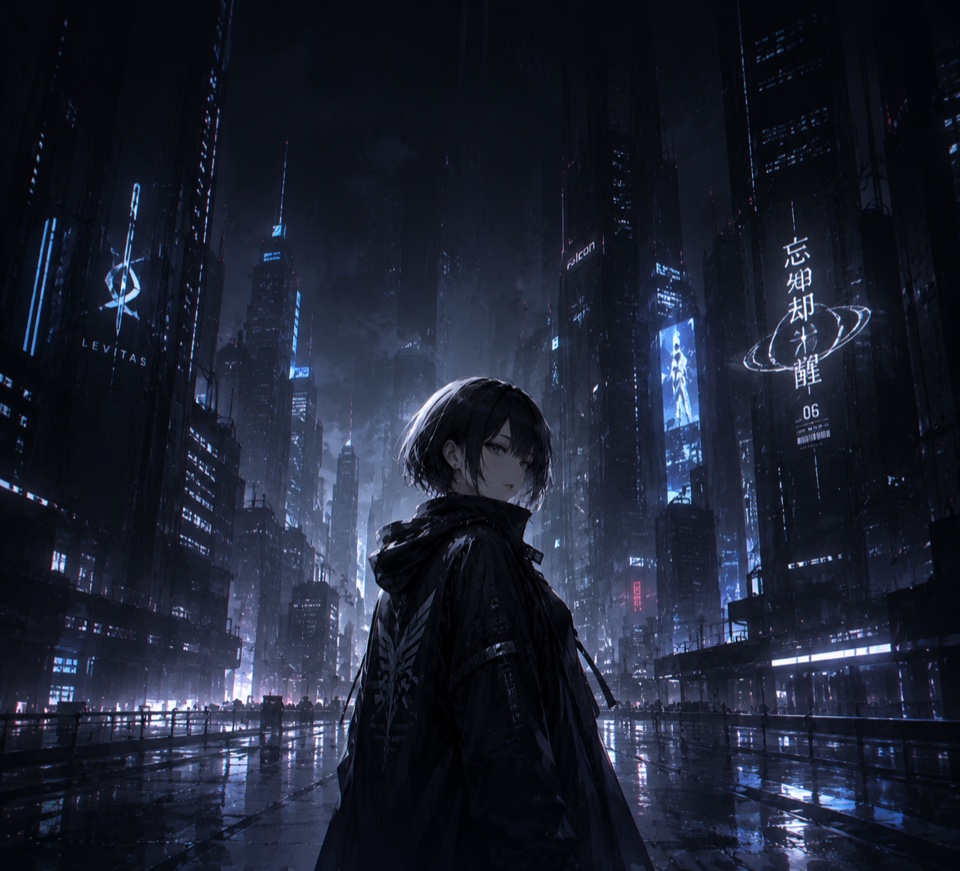 Anime wallpaper for foldable phone — dark cool style
 Soft Poetic Children's Book Illustration
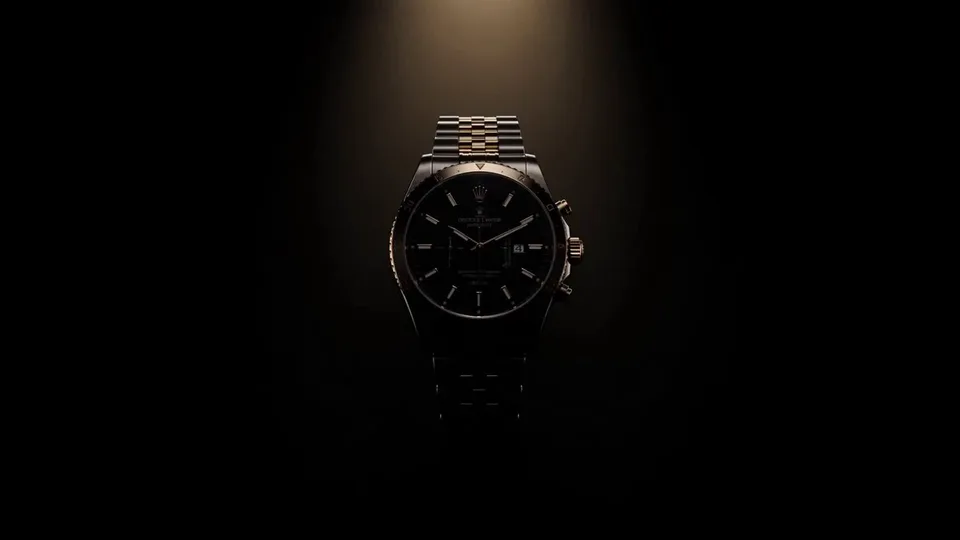 Luxury Watch Dramatic Beam Product Shot
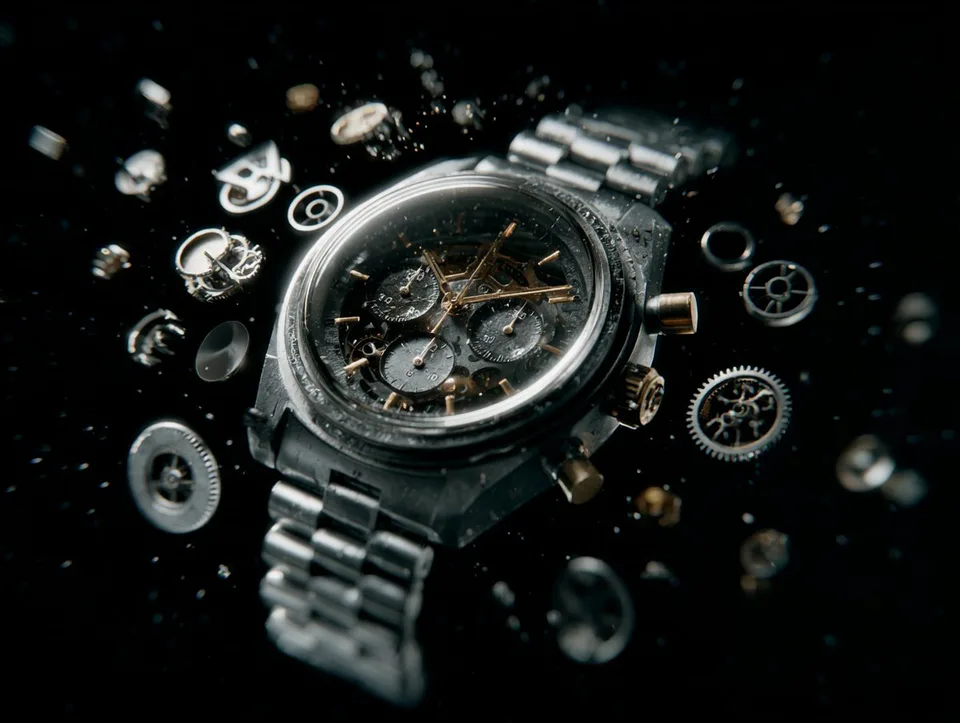 Reverse-Assembly Product VFX
 Doodle Escape Studio Sprint
 Cosmic Garden Fantasy Portrait
 Pixel Art Character Portrait
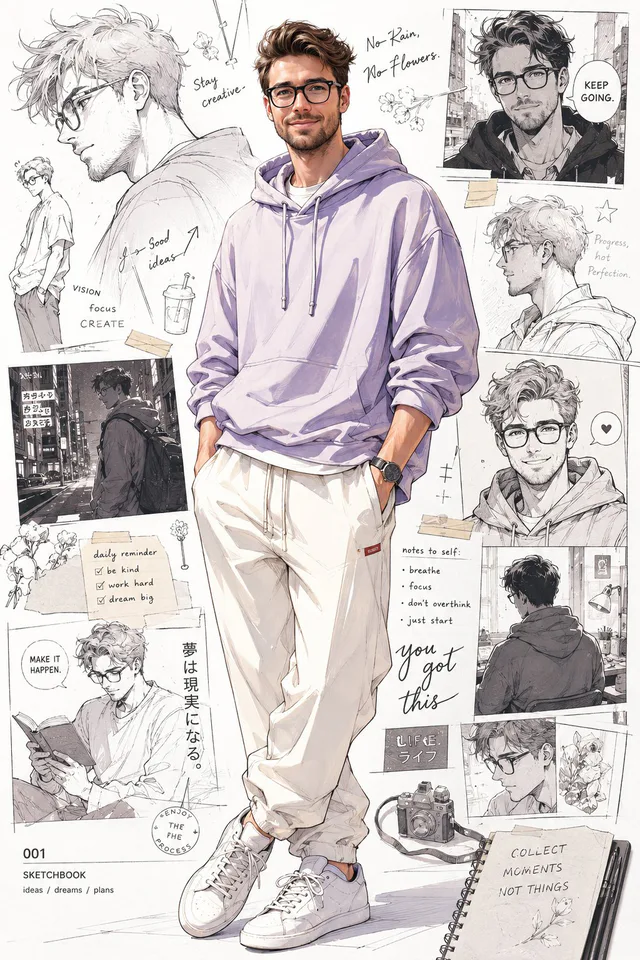 Anime-Inspired Pastel Hoodie Portrait
 Dreamlike Cloud Face Portrait
 Sharp Digital Portrait Illustration
 Mediterranean Alley Sunlit Portrait
 Cloud-Bloom Editorial Portrait
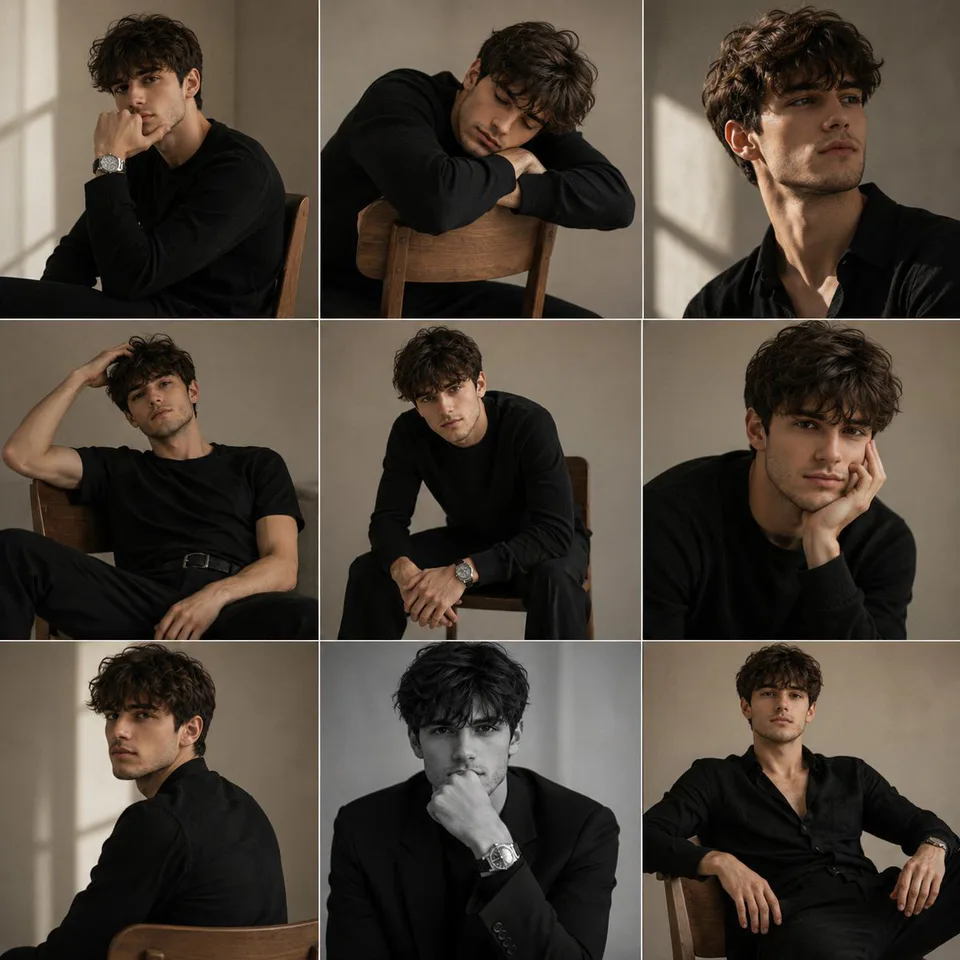 Monochrome Studio Portrait Grid
 Coastal Daydream Film Portrait
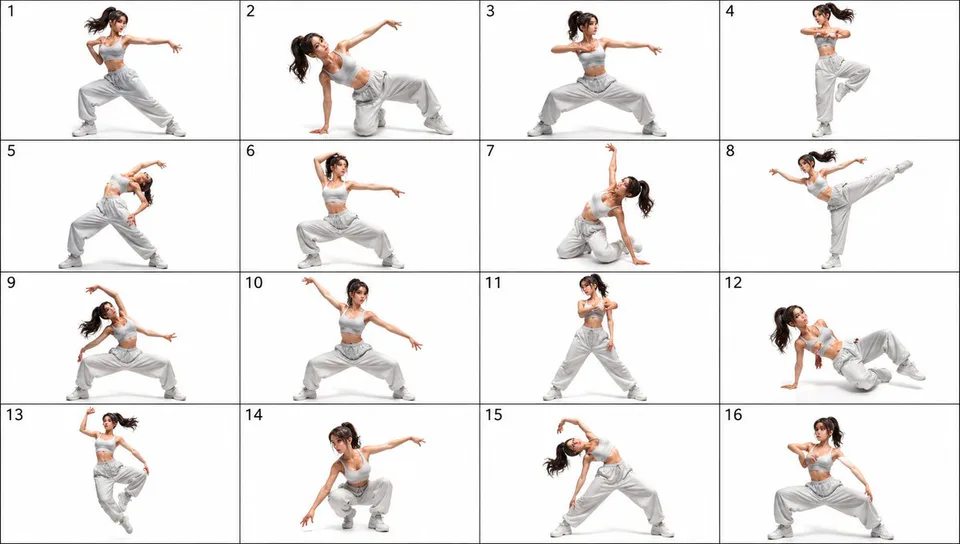 16-Pose Dance Reference Sheet
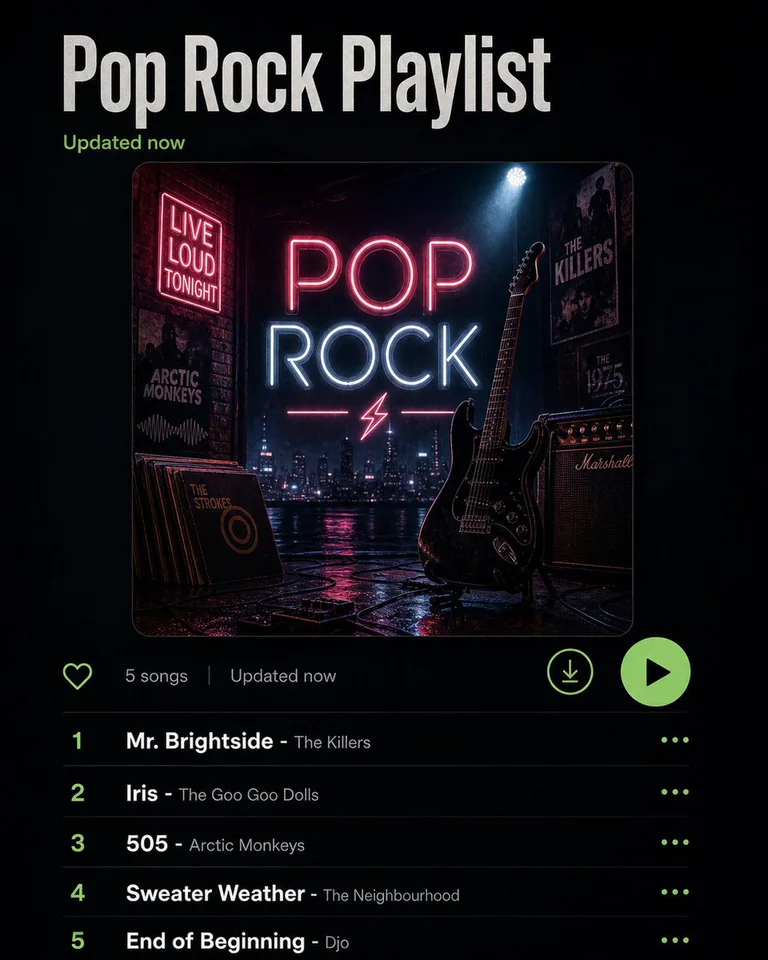 Playlist Mood Album Cover
最新添加
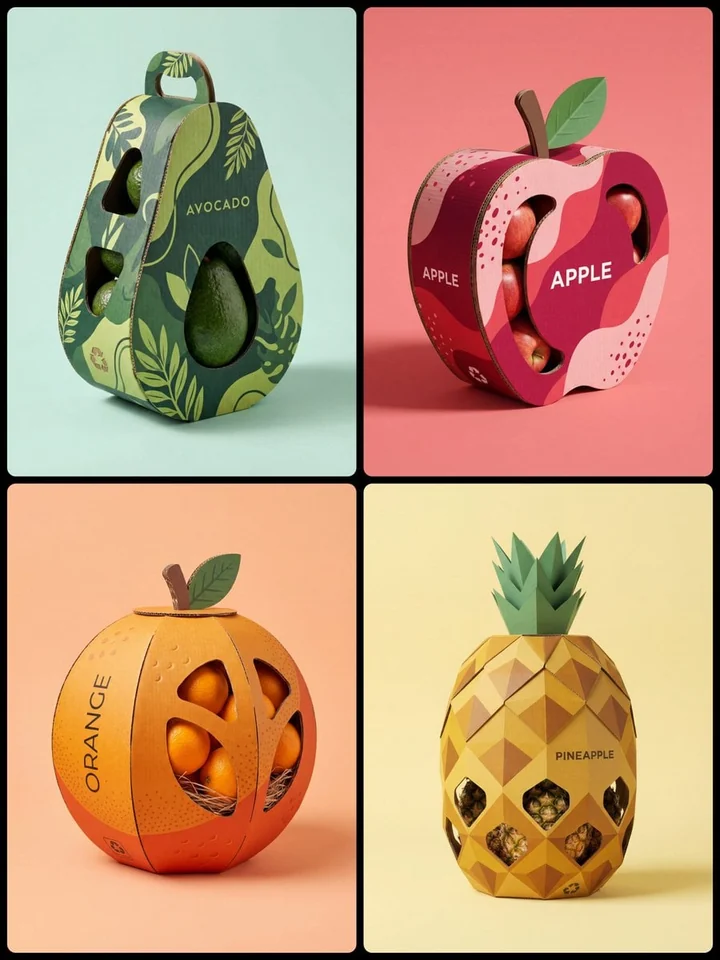
Creative Structural Fruit Packaging
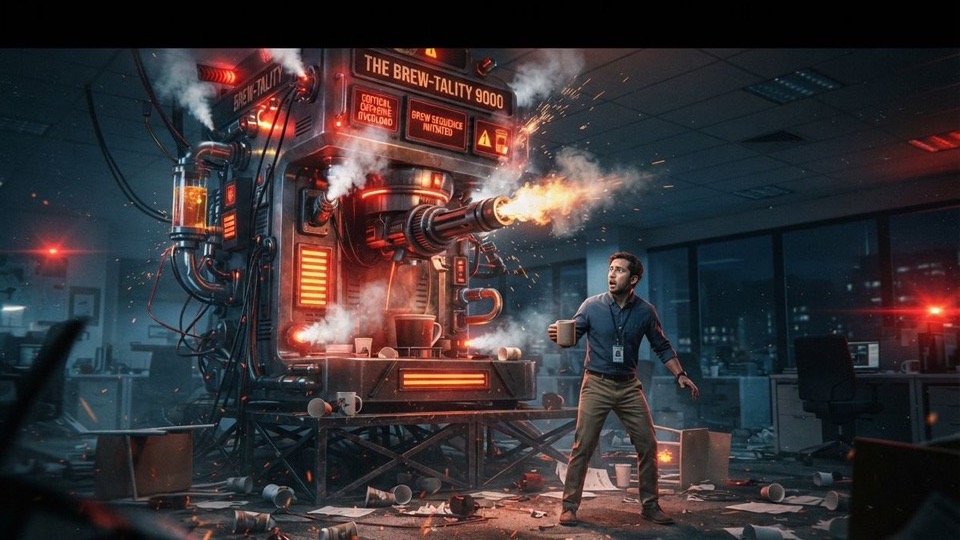
Sci-Fi Coffee Machine Boss Battle
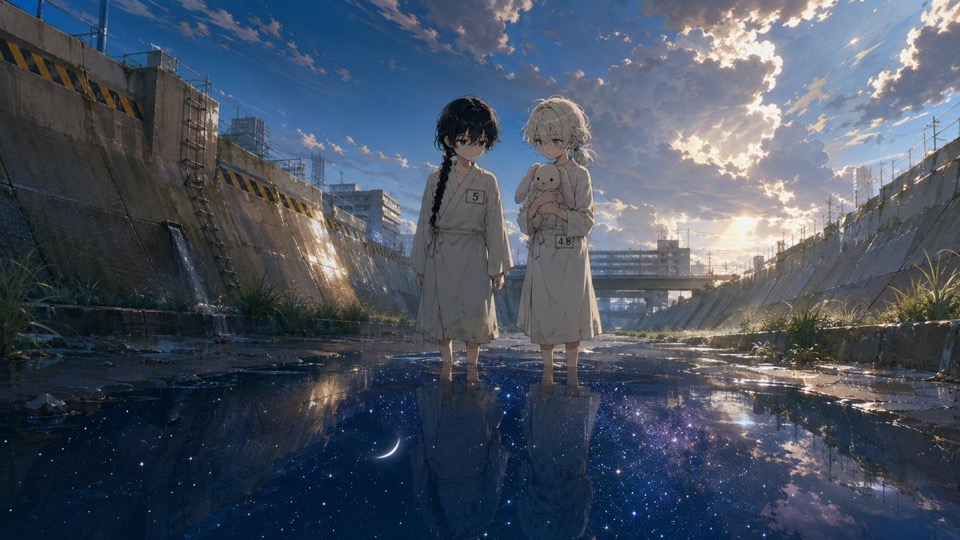
Anime Girls in Starry Flooded Canal
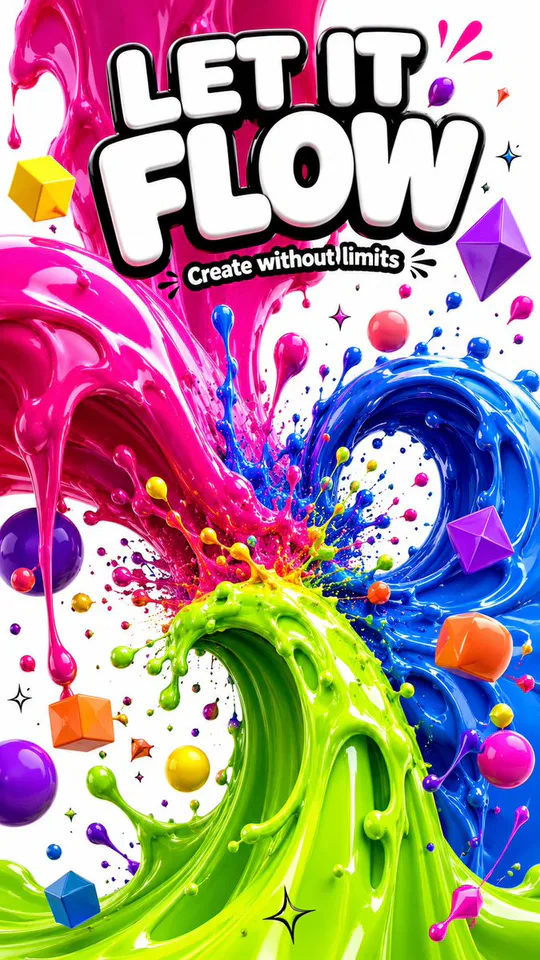
3D Liquid Art Poster

Cubist Kawaii Vector Portrait

High-Concept Personal Portrait
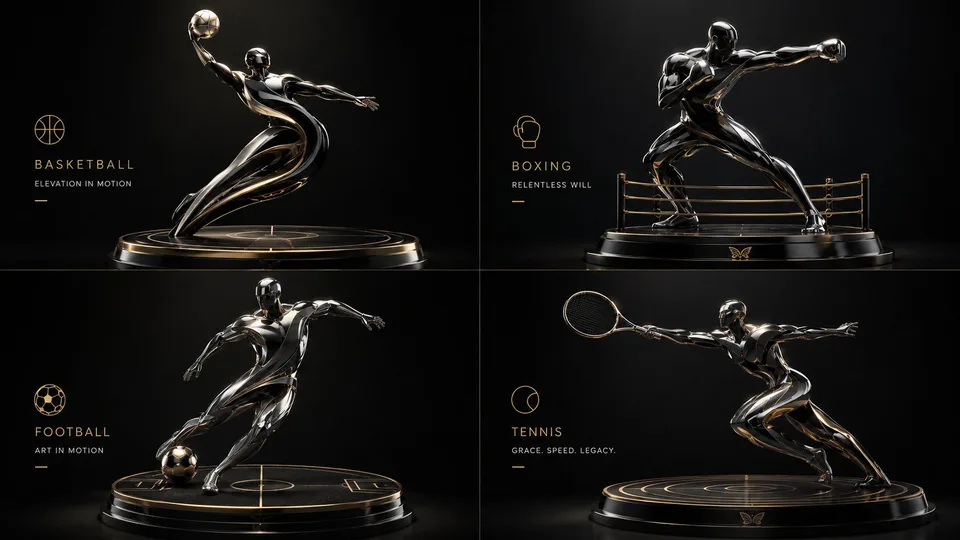
2x2 Luxury 3D Sculptural Poster
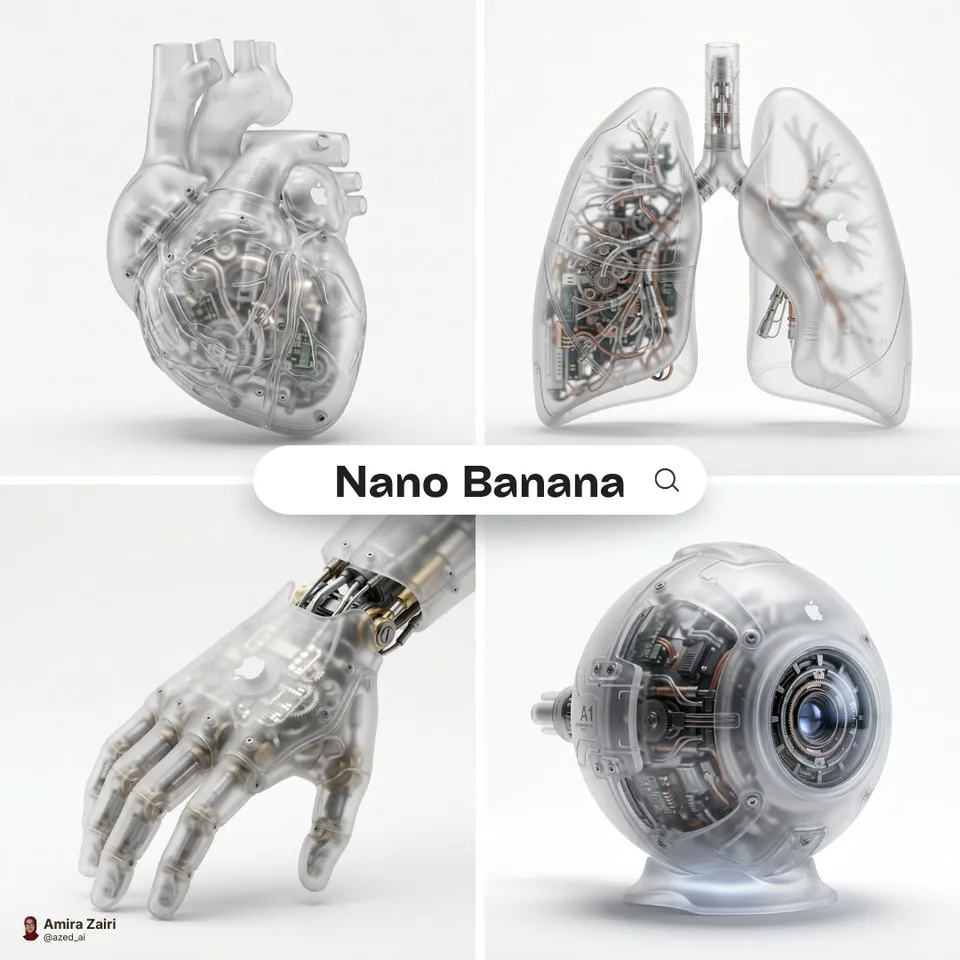
Biomechanical Organ Product Render

Red Dress Editorial Portrait

Moon Whisper Graphite Portrait
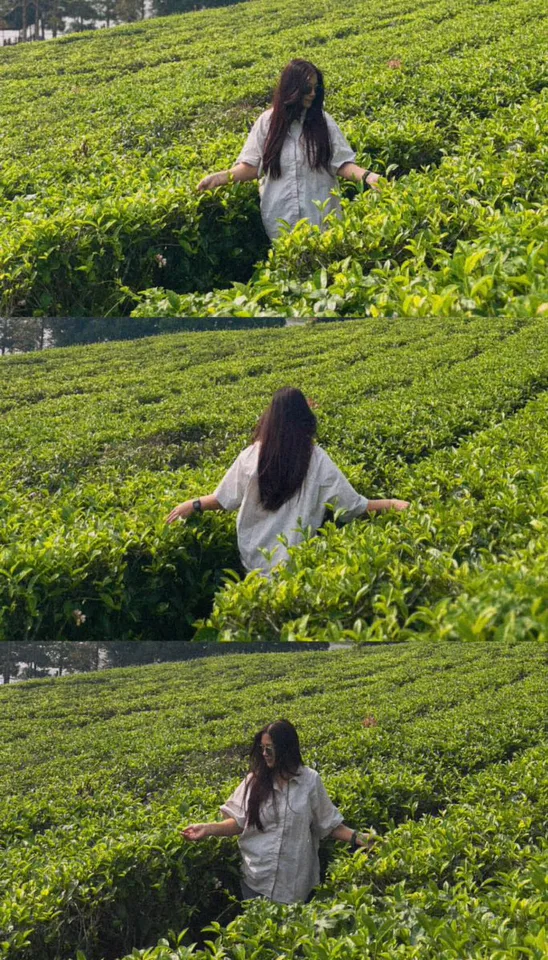
Tea Estate Storybook Collage
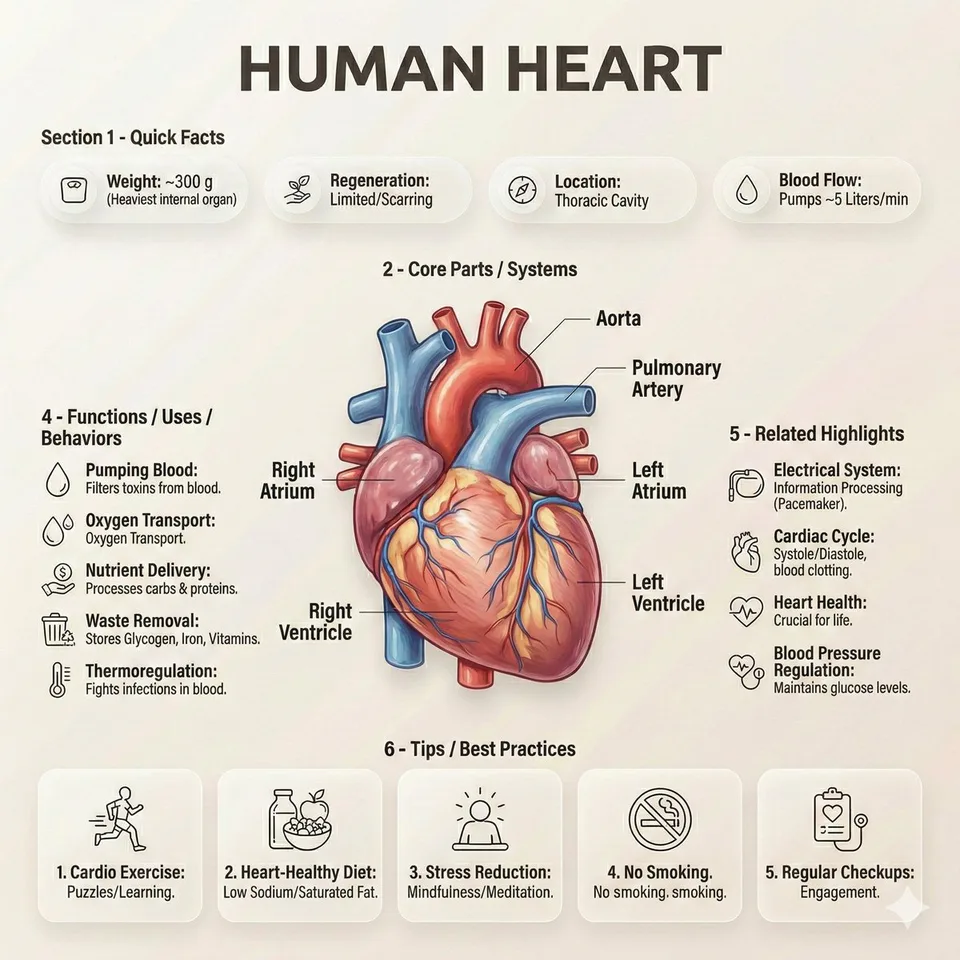
Editorial Anatomy Infographic Poster
选择图像模型
选择模型并打开其专属工作区
灵感画廊
02
创建Sharp Digital Portrait Illustration
03
创建Mediterranean Alley Sunlit Portrait
04
创建Cloud-Bloom Editorial Portrait
05
创建Monochrome Studio Portrait Grid
06
创建Coastal Daydream Film Portrait
07
创建16-Pose Dance Reference Sheet
08
创建Playlist Mood Album Cover
09
创建Creative Structural Fruit Packaging
10
创建Sci-Fi Coffee Machine Boss Battle
11
创建Anime Girls in Starry Flooded Canal
12
创建3D Liquid Art Poster
13
创建Cubist Kawaii Vector Portrait
14
创建High-Concept Personal Portrait
15
创建2x2 Luxury 3D Sculptural Poster
新上线与热门模型
CinePixel 最新接入的图片和视频模型,以及创作者当下最常用的模型。
CinePixel 可以帮助你创作什么
无需切换工具,即可创建产品场景、人像、营销概念、社交素材和基于参考图的变体。
深入 CinePixel:完整创作工具箱
将文本提示词、参考图、历史记录、收藏和模型预设整合为一套实用的图像生成工作流。
CinePixel提示词工作台
当前提示词
产品拍摄
电影感
暖光
CinePixel风格迁移
CinePixel批量生成
CinePixel素材管理器
产品照片3
社交媒体裁剪4
主图变体5
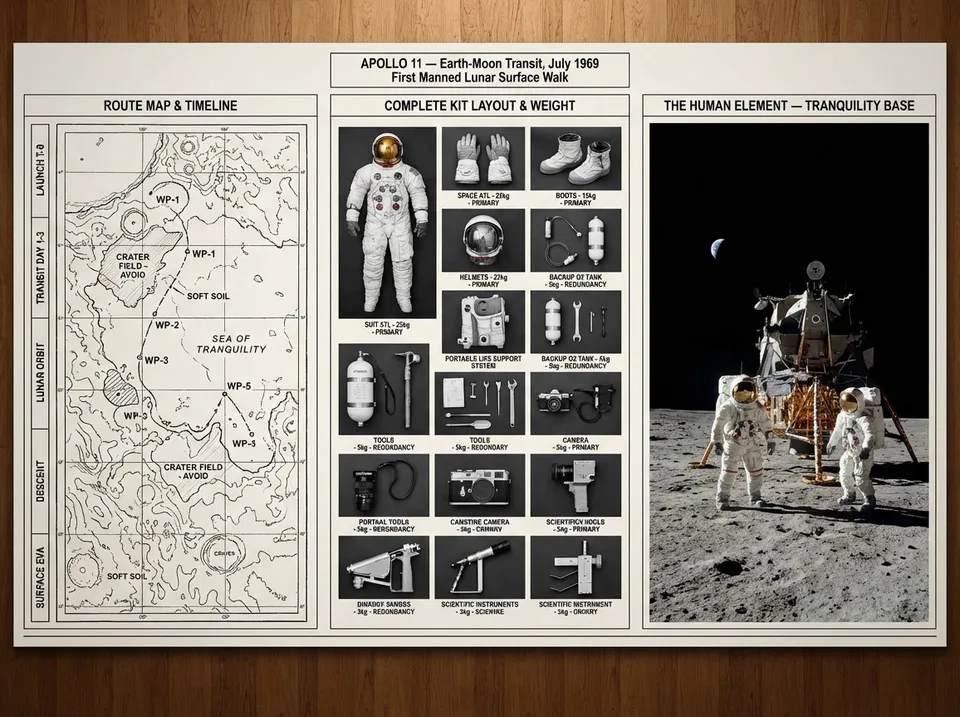
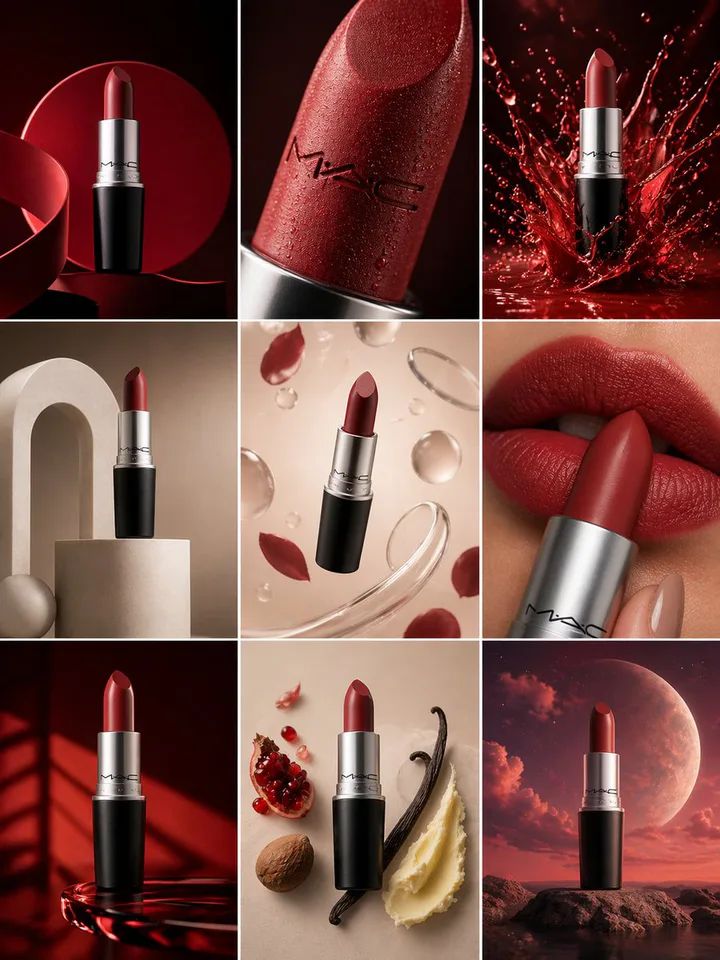
CinePixel提示词助手
让这张产品图更有电影感,同时保持适合着陆页使用。
添加温暖的轮廓光和浅反射,并生成方形、横幅、故事和缩略图四种裁剪。
色调模型比例
CinePixel工作流看板
提示词
编辑
变体
导出
用于可重复图像工作的高级控制
整理有价值的生成结果、快速比较不同方向,并为营销、产品和创意项目建立可靠的视觉工作流。
CinePixel使用权利
核实营销用途权利
导出前核实供应商条款及所需授权。
客户广告商店
CinePixel4K 导出
细节92%
纹理78%
光照64%
裁剪46%
CinePixel迭代通道
CinePixel分支工作流
原图
提示词 + 参考图
CinePixel参考图重混
动态82
时长6
质量4
CinePixel 如何将想法转化为可用的视觉效果
通过专注的工作流程,从提示词或参考图片过渡到精美的输出,包括起草、比较、优化和保存结果。
1
描述或上传
从提示词、参考图片或两者开始。CinePixel 让第一步保持快速,让创意保持新鲜。
2
AI 处理
选择模型、比例、质量和参考路径。工作台在运行前保持成本和输出形状可见。
3
风格与优化
比较变体,重用出色的提示词,并将有用的结果移入历史记录或收藏,而不丢失上下文。
4
下载与使用
下载最终资产,保留源提示词,并在活动需要其他方向时再回来查看。
把创意变成视频
用自己的照片套用热门模板,或选择一个视频模型描述镜头。
为你的工作而生
为你的团队选一个起点,在同一个工作区完成创作、检查和下载。
营销与广告
留有标题空间的户外广告、海报和社媒广告概念图。
内容创作者
小尺寸也清晰的封面图,以及用热门模板制作的短视频。
电商卖家
干净的产品图、纯色背景抠图,以及更清晰的商品主图。
设计师与机构
可与客户一起评审的包装、专辑封面和杂志封面方向稿。
教育与培训
逐步讲清流程的信息图和故事板。
小型企业
用于菜单、活动和品牌故事的图标、邀请函和修复后的老照片。
关于 CinePixel 的常见问题
关于图像生成图像、文本生成图像、商业权利、积分套餐、保存的提示词和生成历史的答案。
CinePixel 是什么,AI 图像生成器如何工作?
图像生成在技术上如何工作?
CinePixel 与其他 AI 图像生成器有何不同?
我可以将 CinePixel 图像用于商业目的吗?
CinePixel 提供什么图像质量和分辨率?
一次性购买后我的积分会怎样?
我在哪里管理 CinePixel 积分?
CinePixel 支持参考图像编辑吗?
CinePixel 的可重用图像工作流如何帮助团队?
我可以用 CinePixel 编辑现有照片吗?
更多文章
创作手记
查看更多动态Introducing CinePixel
A practical overview of the CinePixel workflow, from first prompt to saved generation history.
Read More
Create Your First AI Image
A concise guide to writing a useful prompt, choosing a generation mode, and saving strong results.
Read MoreA Publish-Ready AI Image Workflow
How to move from draft generations to a curated set of visuals for product, social, and editorial use.
Read More产品主视觉套装已就绪
提示词参考