
Resize an image to 1280 × 720 without stretching
Use the 1280 × 720 centered crop to convert an image to 16:9 for a thumbnail. Check what the crop cuts off, then save the exact size. Other dimensions and resize modes are available below.
Your image stays in this browser. No upload, AI generation, login or credits are needed.
Read the step-by-step guideFit may produce a smaller image than the requested bounds. Centered crop removes outer content; stretch changes proportions. Enlarging does not recover detail.
PNG preserves transparency. JPEG uses a white background. Export re-encodes the image and does not preserve original metadata. Unsupported formats may fall back to PNG; the actual file format is shown with the result.
Resized result
Your resized image will appear here. Changing the source or settings clears the old output.
Need to extend the scene instead?
Generative expansion creates new background content with an AI job. It is separate from this local resize/crop tool. Open Generative Fill and choose Extend.
Generative FillCheck the thumbnail at the size people will see it
This cover artwork is 960 × 540, already 16:9. Choose 1280 × 720 centered crop. Because the source is smaller, turn on Allow resampling above the original size. Create the resized image and check that the result reads 1280 × 720 px. At a small viewing size, check that the person on the right is still easy to see. A source with a different shape loses edges in Centered crop. Fit keeps the whole image and may export fewer pixels on one side.
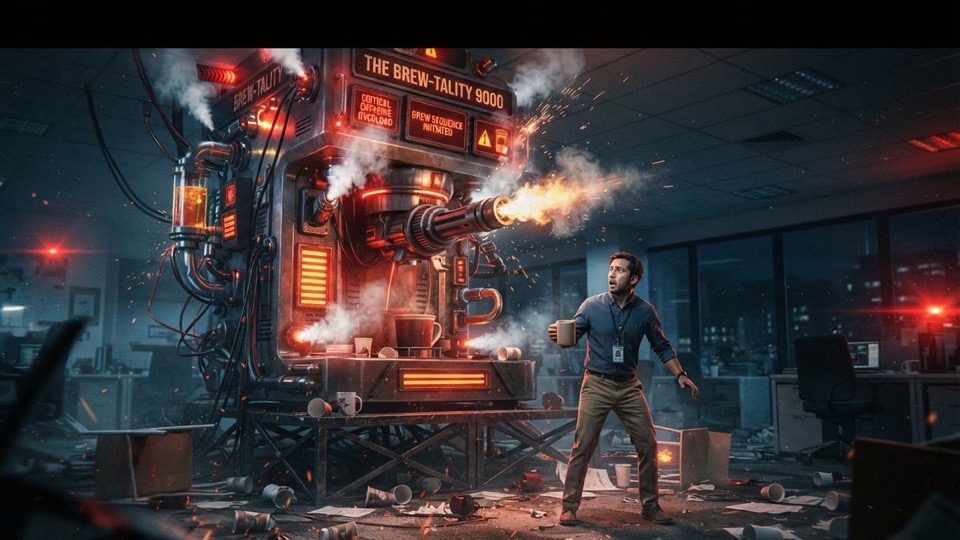
Image credit: getimg.ai. Resized for web.Original sourceCC BY 4.0