
Use-case guide
Best AI image generator for portraits
Portraits are where people notice mistakes first: skin that looks waxy, hands that go wrong, or a face that drifts away from the person in your reference photo. The right model depends on whether you are inventing a person or keeping a real one recognisable.
Our picks
Pick 1
Nano Banana 2
Google
Accepts many reference photos and keeps the same face across edits, outfits and backgrounds, at a low price per image. The best start for headshots and personal portraits.
- From 2 credits per image
- Up to 14 reference images
- 7 aspect ratios
Pick 2
Seedream 5.0 Pro
ByteDance
Produces natural skin texture and photographic lighting for portraits of invented people, with plenty of aspect ratios for social and editorial crops.
- From 7 credits per image
- Up to 1 reference image
- 8 aspect ratios
Pick 3
Gemini 3 Pro Image
Google
A strong all-rounder when a portrait needs careful scene detail, such as a specific location, wardrobe or props described in the prompt.
- From 16 credits per image
- Up to 8 reference images
- 7 aspect ratios
Real examples from the gallery
Open any example to see the full prompt, copy it, and run it on the model you choose.
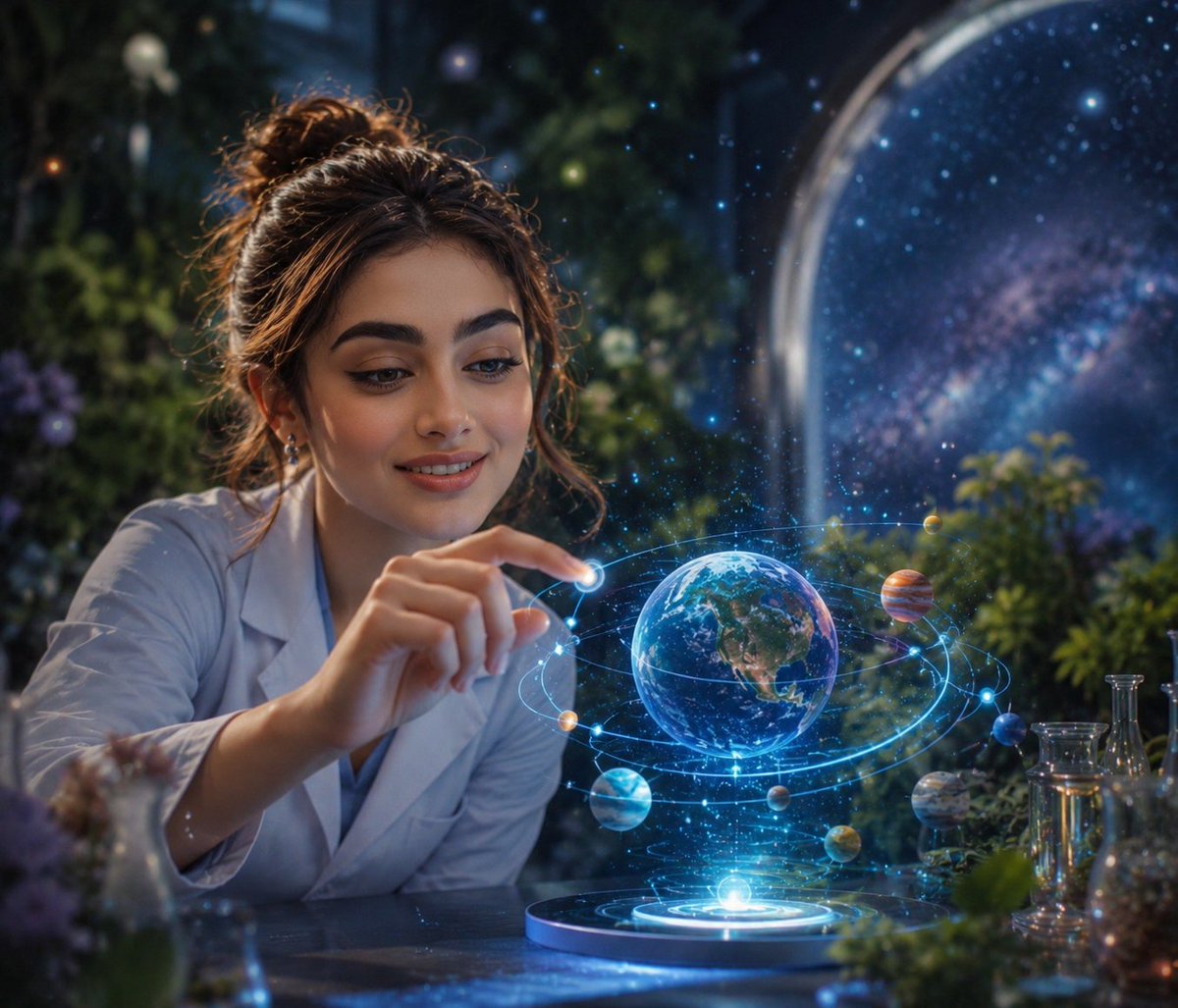
Cosmic Garden Fantasy Portrait
gpt-image-2
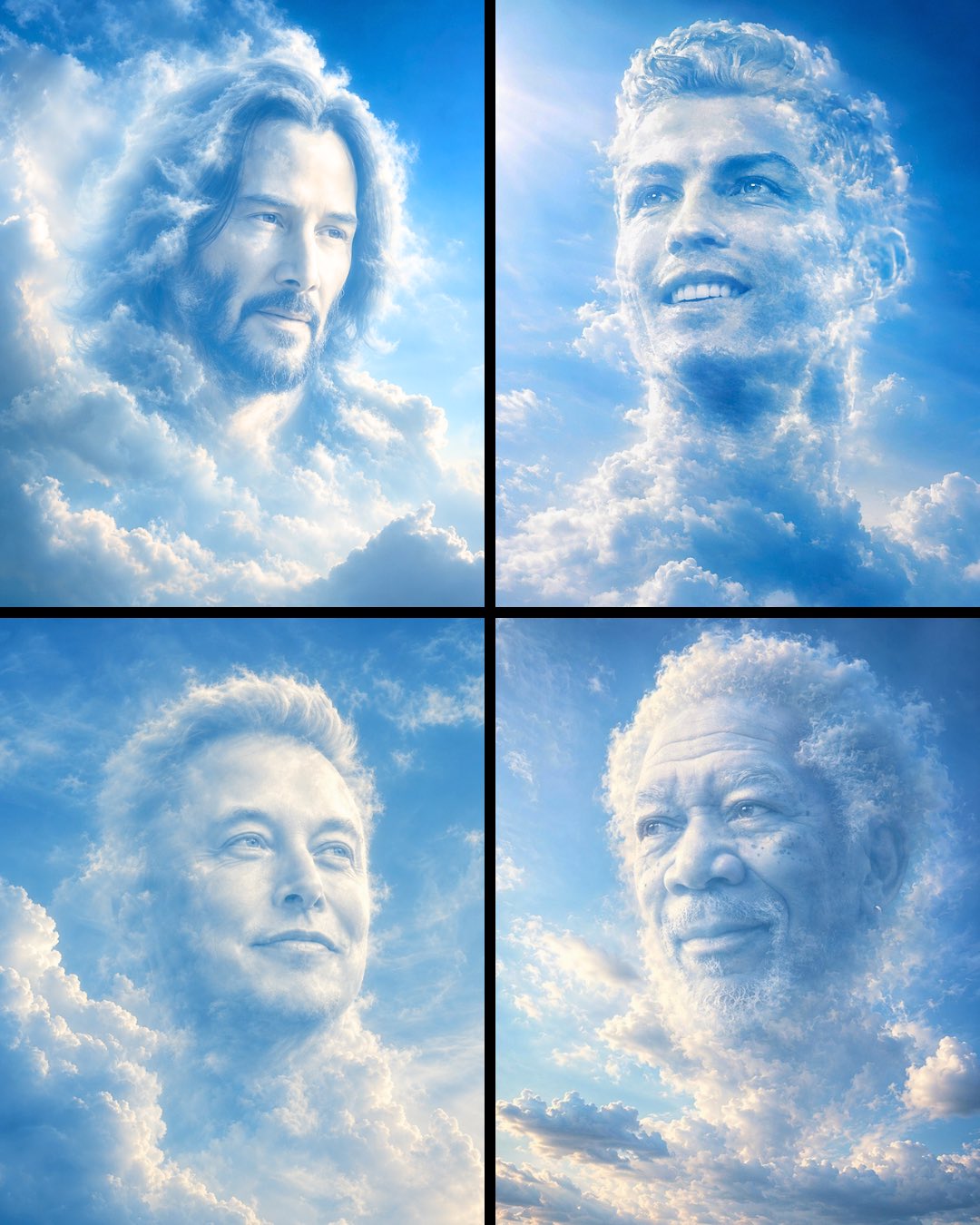
Dreamlike Cloud Face Portrait
gpt-image-2
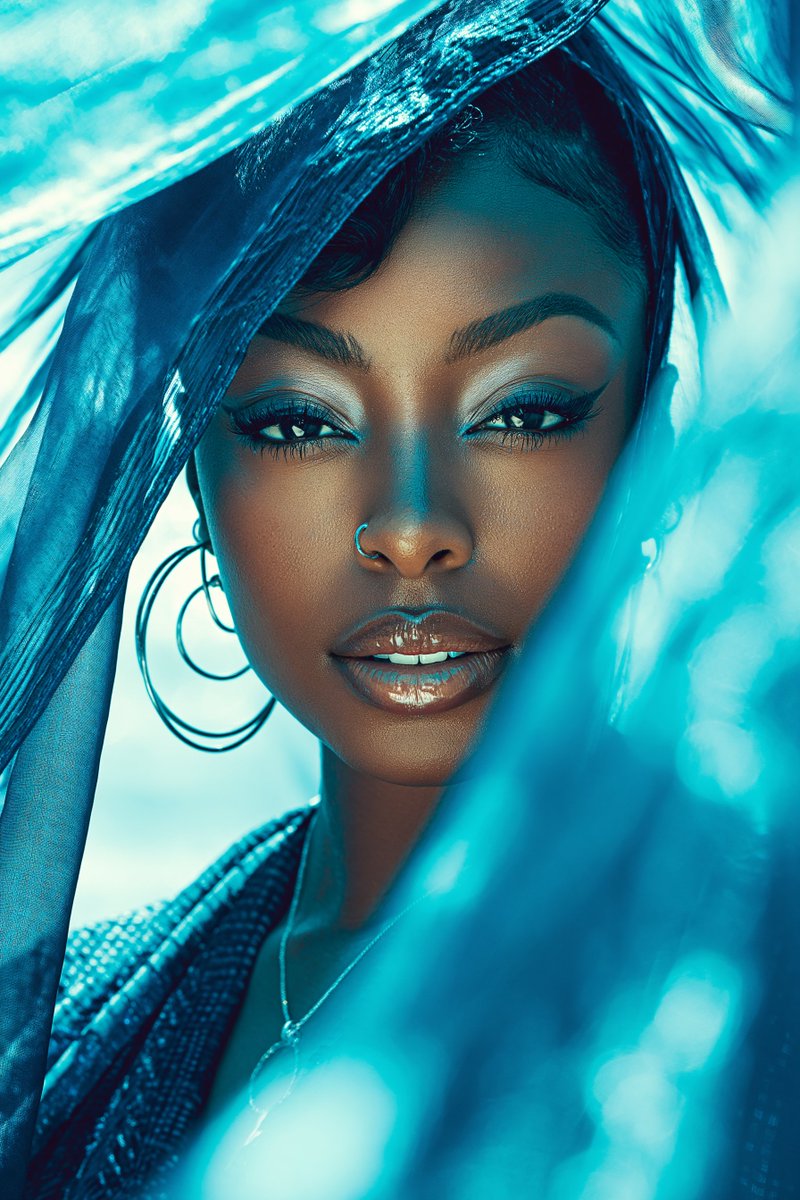
Luxury Glam Beauty Portrait
gpt-image-2
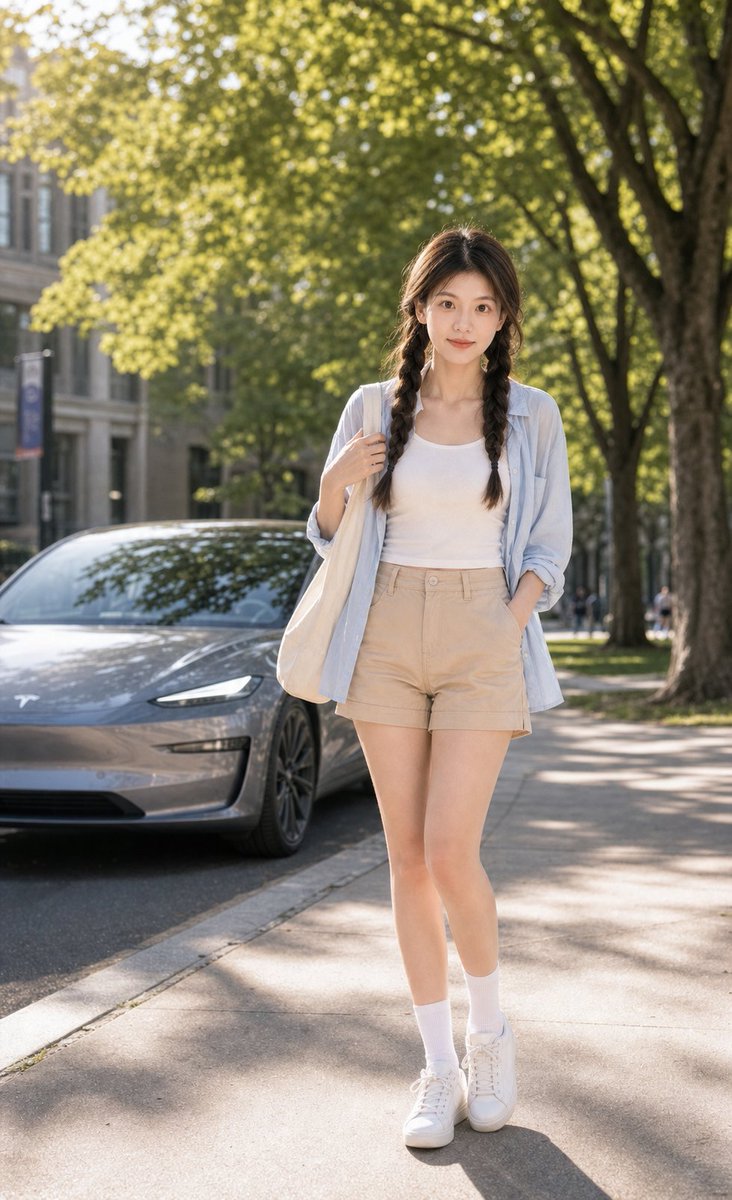
Summer Campus Tesla Lifestyle Poster
gpt-image-2
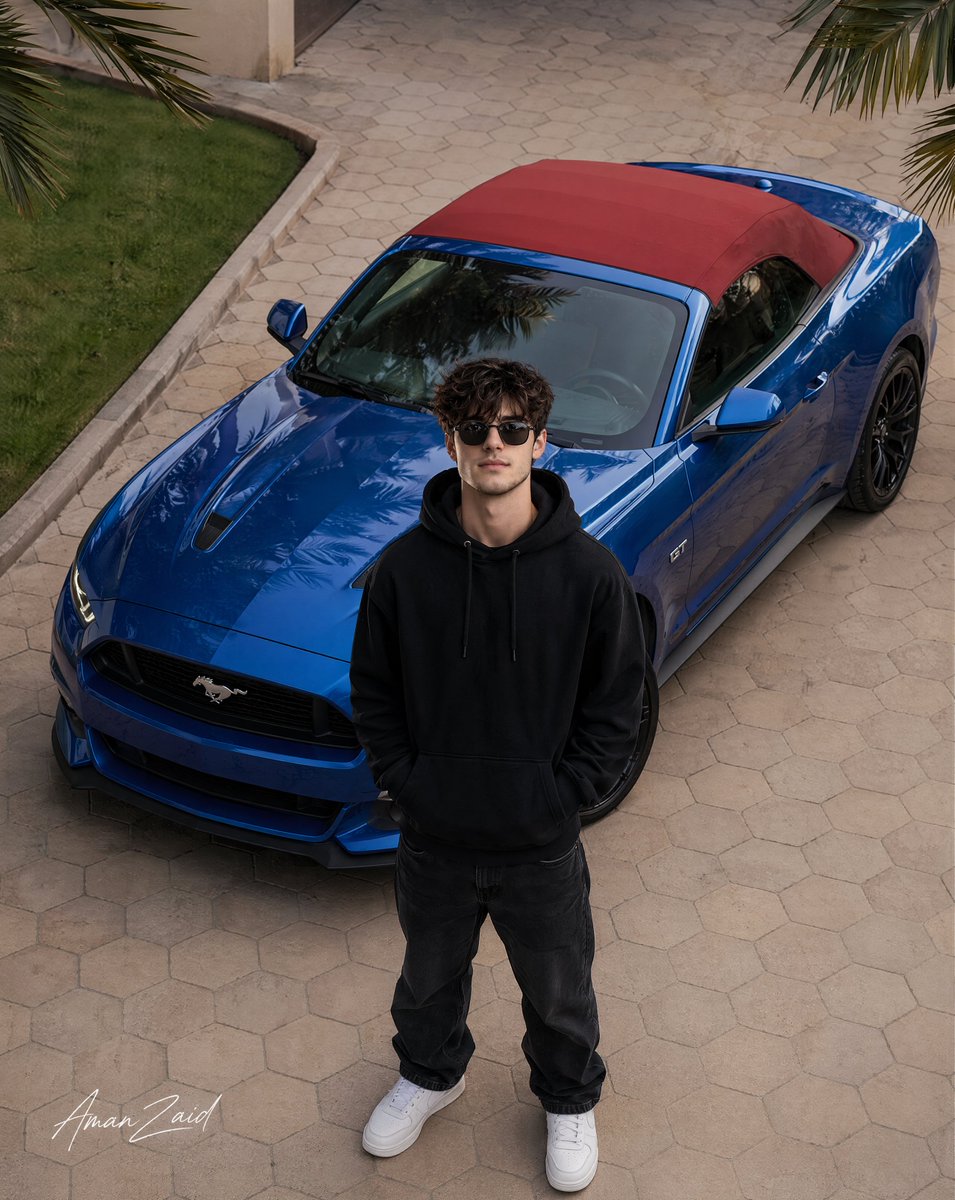
Ultra-realistic cinematic DSLR photograph of an 18-year-old handsome young ma...
gpt-image-2
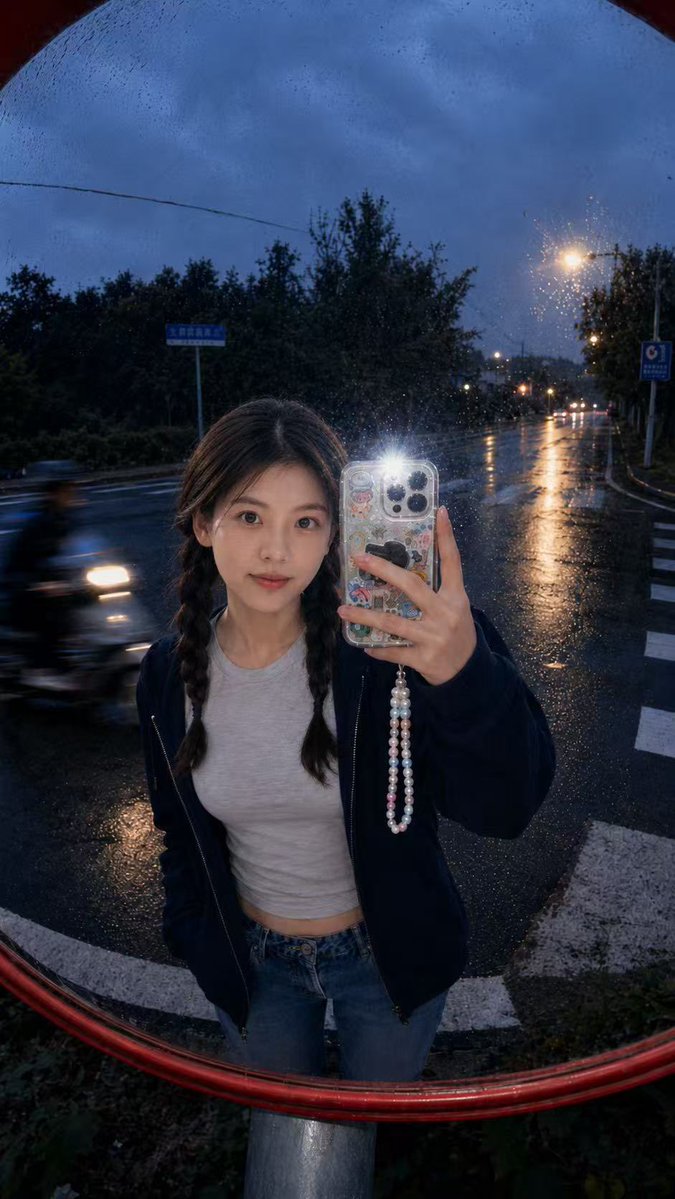
Convex Mirror Rainy Selfie
gpt-image-2
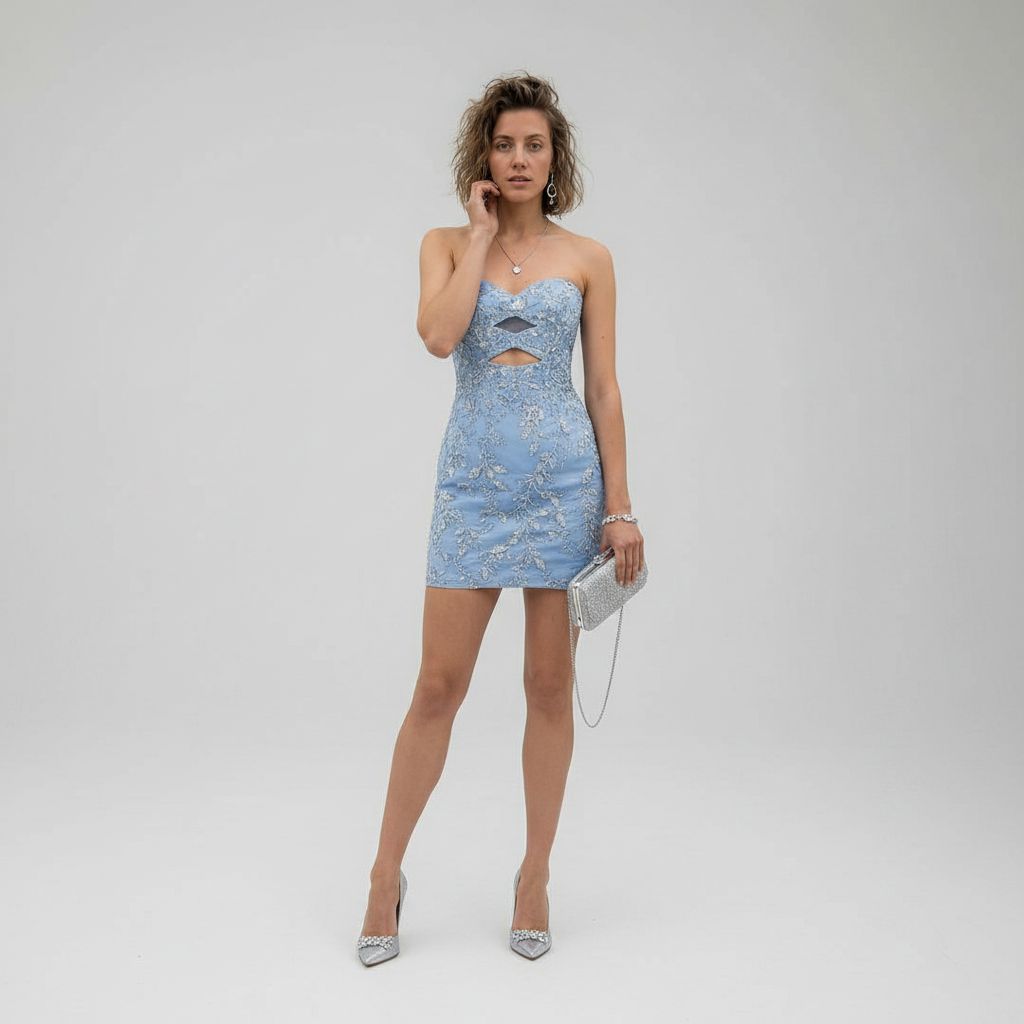
Luxury Studio Outfit Transformation
gpt-image-2
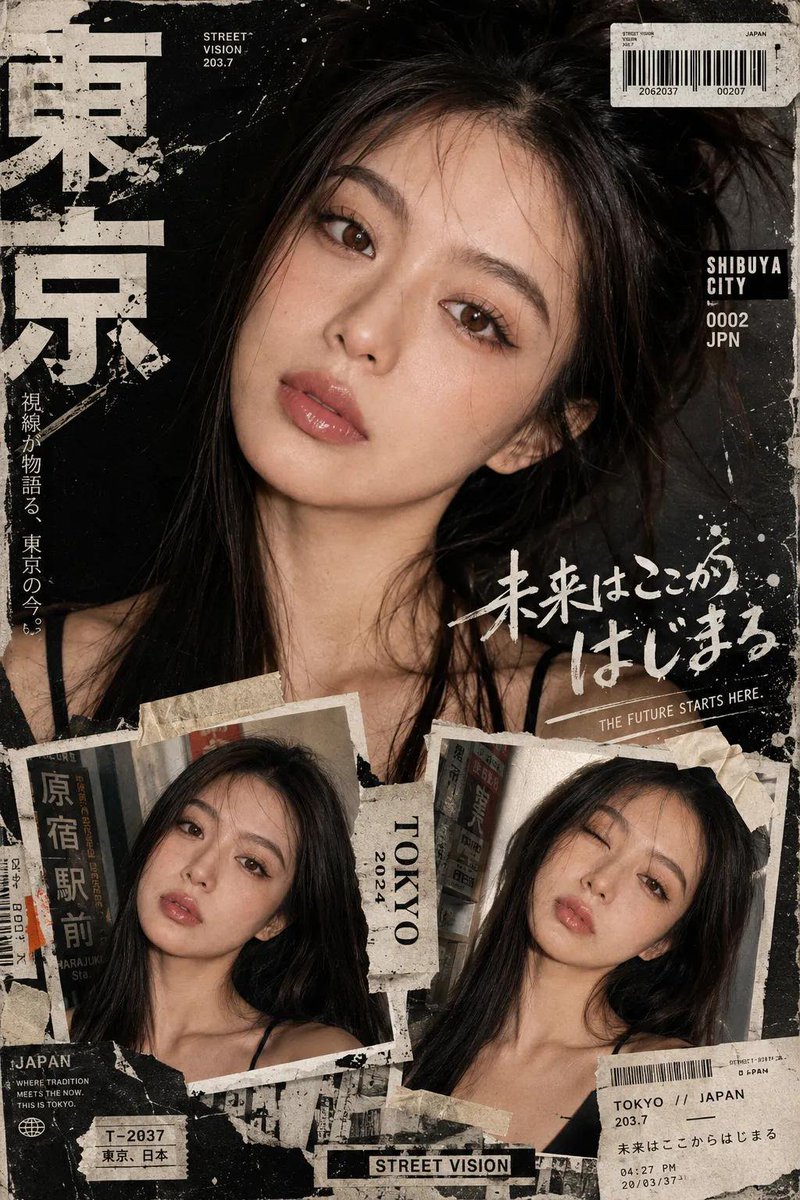
Y2K Japanese Street Editorial Poster
gpt-image-2
Tips for better results
- Describe the light like a photographer would: "soft window light from the left", "golden hour backlight", "studio softbox".
- Name the lens and framing, for example "85mm, head and shoulders, shallow depth of field".
- For a real person, attach two or three clear, well-lit photos from different angles rather than one.
- Ask for natural skin texture and avoid words like "flawless" or "perfect skin", which push results toward a plastic look.
Questions
- Which AI is best for realistic portraits?
- For a real person from reference photos, use Nano Banana 2. For invented people with a photographic look, try Seedream 5.0 Pro. Run the same prompt on both and keep the result that feels more natural.
- Can AI keep my face the same across several images?
- Yes, with reference images. Attach a few clear photos of the same person and describe only what should change, such as the outfit or background. Models that accept several references hold identity better.
- Can I use AI portraits for LinkedIn or a CV?
- You can, as long as the image still looks like you. Generate a few variations from your own photos, pick the most faithful one, and avoid edits that change your features.