
Use-case guide
Best AI image generator for UI design and mockups
AI is useful early in UI work: exploring a visual direction, filling a pitch deck, or showing a client what a screen could feel like before anyone opens a design tool. The models below follow layout instructions closely and keep interface text legible.
Our picks
Pick 1
GPT Image 2.5
OpenAI
Follows detailed layout descriptions, including navigation, cards and labels, and keeps interface text readable. The best start for screens and dashboards.
- From 10 credits per image
- Up to 16 reference images
- 5 aspect ratios
Pick 2
GPT Image 2
OpenAI
The previous OpenAI image model, at the same price, still a reliable option for clean flat interfaces when you want a second take on the same prompt.
- From 10 credits per image
- Up to 16 reference images
- 5 aspect ratios
Pick 3
Gemini 3 Pro Image
Google
Good at device mockups and polished presentation scenes, such as a phone on a desk showing your app, for decks and marketing pages.
- From 16 credits per image
- Up to 8 reference images
- 7 aspect ratios
Real examples from the gallery
Open any example to see the full prompt, copy it, and run it on the model you choose.
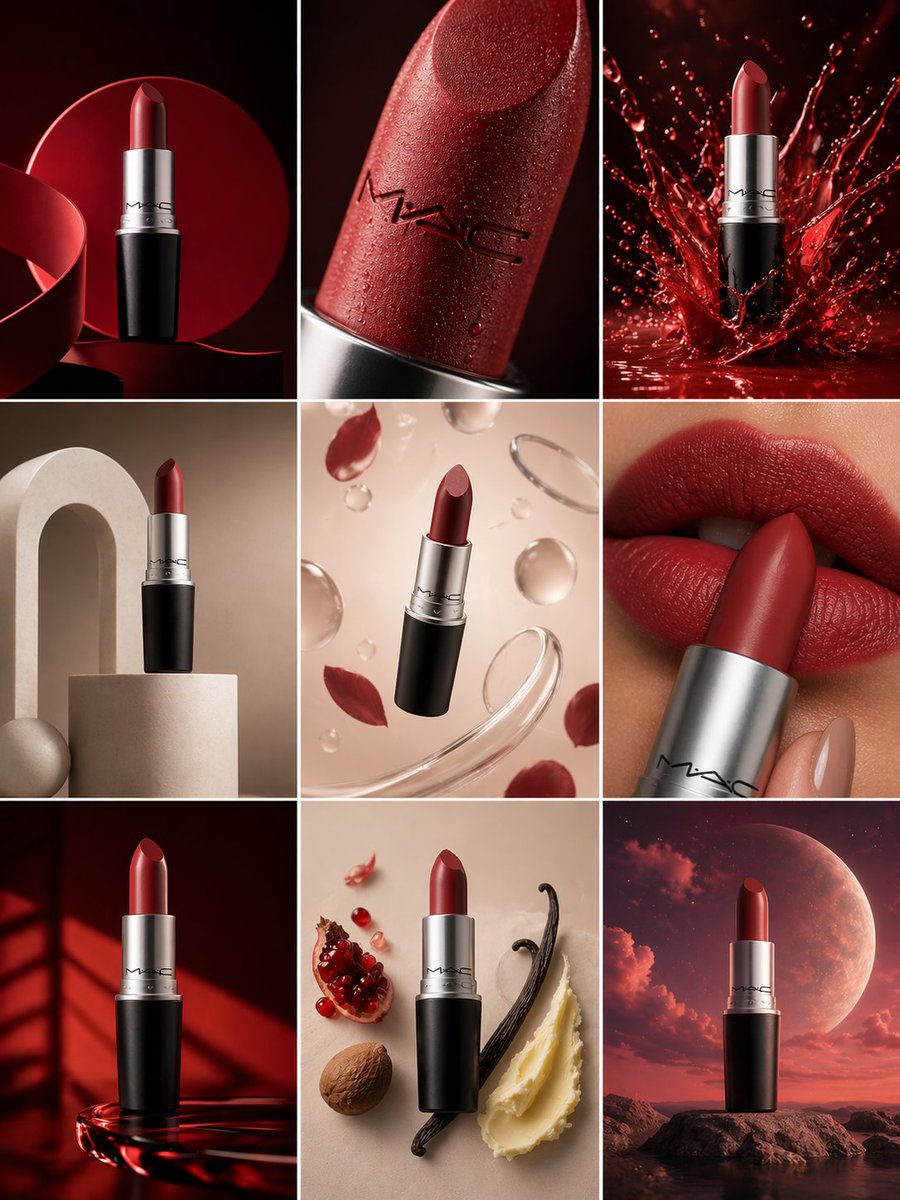
Nine-Frame Product Campaign
gpt-image-2
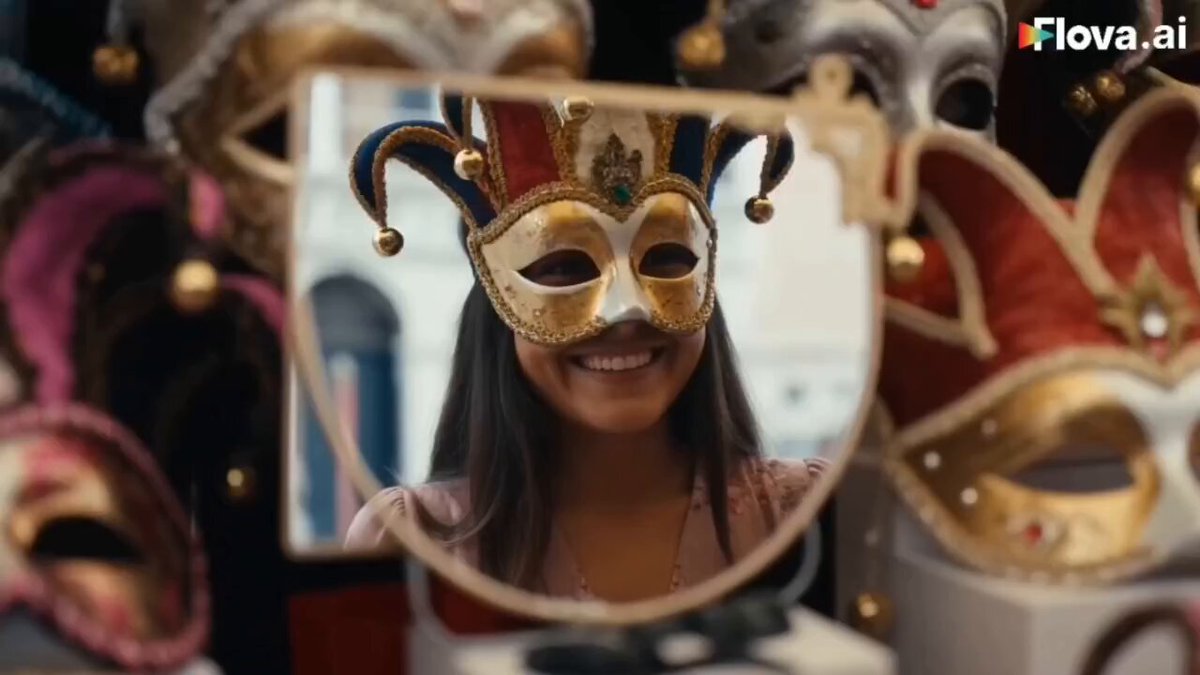
Venice Travel Vlogger Collage
gpt-image-2
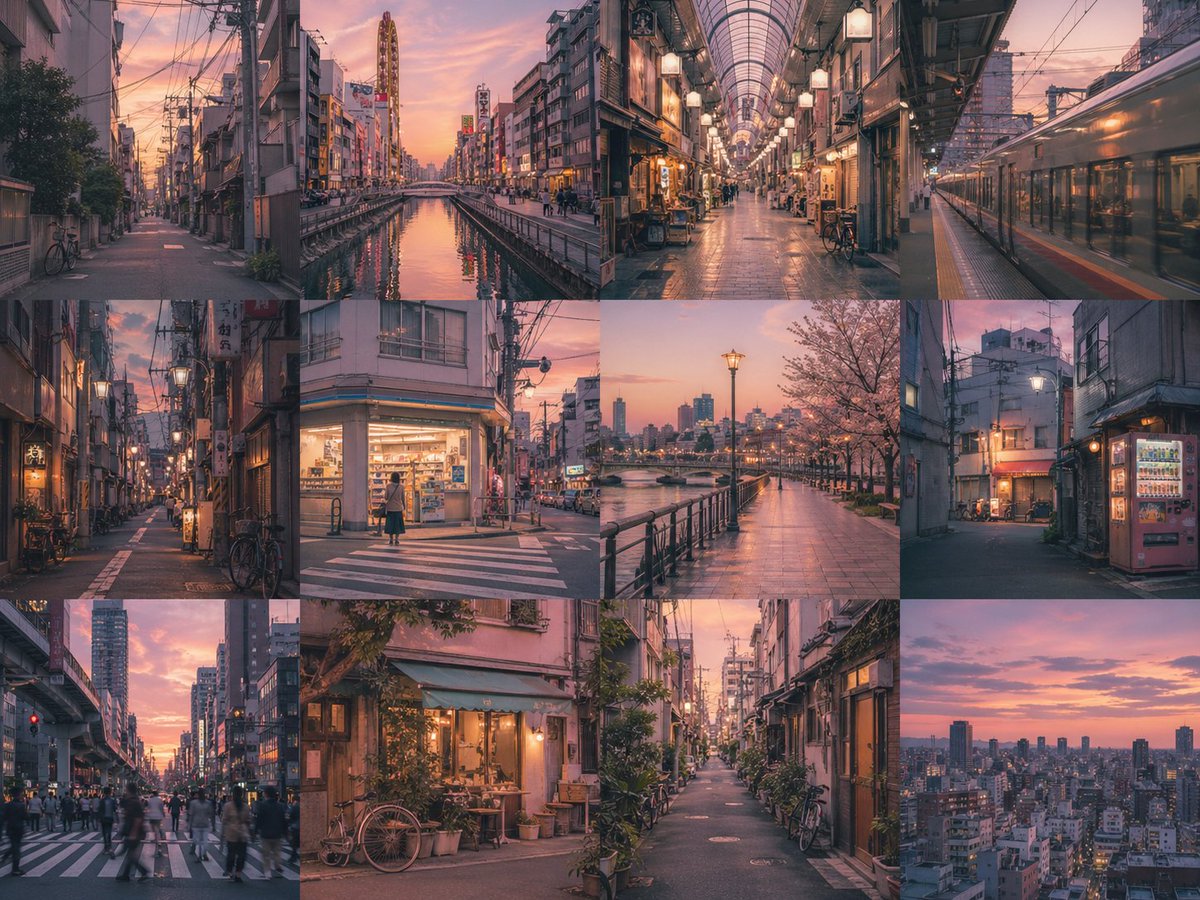
Nostalgic Memory Grid Layout
gpt-image-2
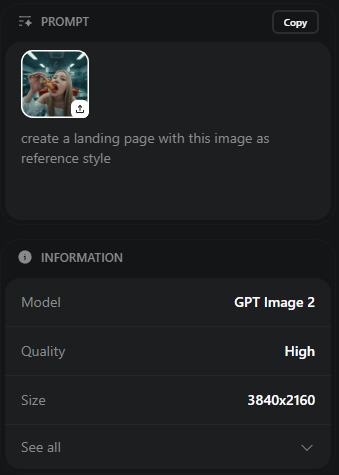
Create a landing page using this image as a reference for style and color gra...
gpt-image-2
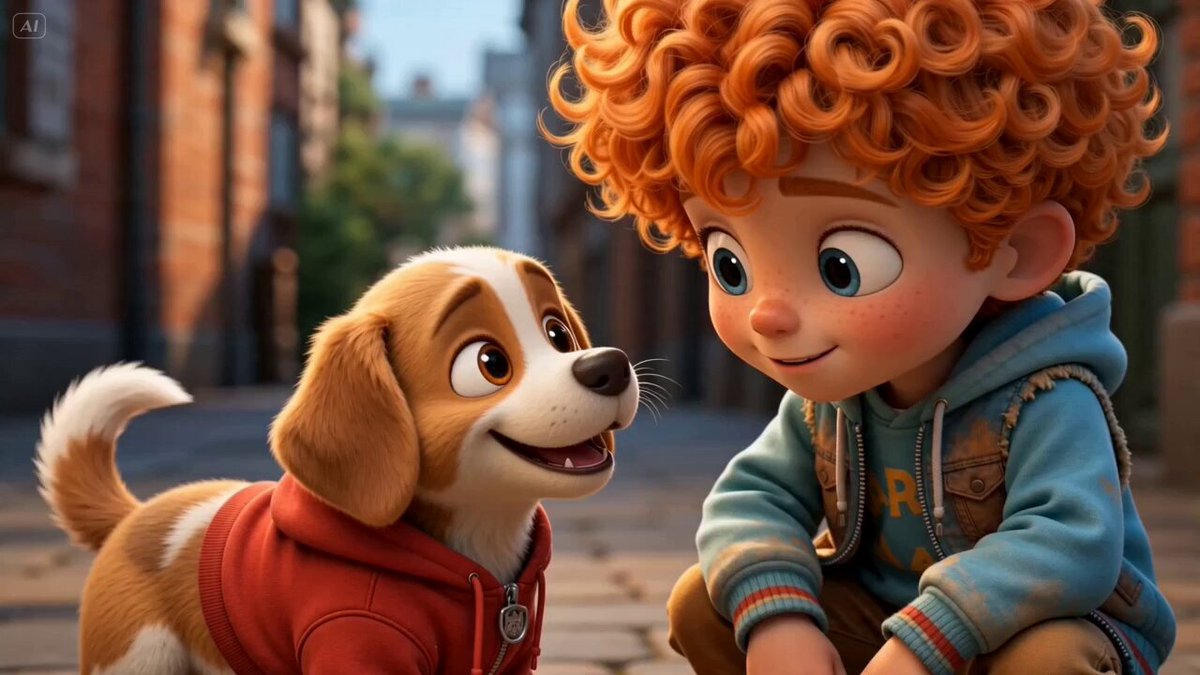
12-Panel Storyboard Poster
gpt-image-2
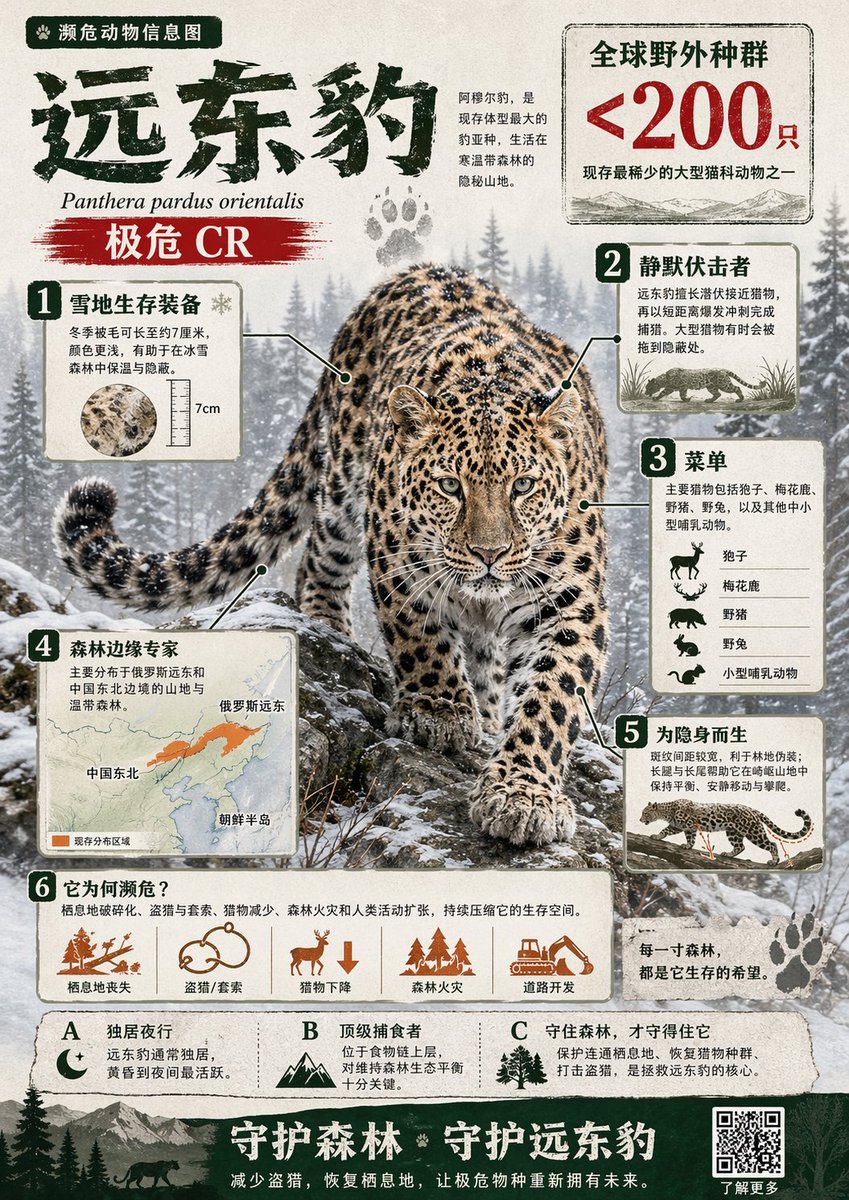
Chinese Wildlife Infographic
gpt-image-2
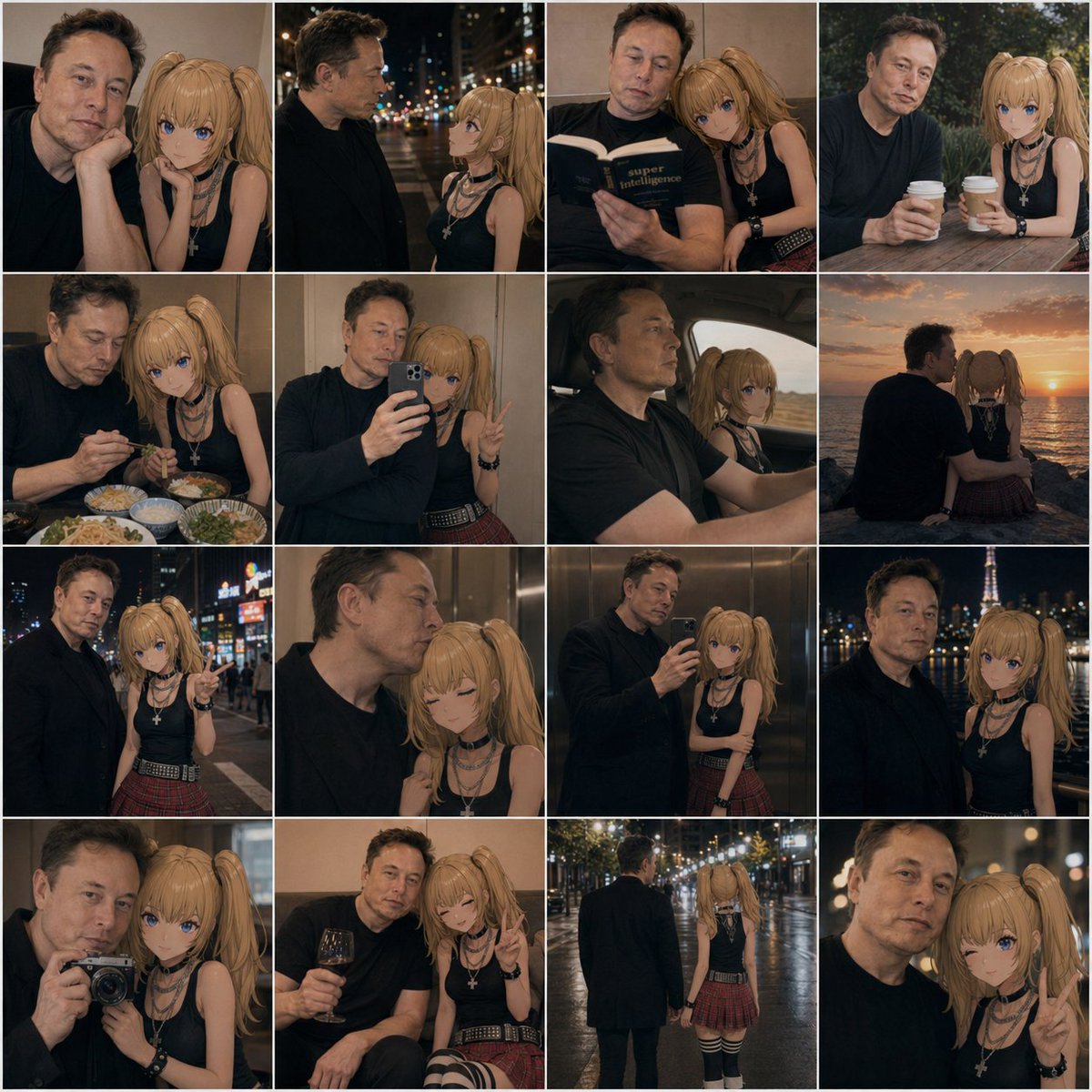
Annotated Coffee Table Mood Board
gpt-image-2
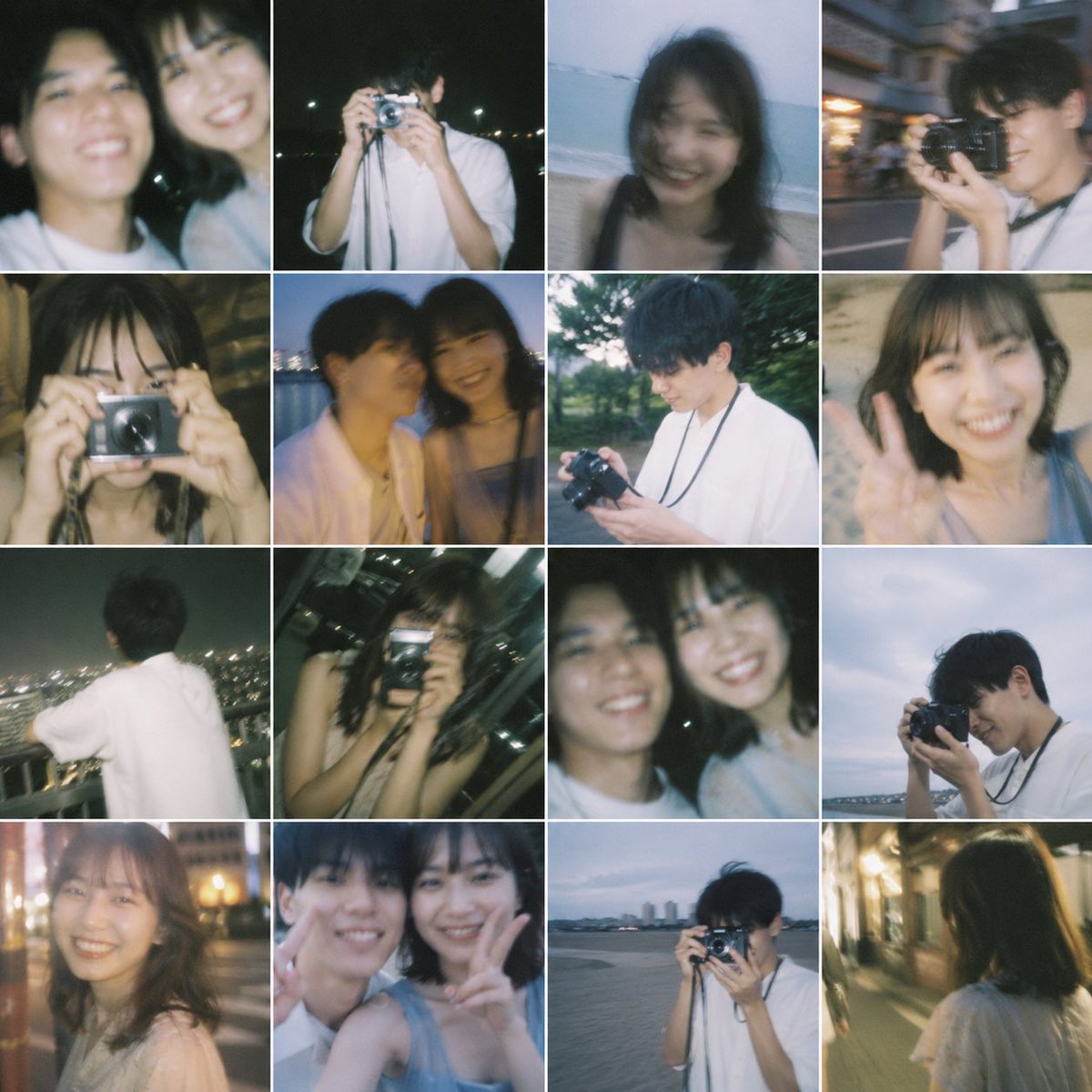
Nostalgic 16-Photo Couple Grid
gpt-image-2
Tips for better results
- Describe the screen top to bottom: header, main content, sidebar, footer, with the key labels in quotation marks.
- Name the platform and density, for example "iOS app, 390px wide, generous spacing" or "desktop analytics dashboard".
- Ask for a flat, front-on screenshot when you want a usable reference, and a device mockup only for presentation images.
- Treat results as concepts: rebuild the chosen direction in your design tool rather than shipping the image.
Questions
- Can AI generate a UI design?
- AI can generate convincing screen concepts and mockups that help you explore visual directions quickly. The output is an image, not editable layers, so use it as a reference and rebuild the final design in your design tool.
- Which AI is best for app mockups?
- GPT Image 2.5 is the best start for flat app screens with readable labels. For a phone or laptop mockup in a realistic scene, try Gemini 3 Pro Image.
- How do I get readable text in a UI image?
- Keep labels short, put each one in quotation marks, and limit the screen to the elements that matter. Fewer, larger labels render more reliably than dense tables.