
Use-case guide
Best AI image generator for product photos
For e-commerce the product has to stay exactly the product: same shape, same label, same colour. That rules out models that reinterpret your item. The picks below work from your own product photo and change only the scene around it.
Our picks
Pick 1
Nano Banana 2
Google
Edits from your product photo while keeping the item intact, so you can place it on new backgrounds or in lifestyle scenes cheaply and in bulk.
- From 2 credits per image
- Up to 14 reference images
- 7 aspect ratios
Pick 2
GPT Image 2.5
OpenAI
Handles packaging text, labels and precise layout instructions well, which helps for hero images, banners and listings with copy on them.
- From 10 credits per image
- Up to 16 reference images
- 5 aspect ratios
Pick 3
Seedream 5 Lite
ByteDance
A low fixed price and support for several reference images make it a practical choice for producing many catalogue variations.
- From 6 credits per image
- Up to 14 reference images
- 7 aspect ratios
Real examples from the gallery
Open any example to see the full prompt, copy it, and run it on the model you choose.
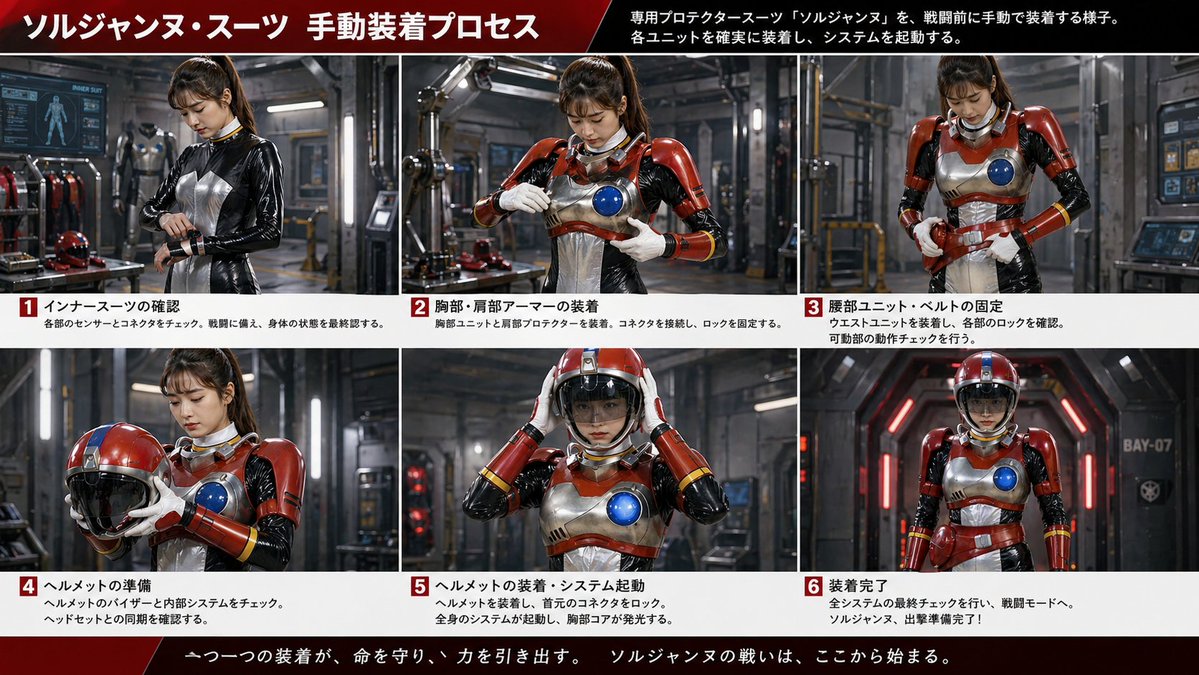
Burger hero image plus 9-cell ad storyboard
gpt-image-2
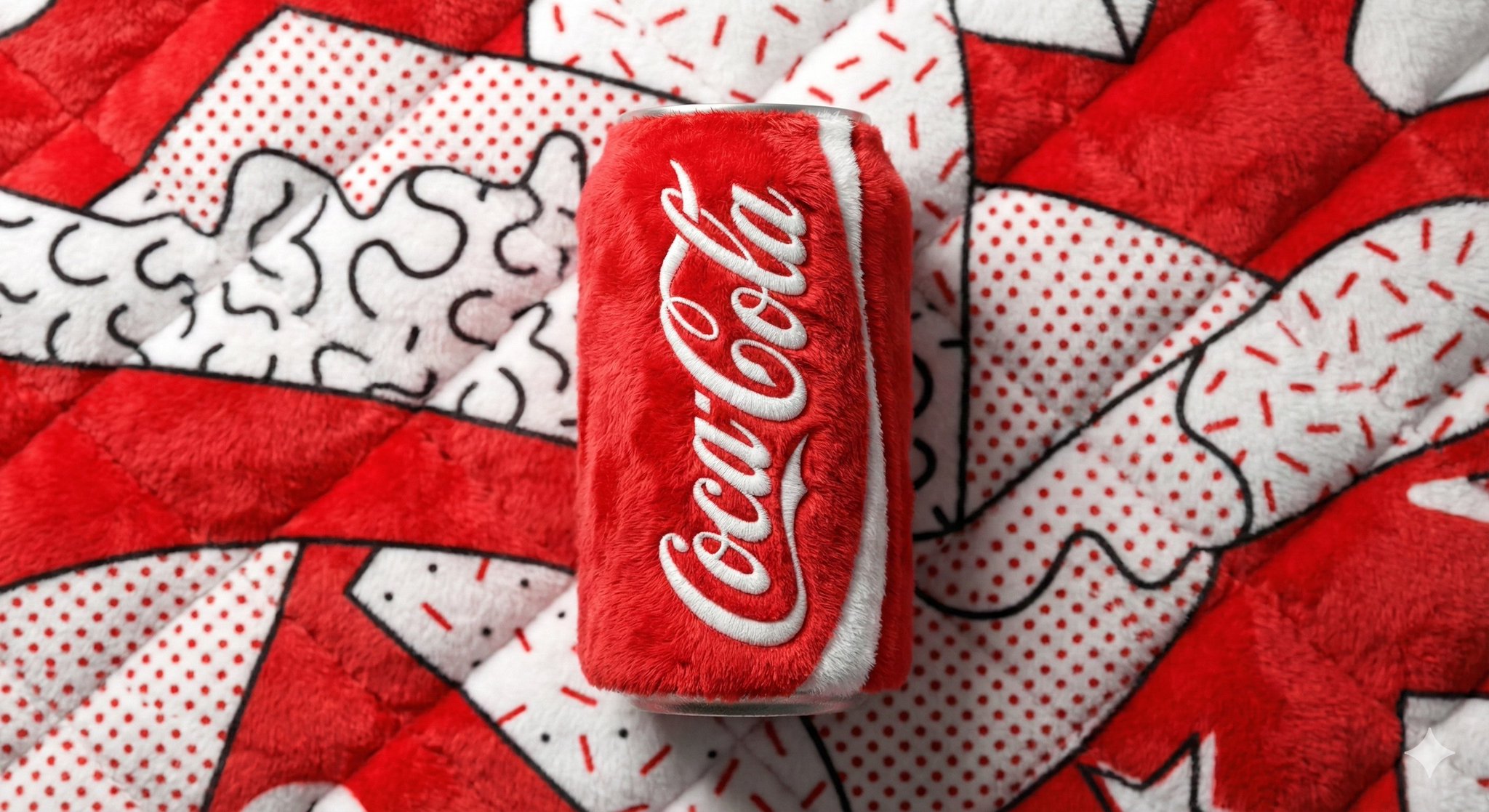
Plush Soda Can Product Shot
gpt-image-2
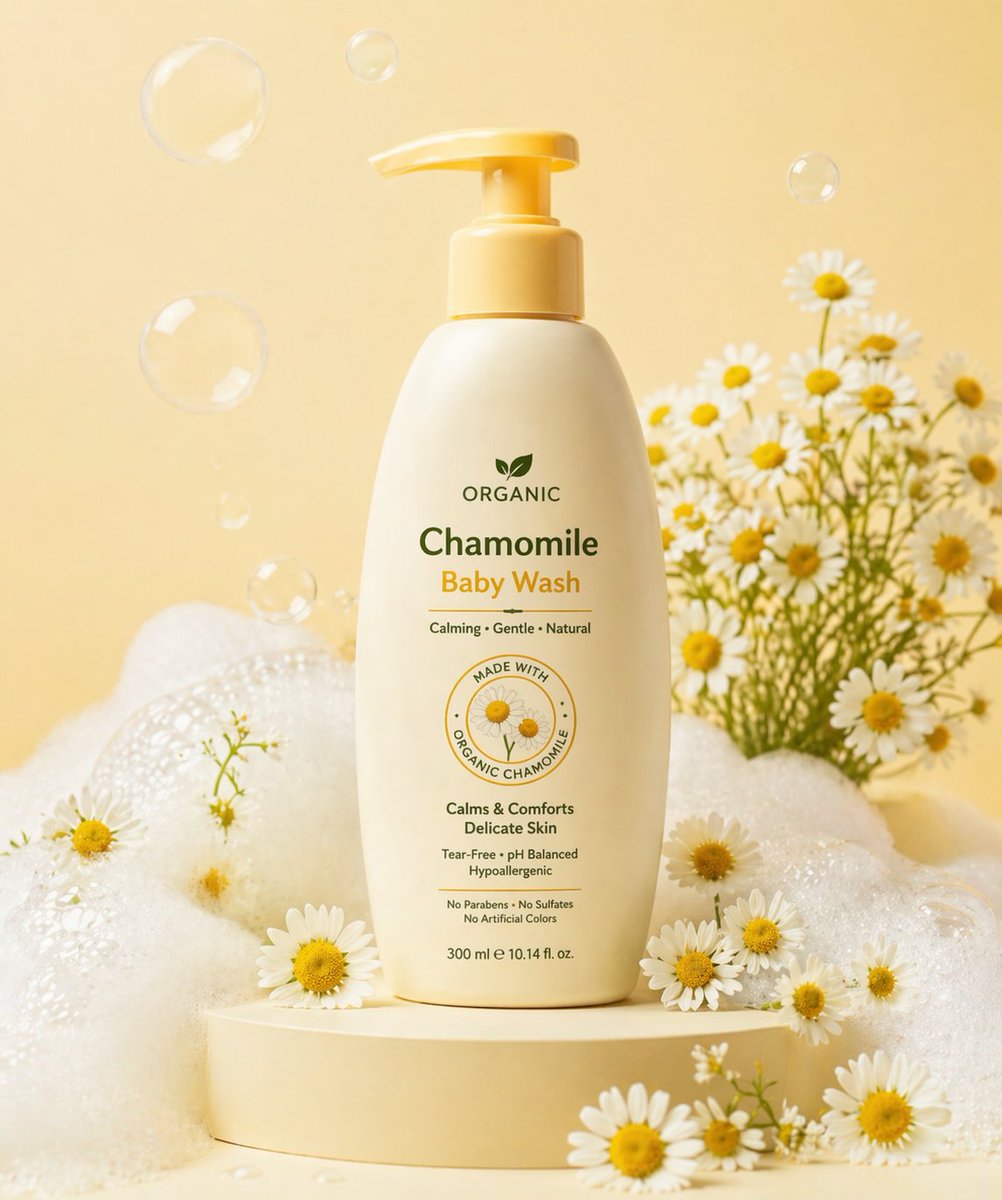
E-commerce Main Image - Skincare Product Studio Shot
gpt-image-2
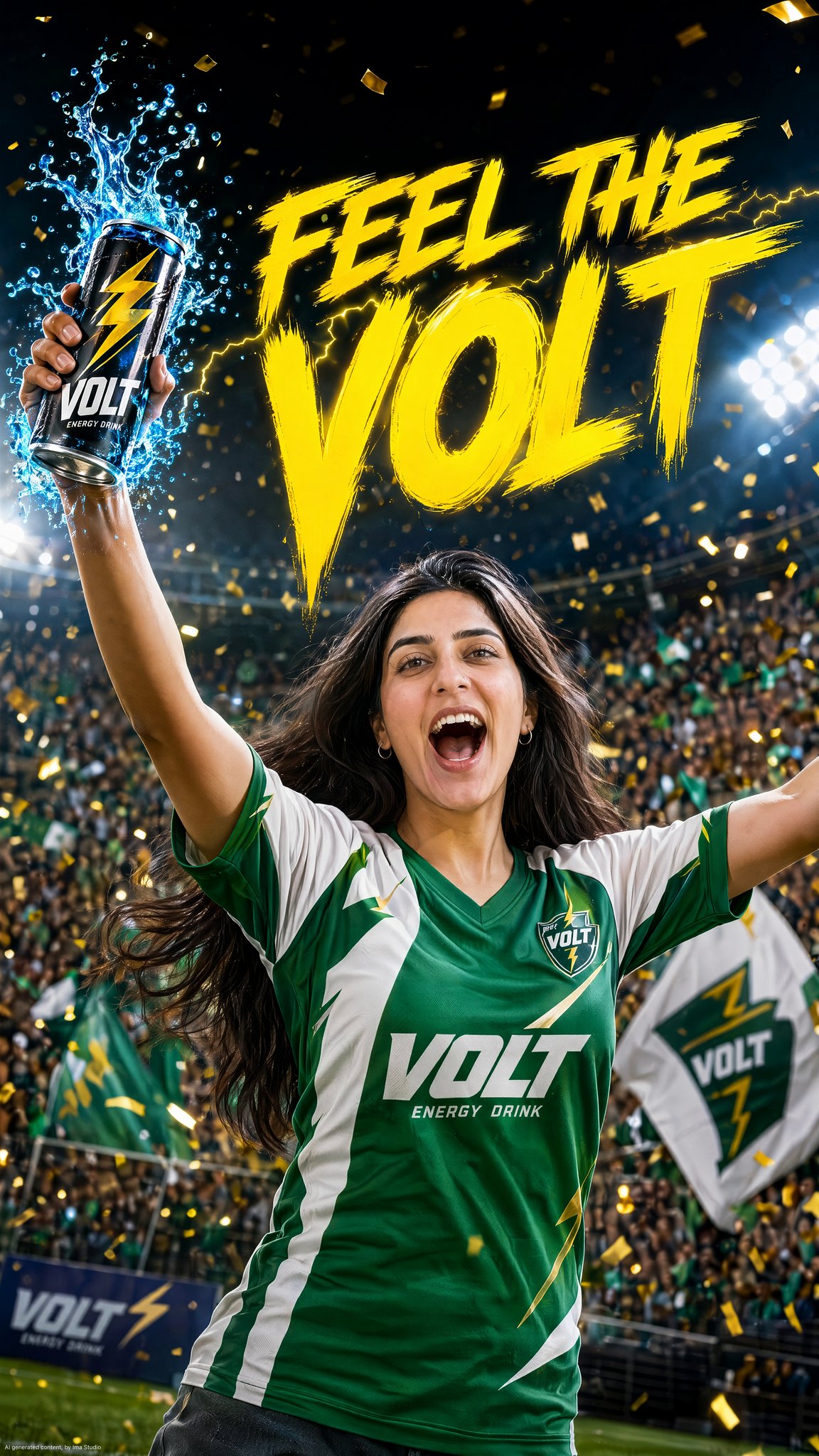
VOLT Goal Celebration Ad
gpt-image-2
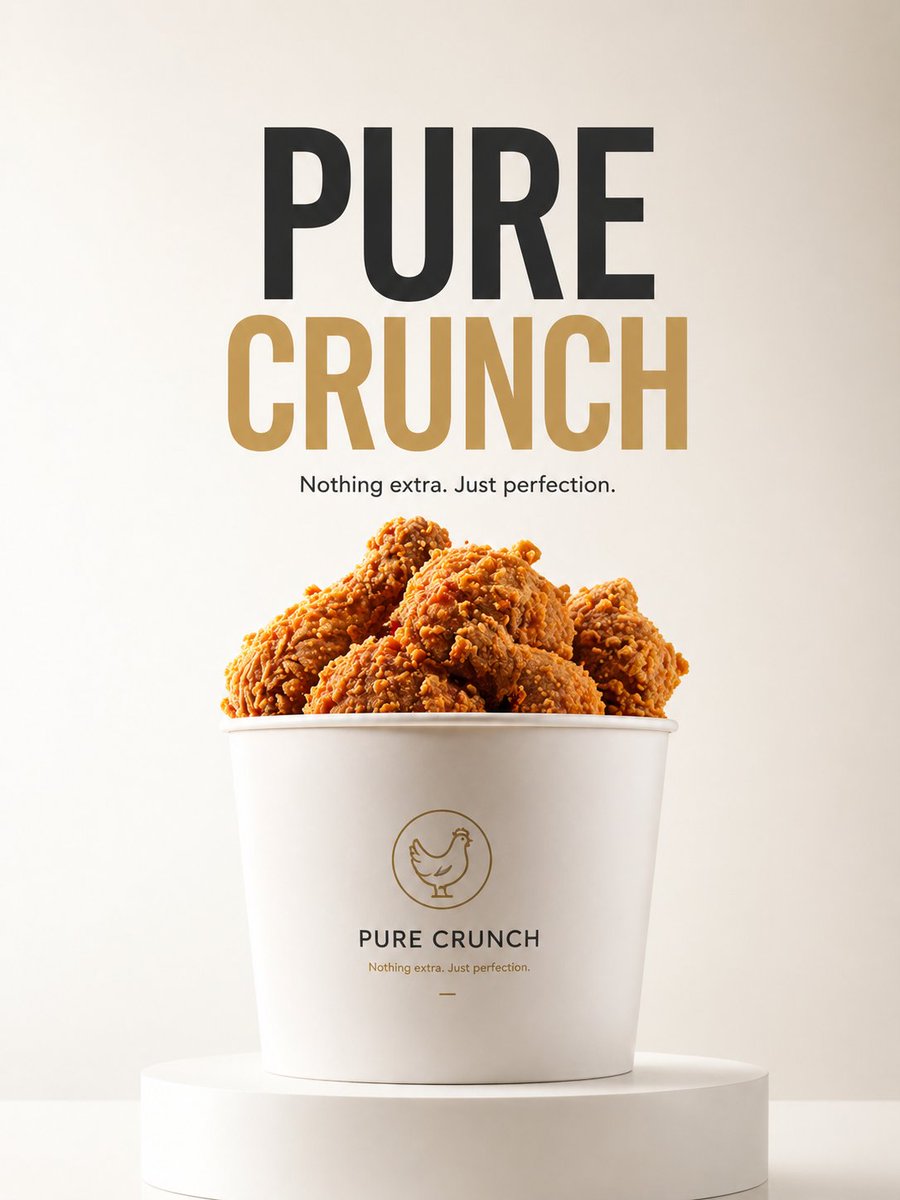
E-commerce Main Image - Minimalist Product Ad: PURE CRUNCH
gpt-image-2
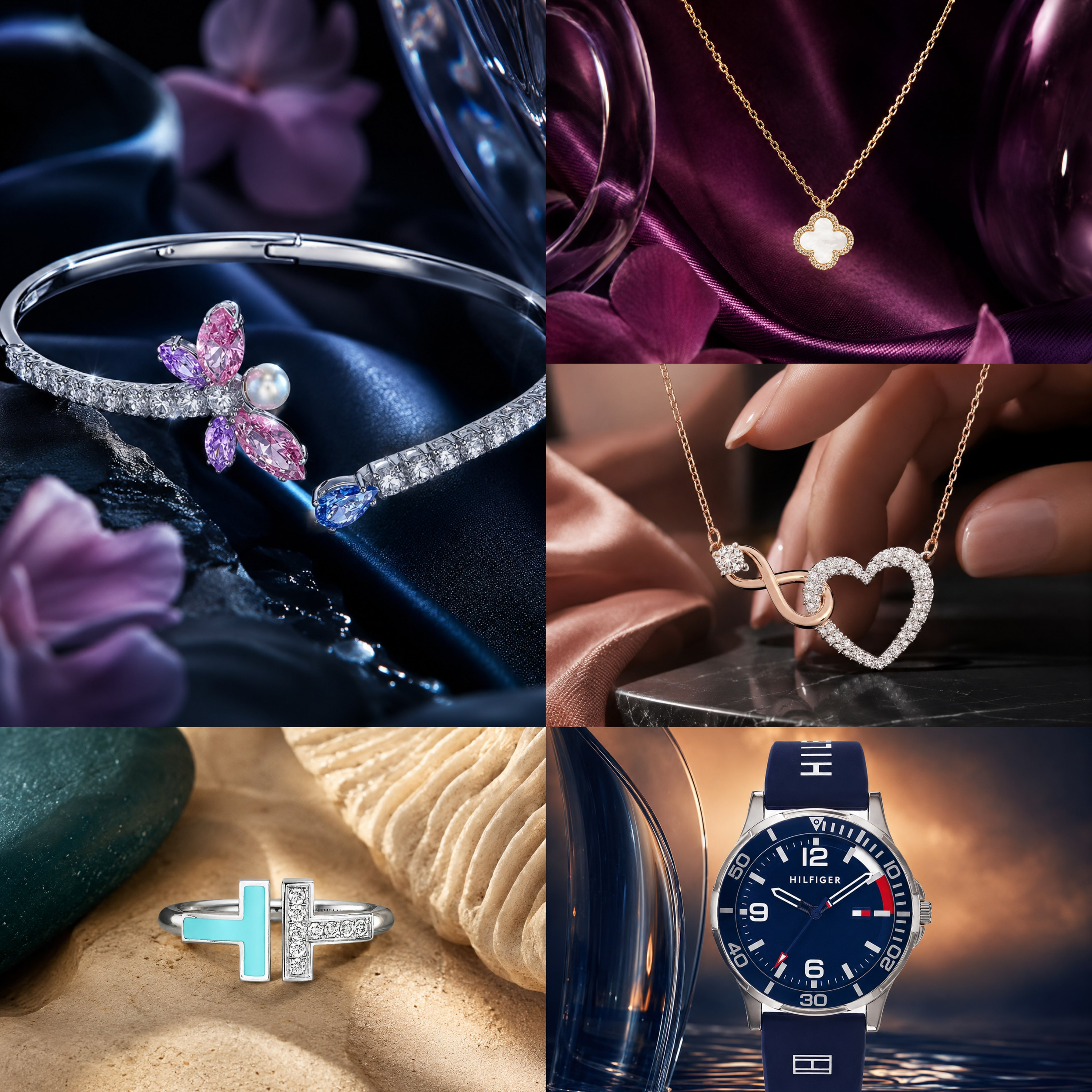
Luxury Jewelry Contrast Campaign
gpt-image-2
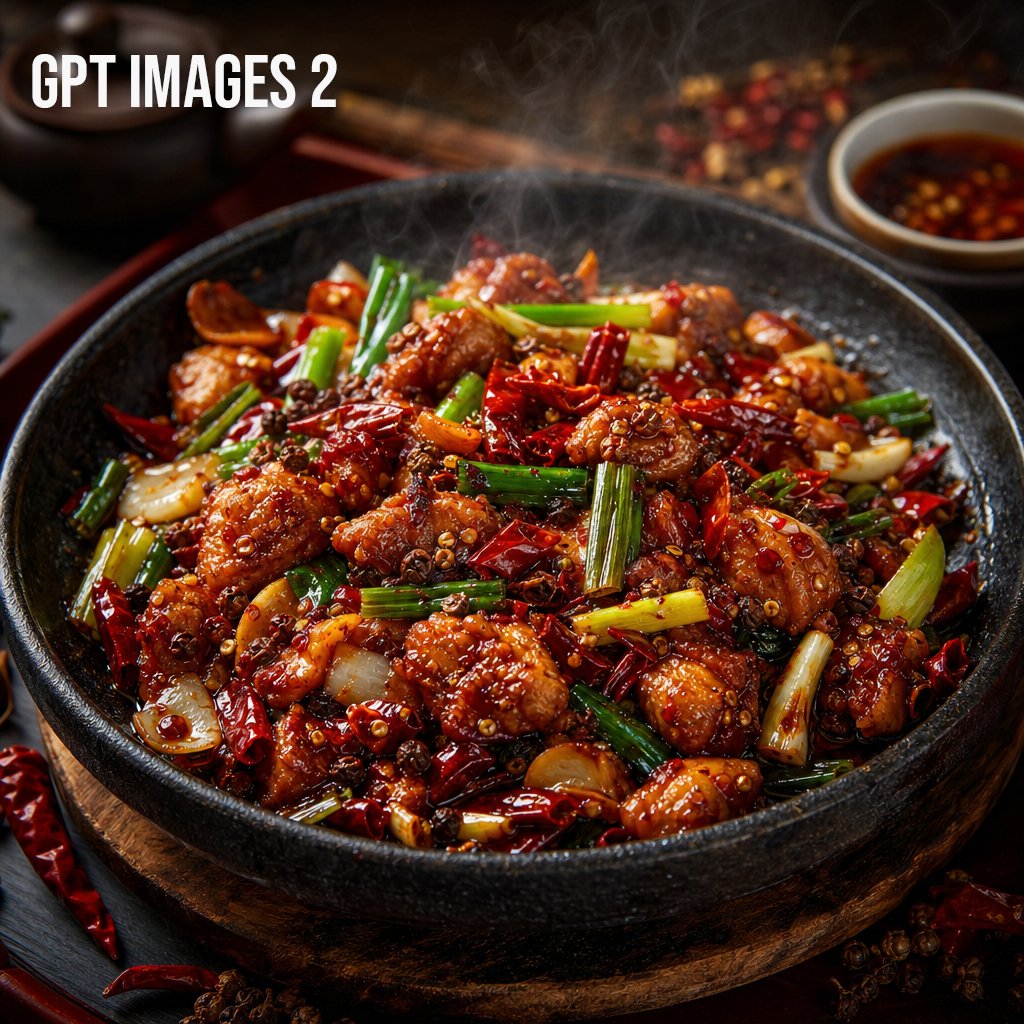
Premium food photography template
gpt-image-2
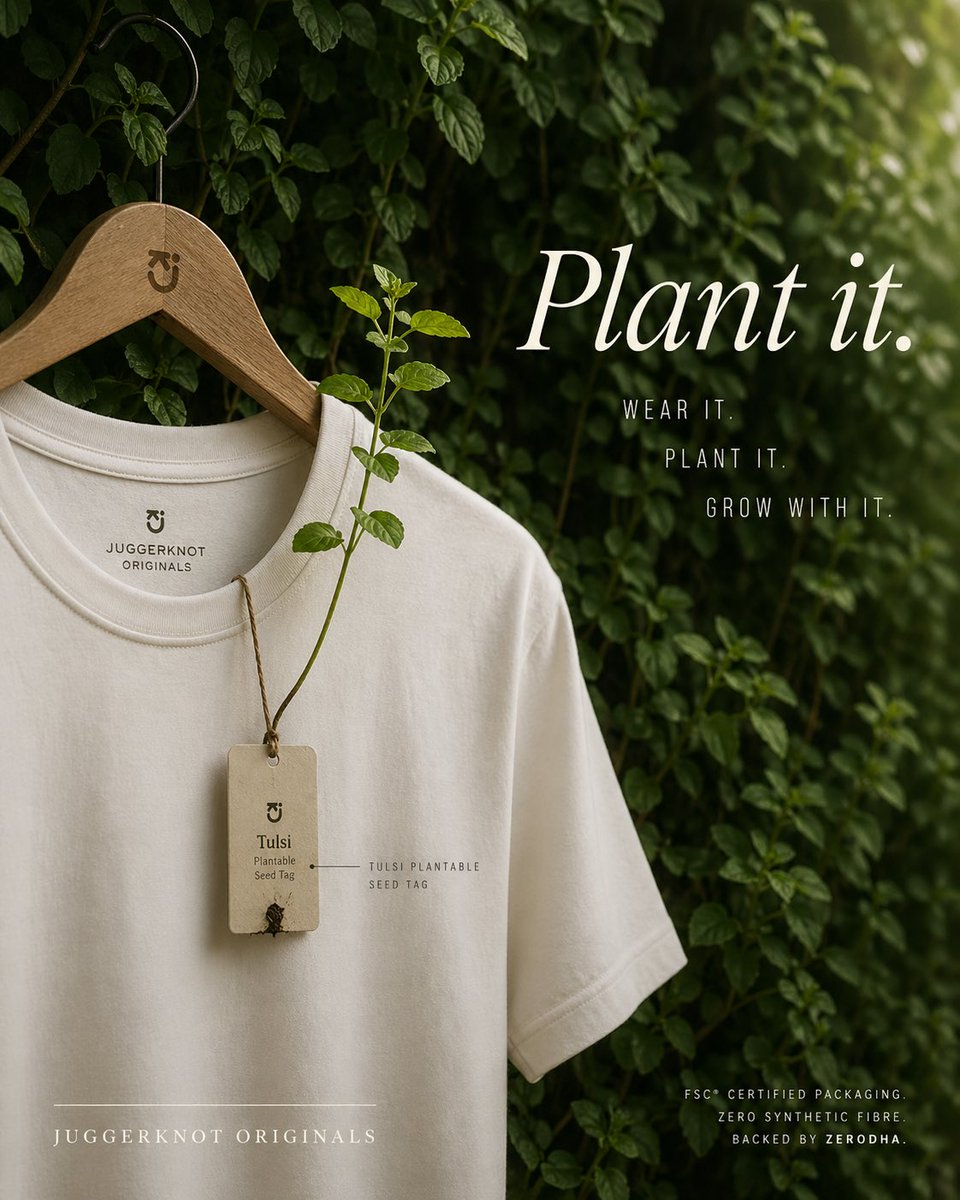
E-commerce Main Image - Sustainable T-Shirt Plantable Tag Ad
gpt-image-2
Tips for better results
- Start from a sharp photo of the product on a plain background; the cleaner the input, the more faithful the result.
- Say what must not change: "keep the bottle shape, label and colour exactly the same".
- Describe the scene and the light separately, for example "on a marble counter, soft morning light, shallow depth of field".
- Generate square and 4:5 versions for marketplaces and social feeds in the same session.
Questions
- Can AI create product photos from one picture?
- Yes. Upload a clear photo of the product, describe the new background or scene, and use a model that edits from references, such as Nano Banana 2. The product stays the same while the setting changes.
- Will the label and logo stay correct?
- Usually, when the label is sharp in your source photo and you ask the model to keep it unchanged. Always check small text before publishing and regenerate if a detail drifts.
- Can I remove or replace a product background?
- Yes. Use the background remover in CinePixel AI photo tools for a clean cut-out, or describe a new background in the image editor to replace it in one step.