
Use-case guide
Best AI image generator for posters
A good poster needs three things at once: a striking image, readable type, and a layout that works at the size it will be printed or posted. Models differ most on the second point. These are the models we reach for first, with real poster prompts from our gallery you can reuse.
Our picks
Pick 1
GPT Image 2.5
OpenAI
Follows long, structured prompts closely, so a headline, a date line and a described layout usually land where you asked. The first choice when the poster carries real text.
- From 10 credits per image
- Up to 16 reference images
- 5 aspect ratios
Pick 2
Seedream 5.0 Pro
ByteDance
Offers the widest choice of aspect ratios here, from tall portrait sheets to wide banners, and produces rich, cinematic lighting for movie and event key art.
- From 7 credits per image
- Up to 1 reference image
- 8 aspect ratios
Pick 3
Nano Banana 2
Google
Costs the least per image, which makes it the fastest way to try many compositions before you commit to a final render with another model.
- From 2 credits per image
- Up to 14 reference images
- 7 aspect ratios
Real examples from the gallery
Open any example to see the full prompt, copy it, and run it on the model you choose.
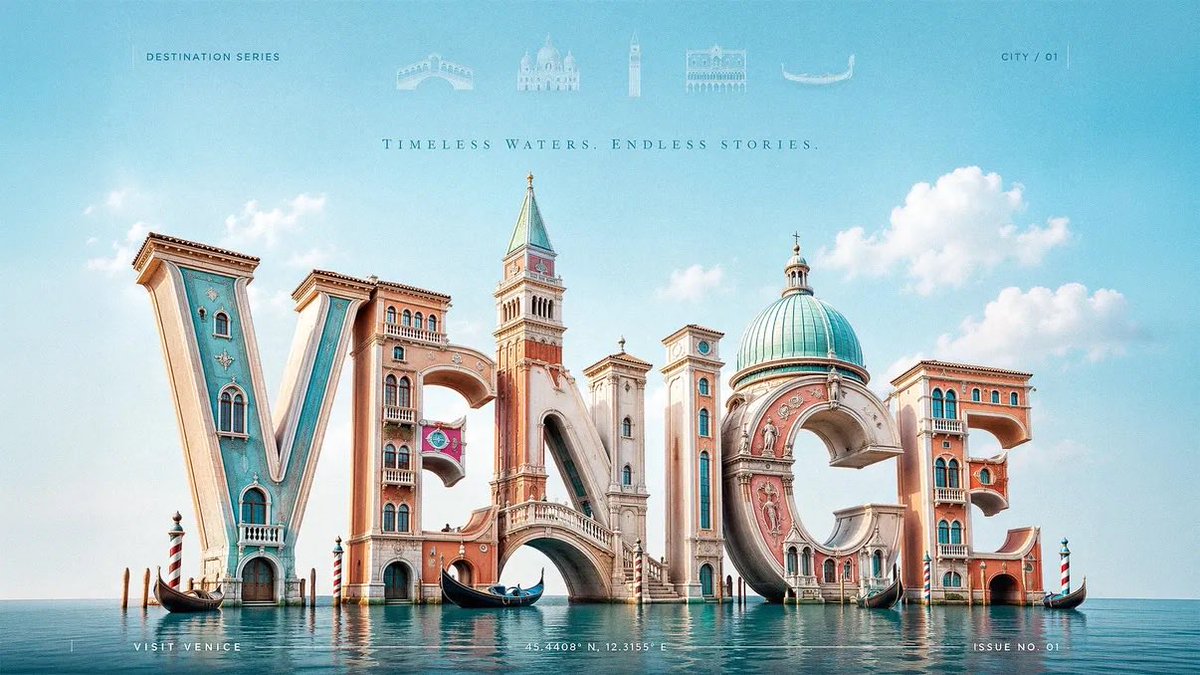
3D Typography Travel Poster
gpt-image-2
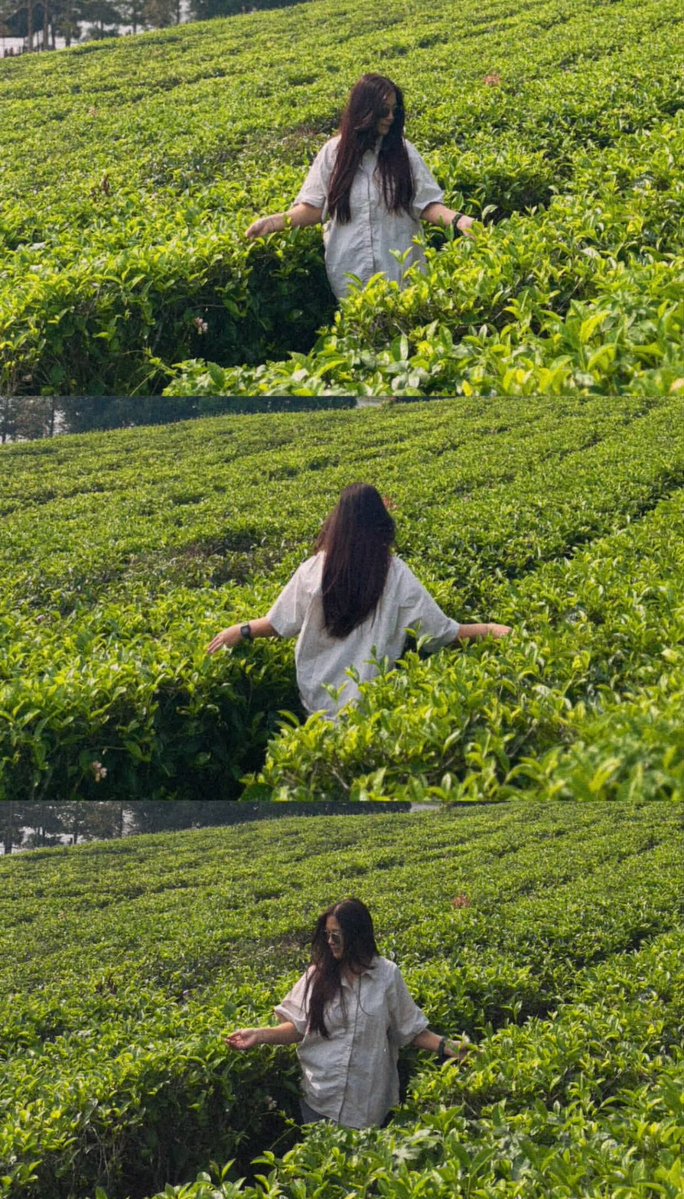
Tea Estate Storybook Collage
gpt-image-2
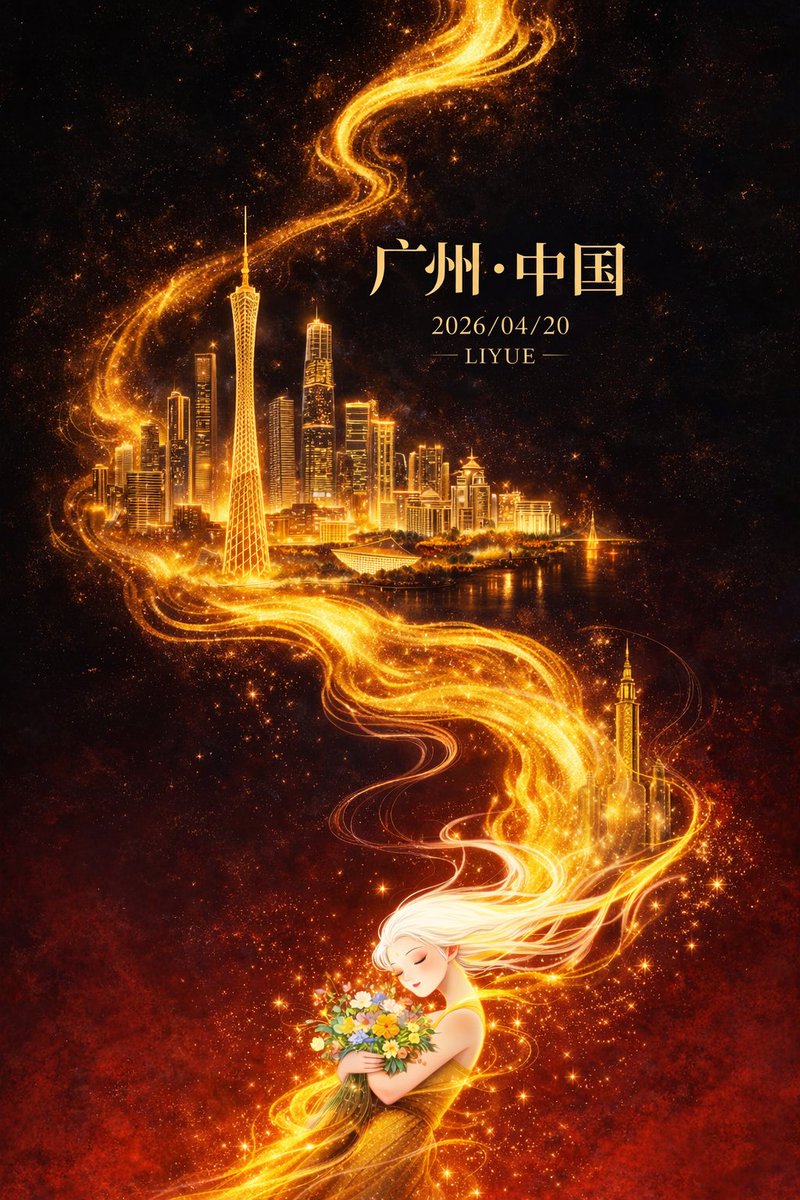
Dark-Fantasy Guangzhou City Poster
gpt-image-2
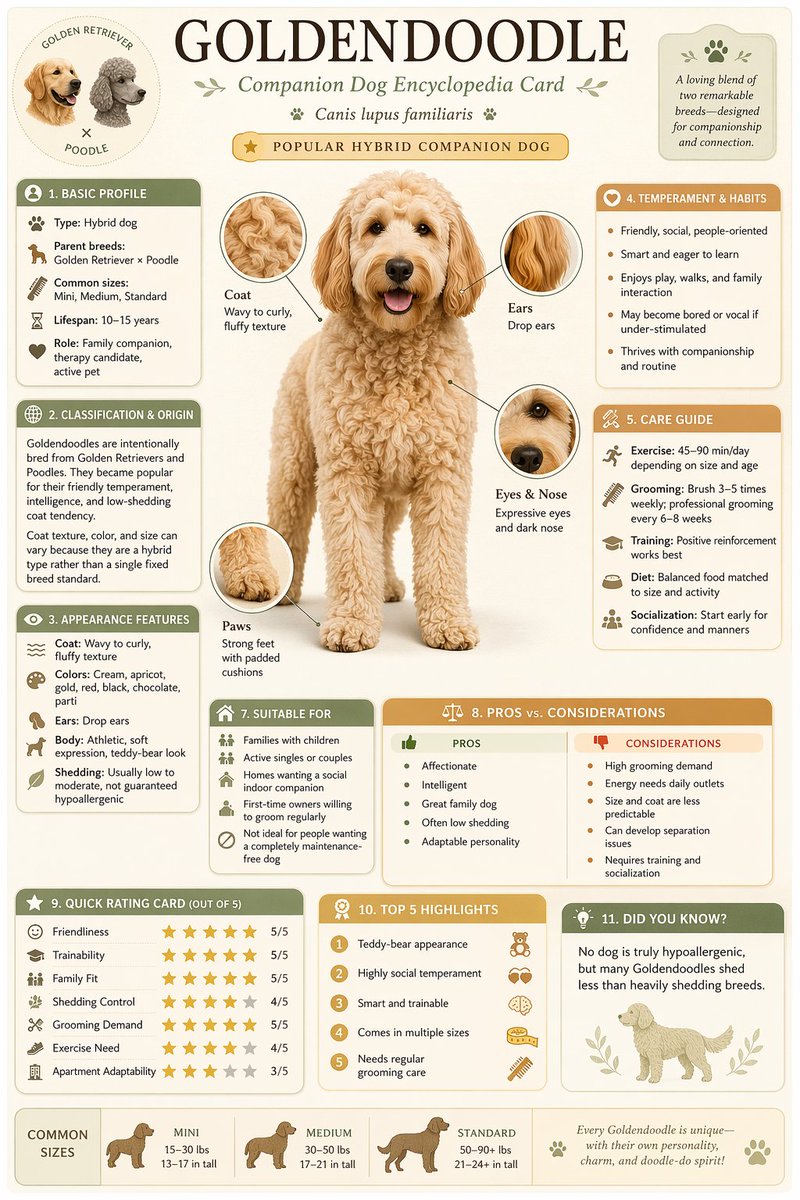
Science Encyclopedia Vertical Poster
gpt-image-2
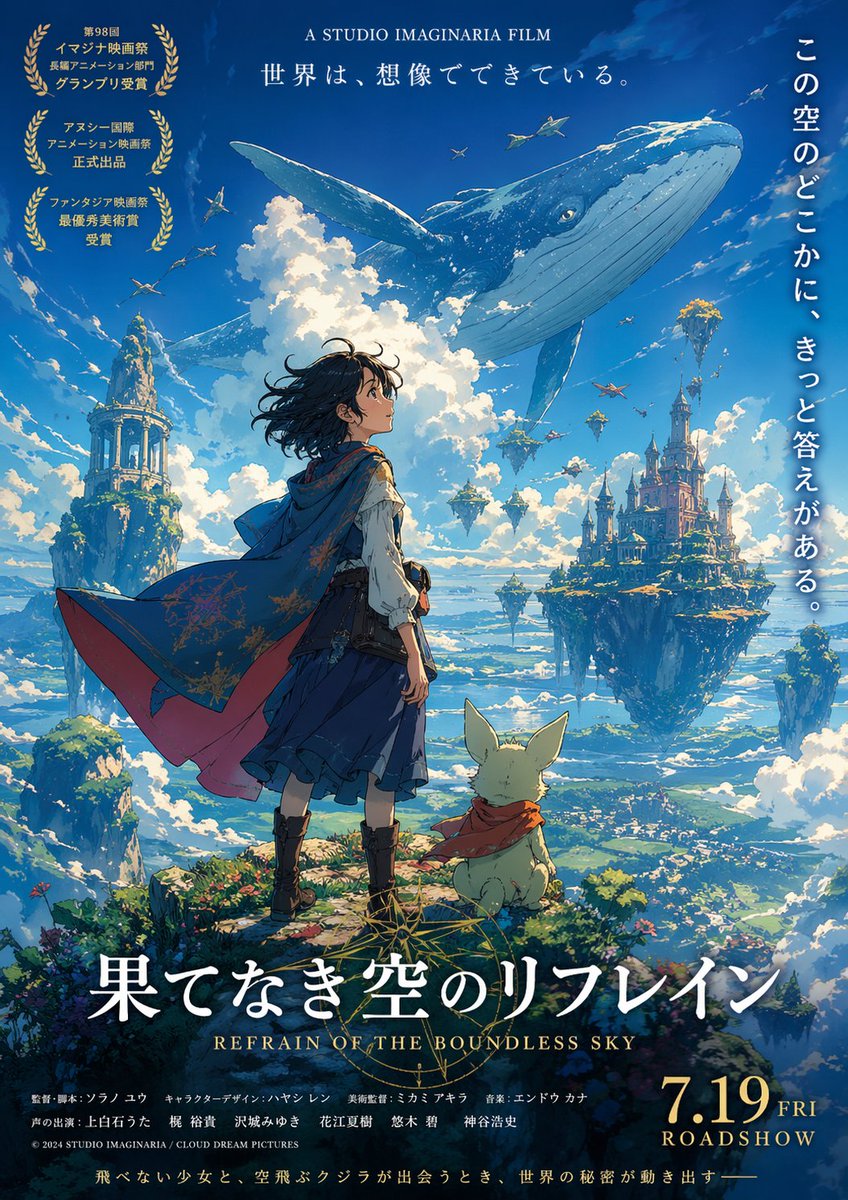
Fictional Anime Movie Poster
gpt-image-2
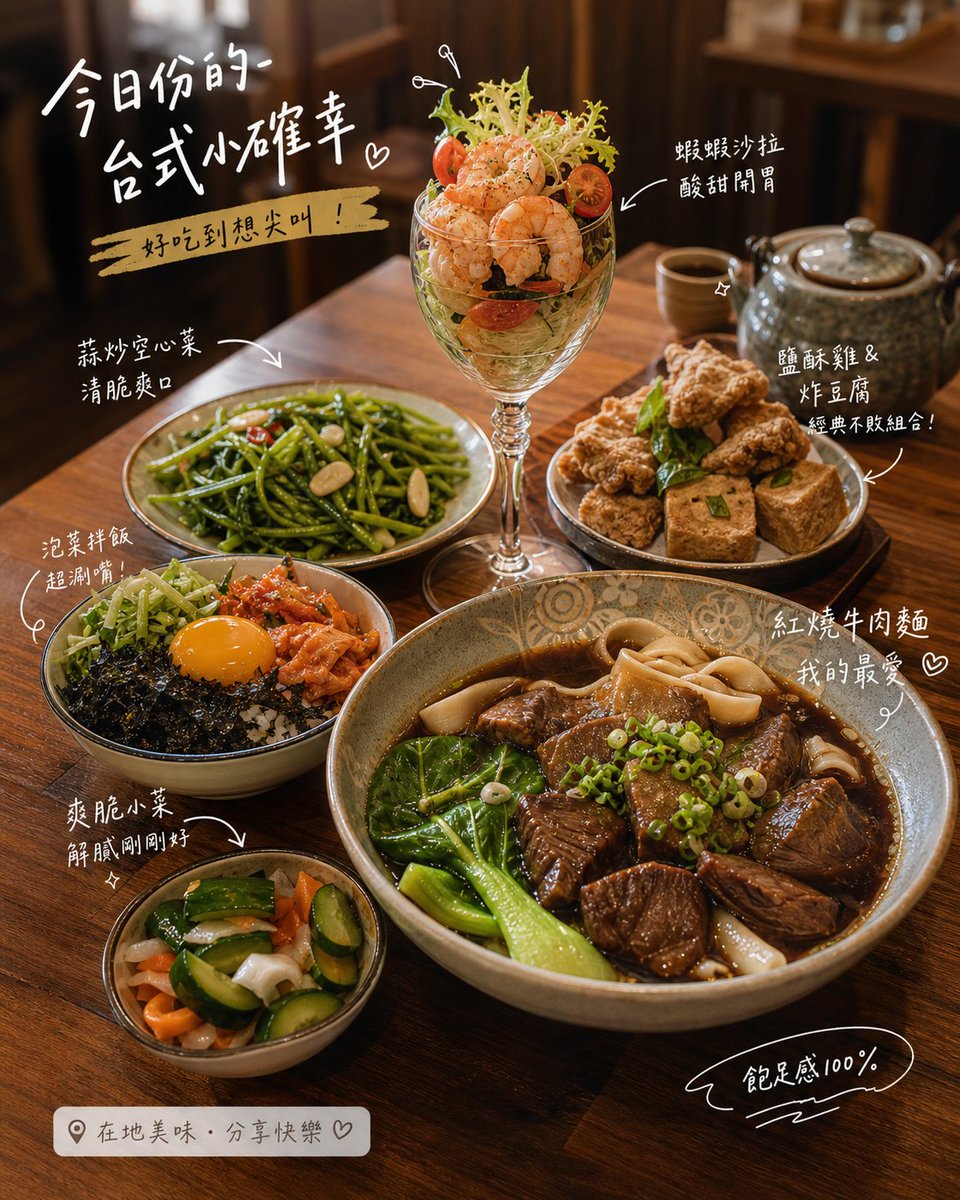
Futuristic Sportswear Editorial Poster
gpt-image-2
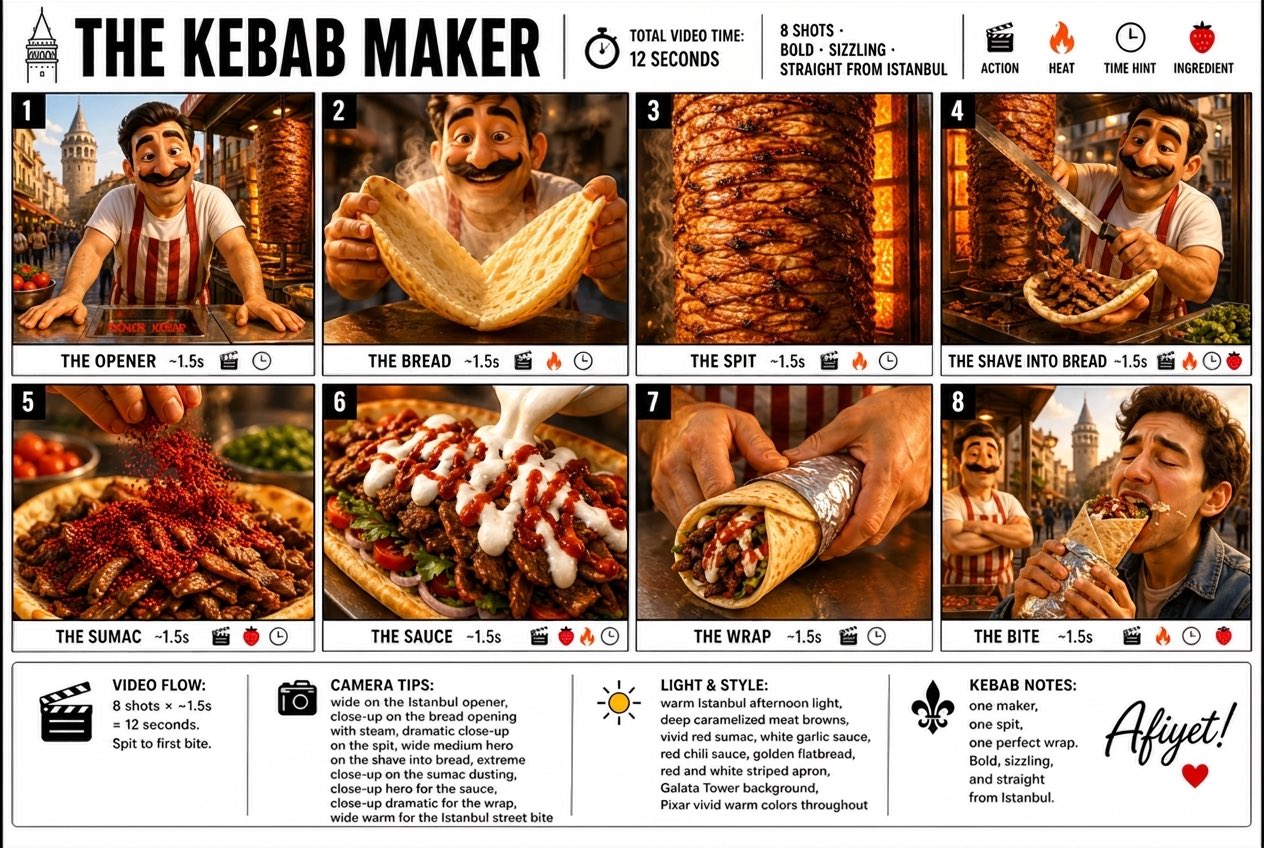
Pixar 3D Kebab Maker Storyboard Poster
gpt-image-2
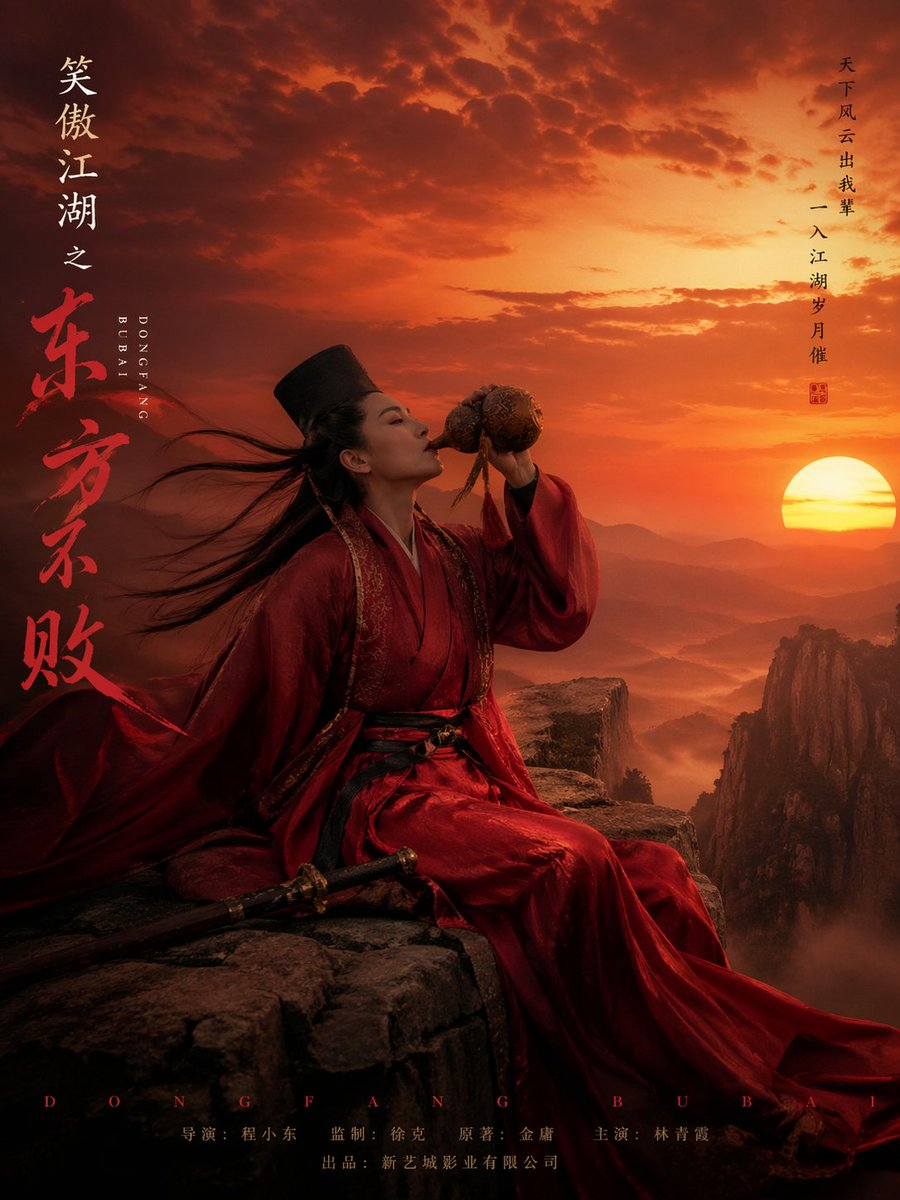
Dongfang Bubai Wuxia Character Poster
gpt-image-2
Tips for better results
- Put the exact headline in quotation marks and say where it goes, for example "large title centered at the top".
- Describe the hierarchy: one dominant subject, one headline, one or two small supporting lines. Posters with fewer words come out cleaner.
- Pick the aspect ratio first (2:3 or 3:4 for print, 9:16 for stories) so the model composes for the final frame.
- Name a visual style and a palette, such as "Swiss modernist, red and off-white", instead of a long list of adjectives.
Questions
- Which AI image generator is best for posters with text?
- Start with GPT Image 2.5. It follows detailed instructions about wording and placement most reliably, which matters when the poster carries a title, dates or a call to action. Check the spelling in every result before you publish.
- Can I print AI-generated posters?
- Yes. Generate at the highest resolution the model offers and the aspect ratio of your print size, then upscale if you need more pixels for large formats. Use the upscaler in CinePixel AI photo tools for that last step.
- How do I keep a series of posters consistent?
- Reuse the same style and palette wording in every prompt and attach one finished poster as a reference image. Models that accept several reference images make it easier to hold a series together.