
01
Lock the literal text
Write the exact dominant phrase, its purpose, audience, and any approved secondary copy. Keep critical wording short enough to inspect character by character.
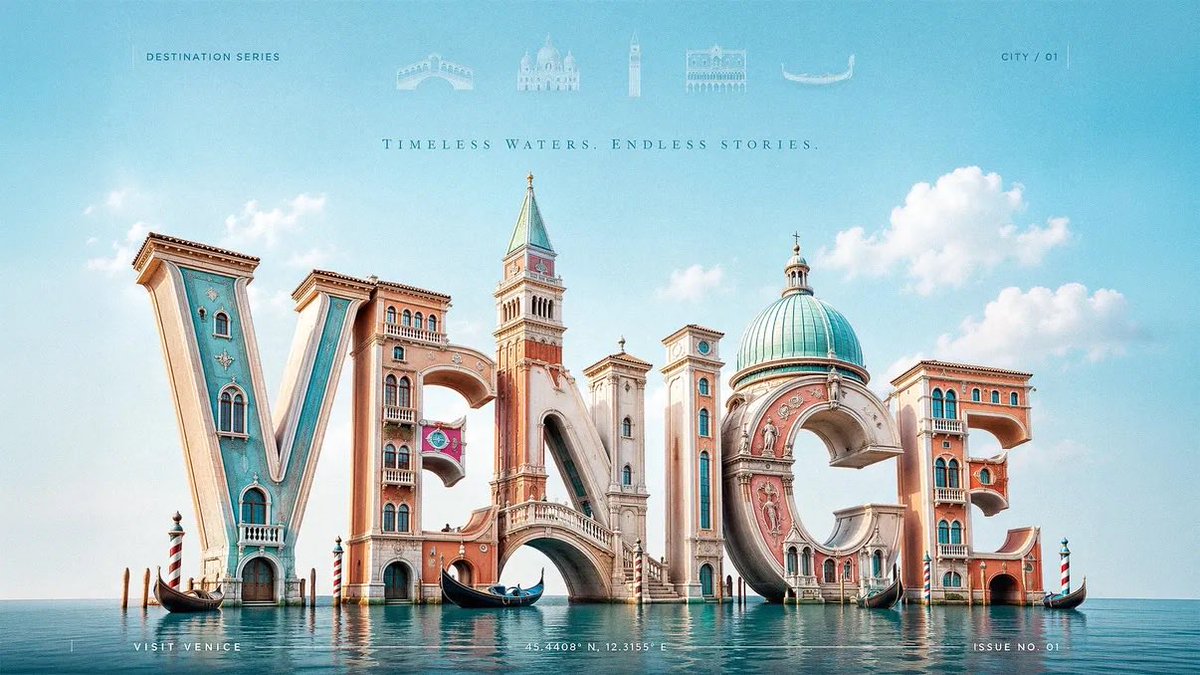
3D typography generator
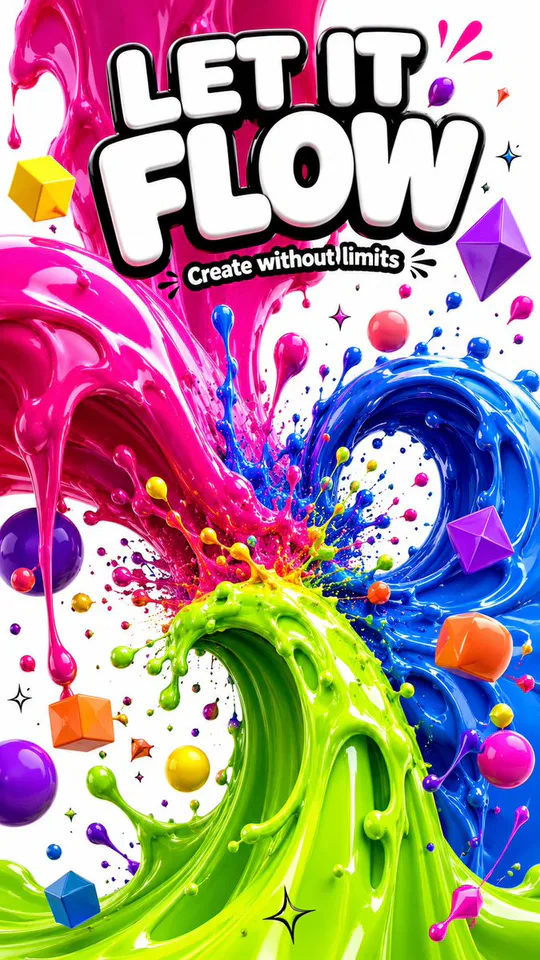
Turn an exact word or short phrase into a review-first 3D typography image with deliberate letterform geometry, material, lighting, and composition. The result is rendered artwork, not an editable font, vector, or 3D model.
GPT Image 2 text-to-image
GPT Image 2
Published Prompt 2192 with one reviewed image and a typed city variable
#2192
3:2 landscape
3:2
Concept media license: CC0 1.0
The verified Prompt for 3D Text Generator is owned by GPT Image 2. These alternatives cover the required workflows and output shapes; compare typed facts before choosing.
Jump into a focused image generator for a specific creative task, then continue in its canonical CinePixel workspace.
Review-first workflow
01
Write the exact dominant phrase, its purpose, audience, and any approved secondary copy. Keep critical wording short enough to inspect character by character.
02
Define letterform geometry, depth, material, palette, camera, lighting, background, hierarchy, and the 3:2 composition before generating.
03
Compare every letter and line with the approved copy. Review hierarchy, marks, rights, legibility, output format, and downstream production requirements separately.
Practical directions
Use the shared workbench for typography-led raster concepts where exact copy, geometry, and delivery limits remain explicit.
Explore bold hero words for original fictional campaigns while keeping claims, marks, spelling, and final typesetting under human review.
Prototype dimensional titles for posters, covers, destinations, and cultural stories without treating generated microcopy as final editorial text.
Compare material, lighting, depth, and camera directions before rebuilding approved lettering in the correct professional design or 3D tool.
Boundaries
Treat every generated character as draft artwork. Check the dominant phrase and every secondary line character by character, then replace or typeset critical copy separately when exact spelling is required.
No. CinePixel produces a rendered raster image. It does not create an editable font, vector outlines, layered type, OBJ, STL, or production-ready 3D geometry.
No. Review names, slogans, symbols, landmarks, source material, and lookalike letterforms for trademark, copyright, cultural, and commercial-use risk before publishing.
No. Opening the workspace loads a reviewable preset and structured brief. You decide when to generate after checking the Prompt, ratio, visibility, credits, and text requirements.
Open the real GPT Image 2 workspace with Prompt 2192, a 3:2 canvas, private visibility, and a six-part typography brief. Nothing runs until you review and submit.
Open 3D text workspace