
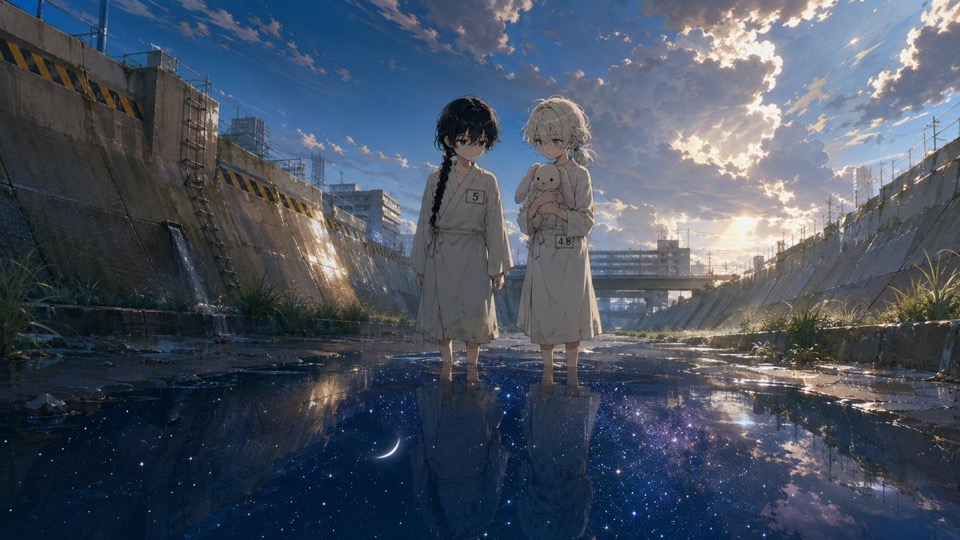
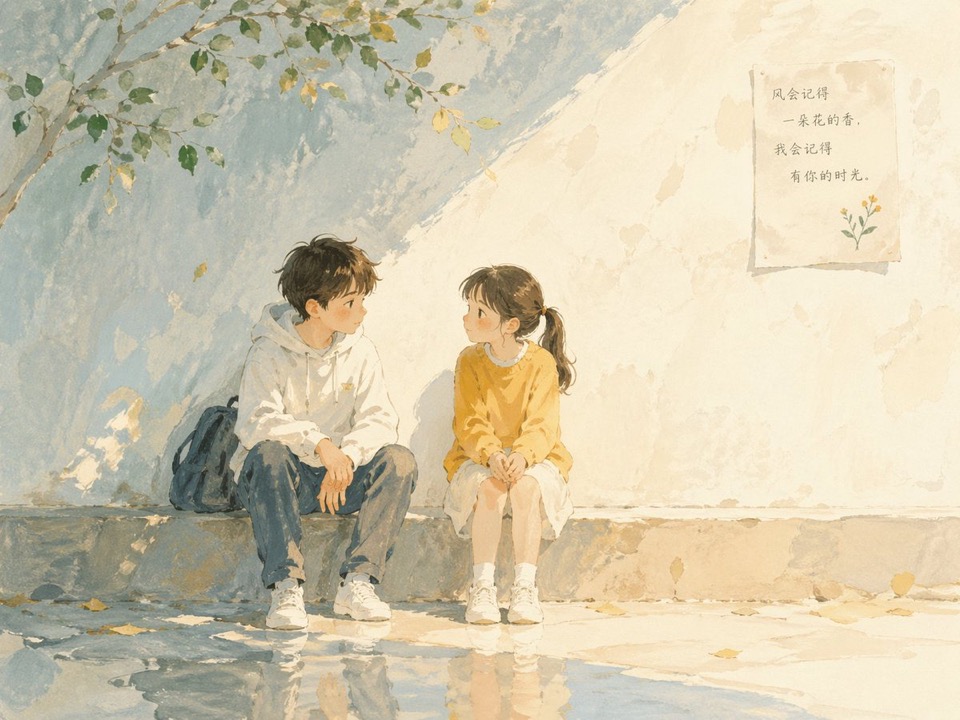
01
Describe the sound and mood
Name the playlist, genre, emotional tone, subject, symbols, color palette, texture, setting, and lighting that should shape the visual direction.
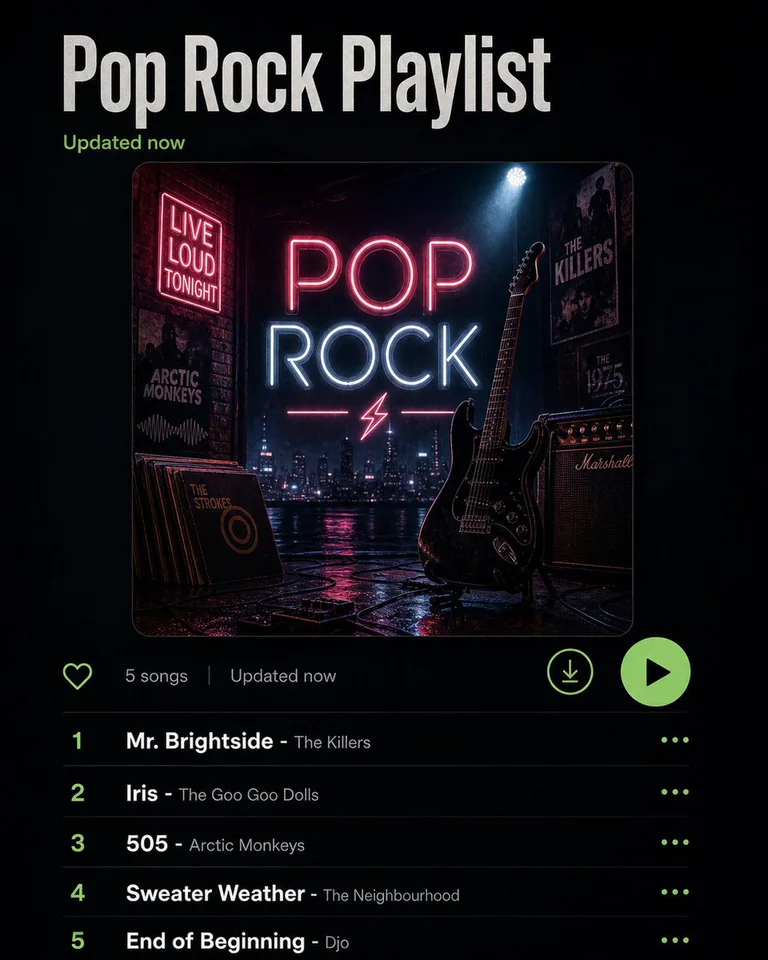
AI album cover generator
Turn a playlist or music direction into one reviewable cover concept, then refine the proven prompt in GPT Image 2.
Model-owned workspace
GPT Image 2
Inspectable text-only source prompt
#2184
Supported square frame
1:1
Concept media license: CC0 1.0
The verified Prompt for Create one reviewable cover concept from your sound is owned by GPT Image 2. These alternatives cover the required workflows and output shapes; compare typed facts before choosing.
Jump into a focused image generator for a specific creative task, then continue in its canonical CinePixel workspace.
How it works
01
Name the playlist, genre, emotional tone, subject, symbols, color palette, texture, setting, and lighting that should shape the visual direction.
02
Open GPT Image 2 with Prompt 2184 prepared, replace the playlist variable, and select the real supported 1:1 ratio.
03
Check faces, symbols, logos, readable text, and unwanted references. Add exact title and artist text later in a dedicated design tool.
Music visual directions
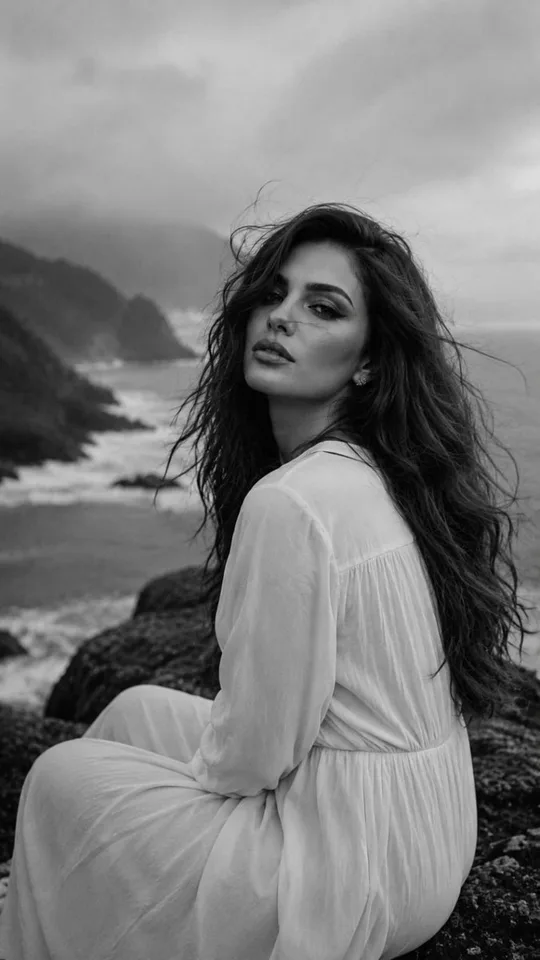
Treat each result as concept art. Verify titles, logos, likenesses, rights, platform requirements, and final layout outside the generated image.
Explore one visual direction for a single or EP before final typography, distribution specifications, ownership checks, and release approval.
Translate a playlist's mood into colors, objects, texture, and composition without treating generated track or artist text as accurate.
Develop a square key visual for discussion, then complete exact branding, episode text, accessibility, and platform formatting separately.
Before you generate
Yes. Prompt 2184 has its own canonical CinePixel detail page, so you can inspect the real text-only prompt and output before opening the workspace.
The handoff opens the existing GPT Image 2 text-to-image workspace. This page does not create another generator or hide the selected model.
No. It is one visual concept, not proof of exact title or artist text, logo accuracy, platform dimensions or acceptance, safe areas, copyright or trademark clearance, music rights, or likeness permission.
No. Prompt 2184 opens in a reviewable draft state. A generation request starts only after you explicitly choose Generate in the workspace.
Open GPT Image 2 with Prompt 2184 ready, refine one music visual direction, and generate only when you choose to proceed.
Open album cover workspace