
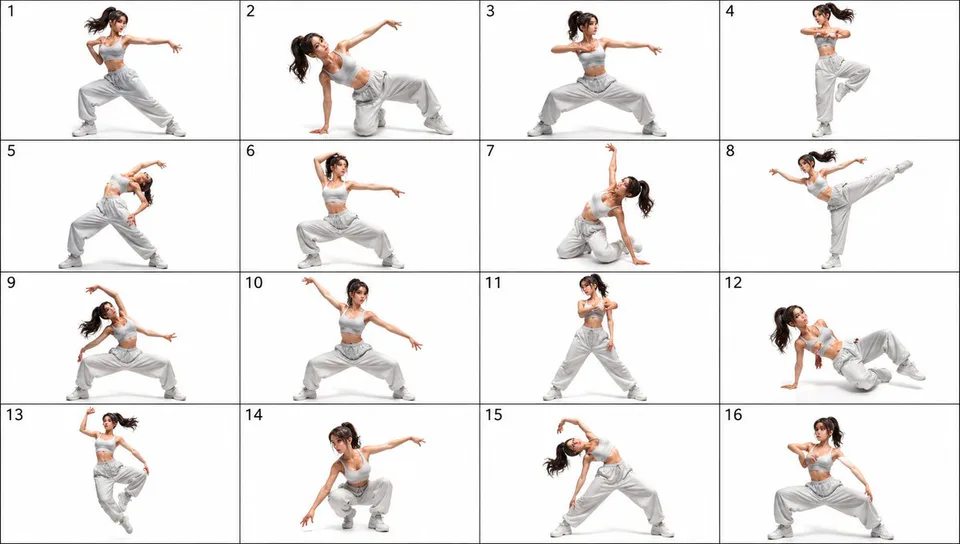
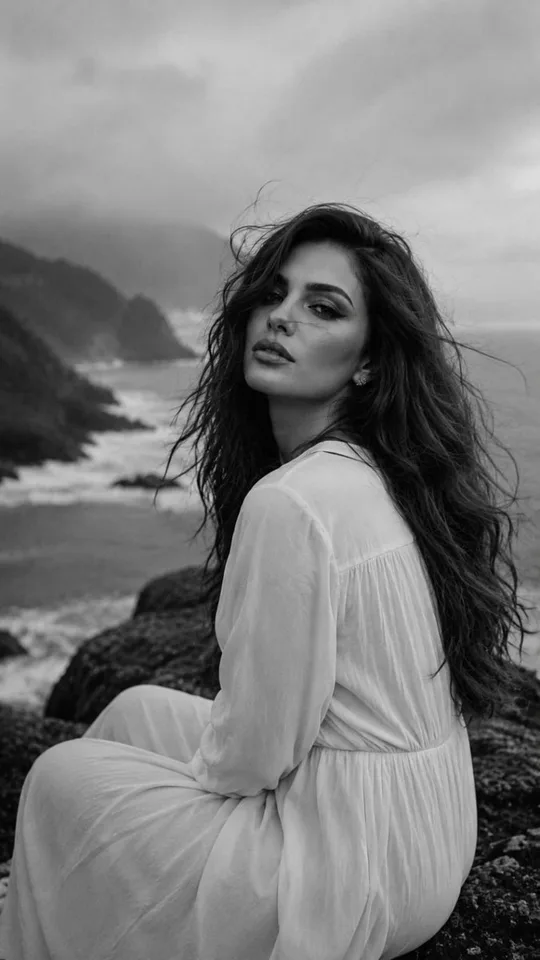
01
Define the character anchors
State the role, age range, body language, facial traits, silhouette, clothing, colors, and a few details that make the fictional character recognizable.
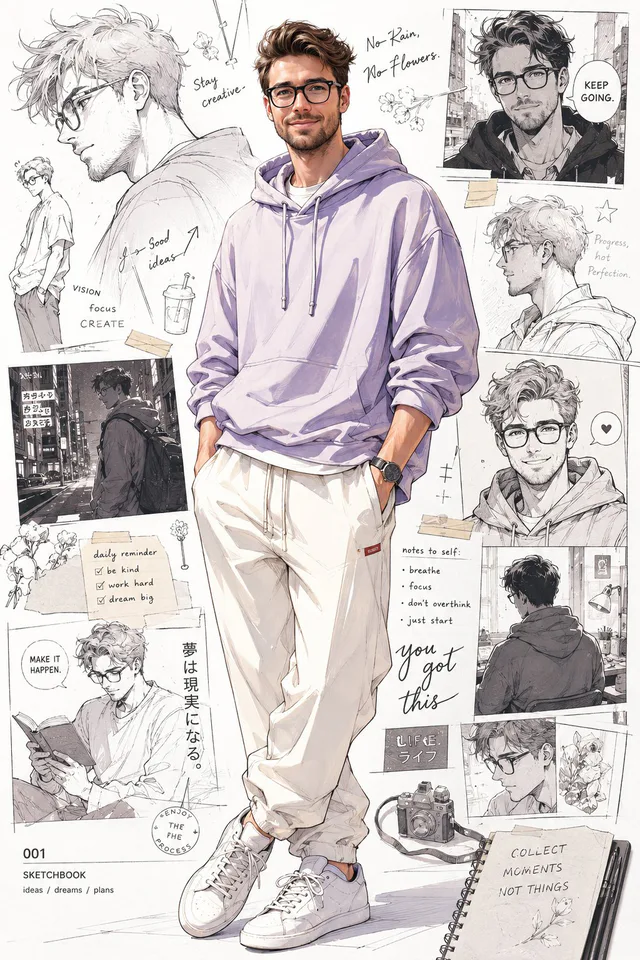
AI character creator
Describe the role, defining traits, silhouette, clothing, pose, setting, and art direction. Inspect a real CinePixel prompt and output, then continue in the GPT Image 2 workspace.
Model-owned workspace
GPT Image 2
Inspectable text-only source prompt
#2015
Supported concept frames
9:16, 1:1
Concept media license: CC0 1.0
The verified Prompt for Build one original character concept from a focused brief is owned by GPT Image 2. These alternatives cover the required workflows and output shapes; compare typed facts before choosing.
Jump into a focused image generator for a specific creative task, then continue in its canonical CinePixel workspace.
How it works
01
State the role, age range, body language, facial traits, silhouette, clothing, colors, and a few details that make the fictional character recognizable.
02
Choose one pose, camera distance, setting, lighting plan, and visual style so the concept has a coherent point of view.
03
Inspect the prompt and supported frame, remove conflicting traits, then generate and review anatomy, props, text, and cultural references before further use.
Practical directions
Treat each result as one concept-stage image. Keep the intended traits visible, then revise one creative variable at a time.
Explore an original hero, rival, guide, or supporting character without copying a protected franchise or a real person's identity.
Prepare a visual direction for discussion and pre-production review, not a rigged model, production asset, or fixed character sheet.
Test clothing, palette, pose, and setting for a fictional avatar, then verify details and applicable rights before public use.
Before you generate
Yes. Prompt 2015 has its own canonical CinePixel detail page, so you can inspect the real text-only prompt and output before opening the workspace.
The handoff opens the existing GPT Image 2 text-to-image workspace. This page does not create another generator or hide the selected model.
No. This page creates one concept-stage image and does not provide identity lock, fixed character-sheet, exact-likeness, or cross-image consistency guarantees.
No. Prompt 2015 opens in a reviewable draft state. A generation request starts only after you explicitly choose Generate in the workspace.
Open GPT Image 2 with Prompt 2015 ready, refine one character direction, and generate only when you choose to proceed.
Open character workspace