
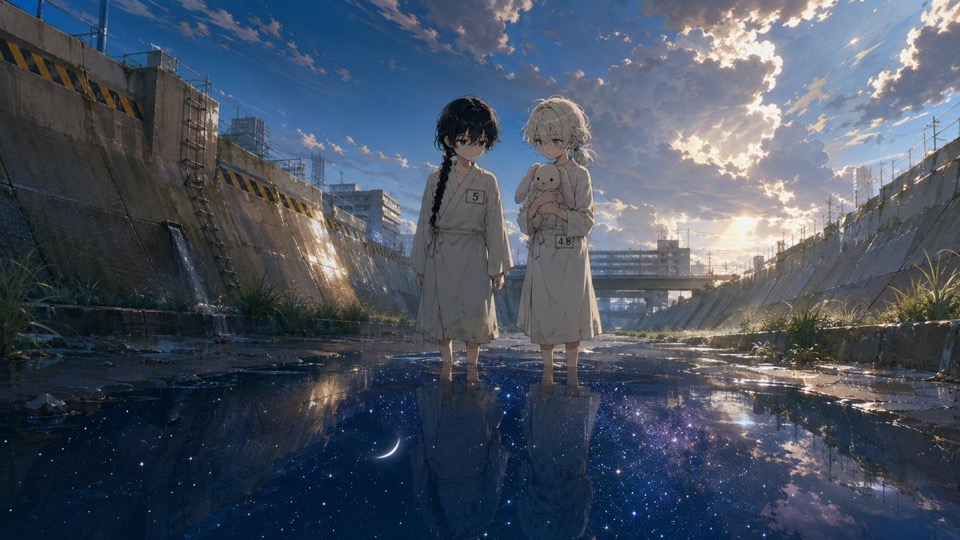

01
Define the icon family
Describe the subject set, visual metaphor, perspective, material, palette, lighting, background, and spacing you want to compare.
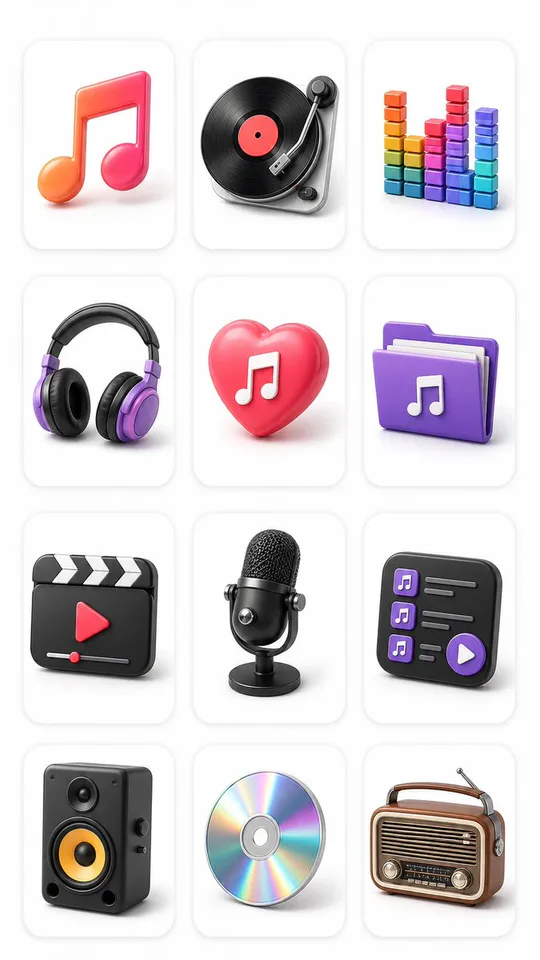
AI icon generator
Turn a written style direction into one concept board with multiple related icons, then refine the proven prompt in GPT Image 2.
Model-owned workspace
GPT Image 2
Inspectable text-only source prompt
#2425
Supported portrait frame
9:16
Concept media license: CC0 1.0
The verified Prompt for Create one reviewable board of icon directions is owned by GPT Image 2. These alternatives cover the required workflows and output shapes; compare typed facts before choosing.
Jump into a focused image generator for a specific creative task, then continue in its canonical CinePixel workspace.
How it works
01
Describe the subject set, visual metaphor, perspective, material, palette, lighting, background, and spacing you want to compare.
02
Open GPT Image 2 with Prompt 2425 prepared and select the real supported 9:16 ratio for the multi-icon concept board.
03
Check silhouettes, visual weight, repeated details, legibility, unwanted symbols, and brand conflicts. Rebuild approved directions as production assets separately.
Icon direction studies
Treat each generated board as concept evidence, not as a vector package, transparent export, sliced file set, platform-ready system, or cleared brand asset.
Explore related metaphors and material treatments for a product feature set before applying grid, stroke, size, and accessibility rules.
Compare a small family of visual symbols for a campaign, then recreate selected directions with exact brand colors and final export formats.
Test flat, dimensional, line-based, or material-led directions without assuming the generated board is internally consistent or ready to ship.
Before you generate
Yes. Prompt 2425 has its own canonical CinePixel detail page, so you can inspect the real text-only prompt and output before opening the workspace.
The handoff opens the existing GPT Image 2 text-to-image workspace. This page does not create another generator or hide the selected model.
No. It creates one raster concept board. It does not guarantee SVG or true vectors, transparent backgrounds, individual files, pixel alignment, platform compliance, system consistency, exact brand matching, or commercial-use clearance.
No. Prompt 2425 opens in a reviewable draft state. A generation request starts only after you explicitly choose Generate in the workspace.
Open GPT Image 2 with Prompt 2425 ready, refine one multi-icon direction board, and generate only when you choose to proceed.
Open icon workspace