

01
Choose an authorized source
Use a product image you are allowed to process and identify the packaging details that must remain recognizable.
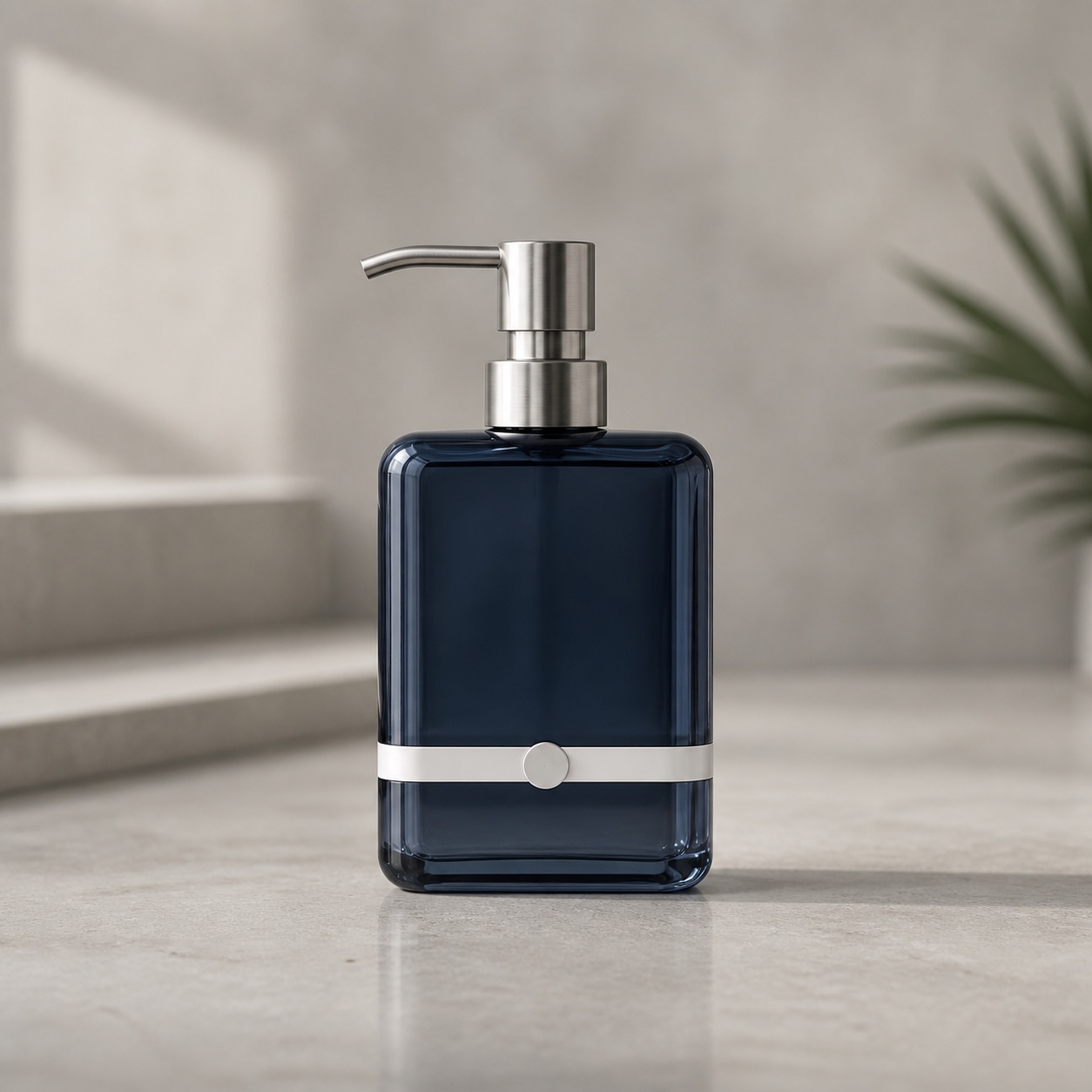
Source-first product scene
Start from one authorized product image, explore a new setting, and review what stayed consistent before treating the result as campaign material.
Model workspace
GPT Image 2
Reference-required Prompt
#2424
Supported review ratios
3:2, 1:1
Concept media by CinePixel: Product photography review evidence · CinePixel Terms
Published review evidence
This is not a before-and-after quality claim. It is a bounded example of what a reviewer should preserve, what may change, and what visibly drifted.
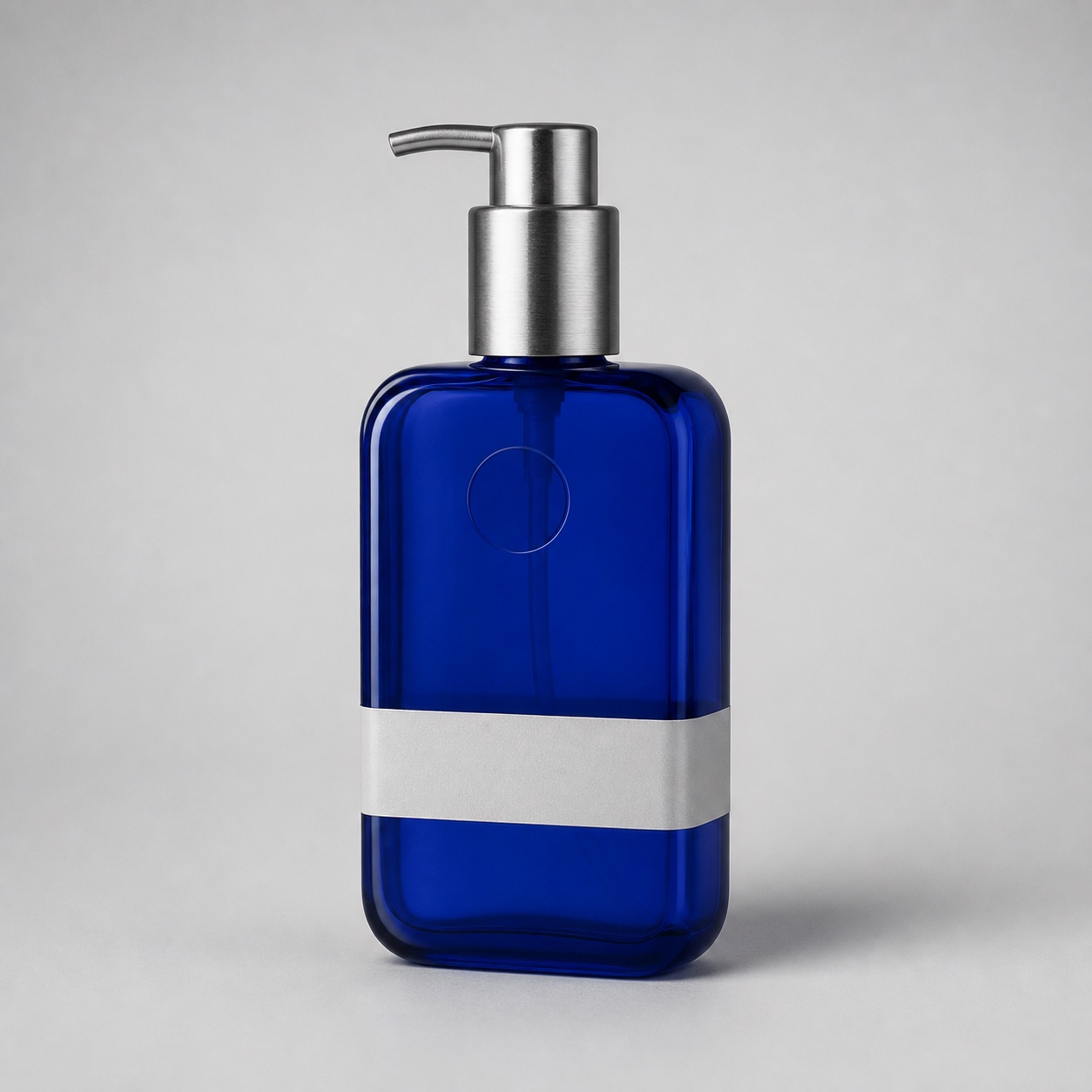
Use this pair to guide review, not to claim exact product fidelity, commercial readiness, or channel compliance.
CinePixel-authored review evidence · CinePixel Terms
The verified Prompt for AI Product Photography Generator is owned by GPT Image 2. These alternatives cover the required workflows and output shapes; compare typed facts before choosing.
Jump into a focused image generator for a specific creative task, then continue in its canonical CinePixel workspace.
Review before generation
01
Use a product image you are allowed to process and identify the packaging details that must remain recognizable.
02
Describe the background, surface, lighting, shadow, and reflection changes while keeping protected product details explicit.
03
Compare source and result before reuse. Reject or refine any change to shape, label, type, color, material, proportion, pump structure, or branding.
Useful for
These are concept and art-direction workflows. Packaging accuracy, labels, materials, color, proportion, reflection, and shadow still need human review.
Compare bathroom, studio, shelf, countertop, and lifestyle settings before commissioning final production photography.
Evaluate light, surface, crop, negative space, reflection, and shadow with the product source visible beside the concept.
Use reviewed concepts to discuss a visual system, then rebuild approved directions with controlled brand assets and production checks.
Boundaries
Yes. Prompt #2424 is evidence-backed as reference-image-required, so the workspace starts in Image to Image mode and waits for your source.
No. The published review pair preserves the broad bottle silhouette and unbranded treatment, but it also shows visible color, pump, badge-position, scale, and camera-angle drift.
Not by default. Treat each output as a reviewable scene concept until packaging, labels, type, color, material, proportions, reflections, shadows, rights, and channel requirements are verified.
No. The handoff only preloads Prompt #2424 and Image to Image mode. Generation starts only after you add a source and choose Generate.
The workspace opens in Image to Image mode with Prompt #2424 prefilled. Add your own authorized source, review the result, and generate only when you choose.
Open product workspace