
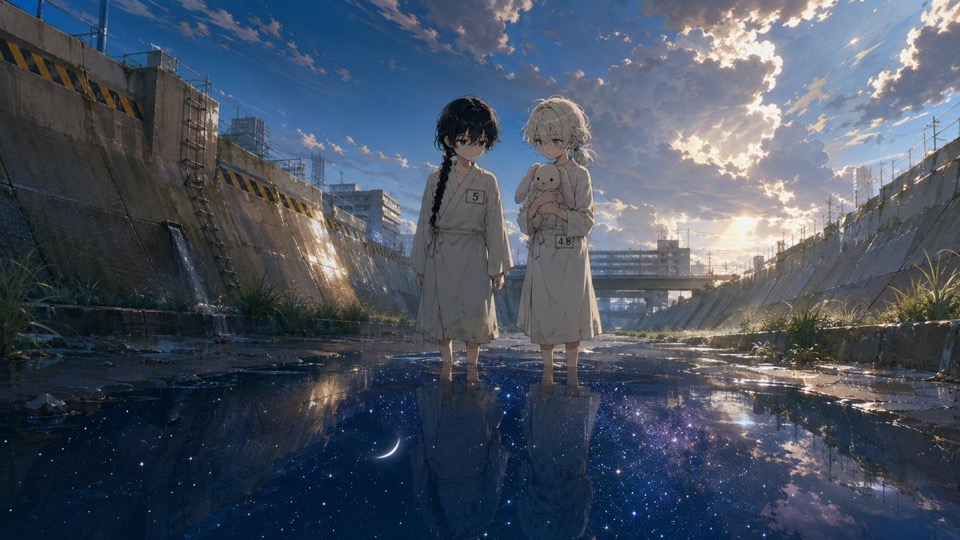

01
Define the sequence
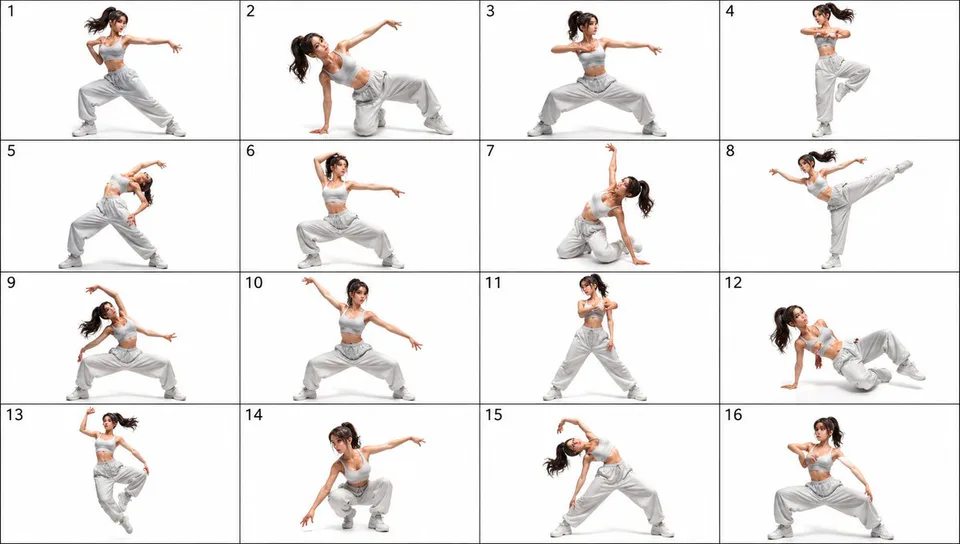
List the subject, opening state, key changes, closing state, and intended panel count in a clear order.
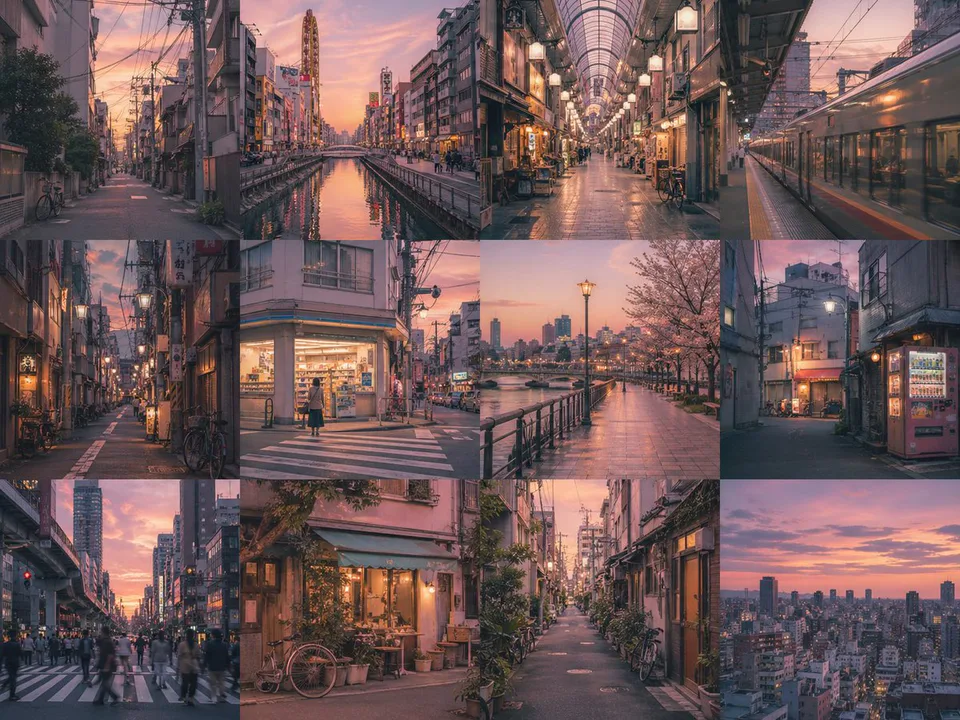
AI storyboard generator
Describe the subject, sequence, mood, and style. Inspect a real prompt and output, then continue in GPT Image 2.
Model-owned workspace
GPT Image 2
Inspectable text-only source prompt
#2427
Supported planning frames
3:2, 16:9, 1:1
Concept media license: CC0 1.0
The verified Prompt for Turn one visual sequence into a reviewable storyboard concept is owned by GPT Image 2. These alternatives cover the required workflows and output shapes; compare typed facts before choosing.
Jump into a focused image generator for a specific creative task, then continue in its canonical CinePixel workspace.
How it works
01
List the subject, opening state, key changes, closing state, and intended panel count in a clear order.
02
Set the location, action, framing, lighting, mood, and style for each scene without conflicting instructions.
03
Check order, repeated details, anatomy, labels, and panel boundaries. Revise any drift before using the board for planning.
Planning directions
Treat each result as one concept-stage board. Confirm timing, text, continuity, and production decisions outside the generated image.
Explore a visual sequence for a reel, trailer, or short clip, then confirm timing and camera choices separately.
Give collaborators one concept-stage board for discussion. Treat it as direction, not an approved shot list or production file.
Compare alternate scene orders, moods, or styles while keeping each board limited to one clearly described sequence.
Before you generate
Yes. Prompt 2427 has its own canonical CinePixel detail page, so you can inspect the real text-only prompt and output before opening the workspace.
The handoff opens the existing GPT Image 2 text-to-image workspace. This page does not create another generator or hide the selected model.
No. It creates one prompted multi-frame concept. Define the beats yourself and verify sequence, text, and recurring subject details. Script parsing and continuity are not guaranteed.
No. Prompt 2427 opens in a reviewable draft state. A generation request starts only after you explicitly choose Generate in the workspace.
Open GPT Image 2 with Prompt 2427 ready, refine one visual sequence, and generate only when you choose to proceed.
Open storyboard workspace