
01
Prepare an authorized visual brief
Choose one image you own or may edit. Write the subject, conflict, emotion, setting, scale, focal point, palette, and intended headline zone without requesting protected identities, brands, or misleading claims.
AI thumbnail concept generator
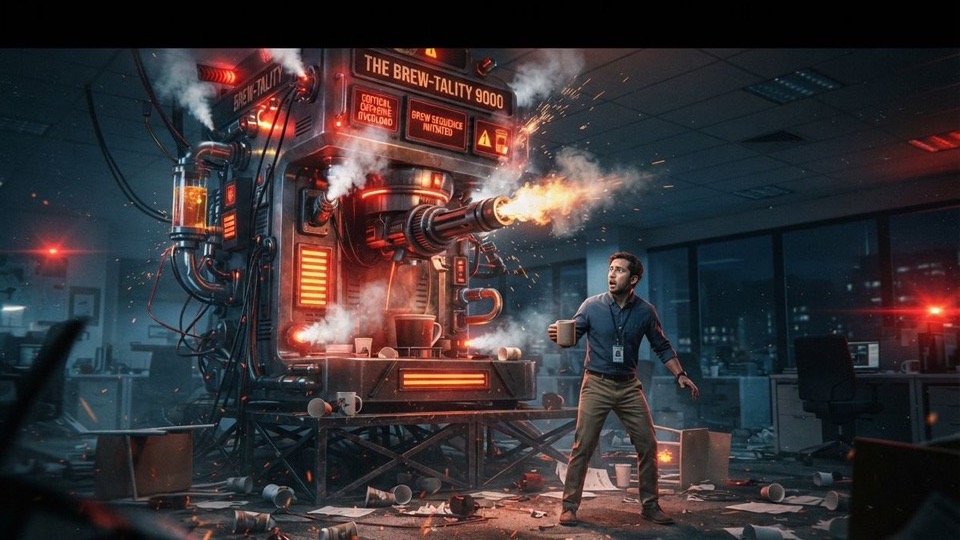
Use one authorized reference image to explore a single 16:9 thumbnail concept with a clearer subject, dramatic scale, focal contrast, and story tension. Treat the result as a draft direction, not a preserved edit or publish-ready thumbnail.
Source-matched workspace
Nano Banana 2
Inspectable reference-required prompt
#1586
Supported concept frame
16:9
Concept media by getimg.ai: @getimg_ai · CC BY 4.0
The verified Prompt for Explore one high-contrast thumbnail direction is owned by Nano Banana 2. These alternatives cover the required workflows and output shapes; compare typed facts before choosing.
Jump into a focused image generator for a specific creative task, then continue in its canonical CinePixel workspace.
Why it is relatedSame Image to Image workflow · Same reference-image startProduct campaign systemsBuild a coordinated set of product frames for campaign exploration, layout review, and visual direction.
Why it is relatedShared Creative use case · Different start: prompt onlyPoster concepts
Why it is relatedShared Creative use case · Different start: prompt onlyAnime scene conceptsHow it works
01
Choose one image you own or may edit. Write the subject, conflict, emotion, setting, scale, focal point, palette, and intended headline zone without requesting protected identities, brands, or misleading claims.
02
Open Nano Banana 2 with Prompt 1586 selected, upload the reference, and keep the supported 16:9 frame. The handoff does not submit a request or promise that the source will be preserved.
03
Inspect the subject, hands, faces, logos, invented objects, headline space, crop safety, contrast at small size, and factual implication. Add exact typography and platform-safe finishing separately.
Thumbnail direction studies
Use the generated frame to compare one story direction at a time. It does not prove exact source preservation, headline accuracy, mobile readability, platform acceptance, click performance, rights clearance, or publish-ready delivery.
Turn an ordinary object, scene, or authorized still into a more dramatic visual premise without claiming factual accuracy or preserving every source detail.
Compare subject scale, eye line, directional movement, empty space, background simplicity, and light-dark separation before committing to final type and branding.
Prepare one focused draft for creator, editor, designer, or marketing review while keeping final claims, rights, typography, accessibility, platform policy, and performance testing as separate work.
Evidence and release boundaries
Yes. The source post explicitly used one reference image, but that original input is not public. Use only an image you are authorized to edit, and expect the model to reinterpret rather than preserve people, products, text, or composition exactly.
The verified source post names Nano Banana 2 Lite plus a reference image. CinePixel therefore uses the published Nano Banana 2 image-editing owner instead of trusting the frozen catalog's broader Nano Banana Pro label.
No. Review subject fidelity, invented details, faces, logos, text, safe areas, small-screen readability, platform policy, rights, and misleading implications. Add final typography in a controlled design tool and measure performance after publication.
No. The handoff opens Nano Banana 2 in Image to Image mode with Prompt 1586 selected and prompt focus visible. A generation request starts only after you upload an authorized reference, review the draft, and explicitly choose Generate.
Open Nano Banana 2 with Prompt 1586 ready, add one authorized reference, refine the story direction, and generate only when you choose to proceed.
Open thumbnail workspace