
Change a product photo background with AI
Upload one product photo, choose a setting, and generate a background concept. Review the product against the source before publishing.
Upload one product photo, choose a setting, and generate a background concept. Review the product against the source before publishing.
Prepare the source
Use an original image you own or have permission to edit. Upload a supported JPG, PNG or WebP file. Wait for the preview and dimensions to finish loading. Auto chooses the closest supported aspect ratio; it does not promise the exact source pixel dimensions.
Set the task
Choose the output resolution and number of images, then read the live credit total. Sign in before generating. Each image is a separate job using the existing image pipeline; the source and task settings remain available if a start request fails.
Work through the example
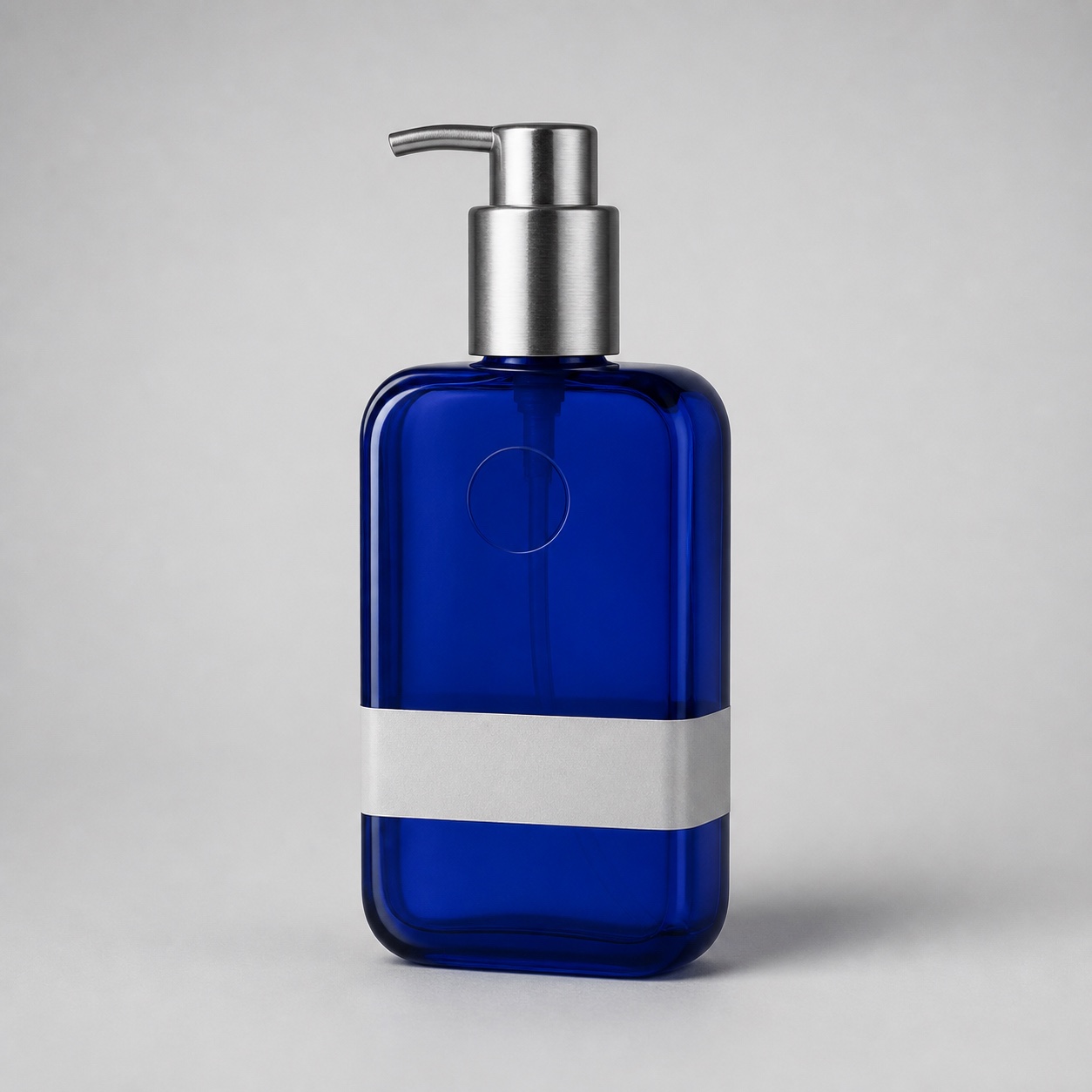
A blue pump bottle with a white band and a metal spout.
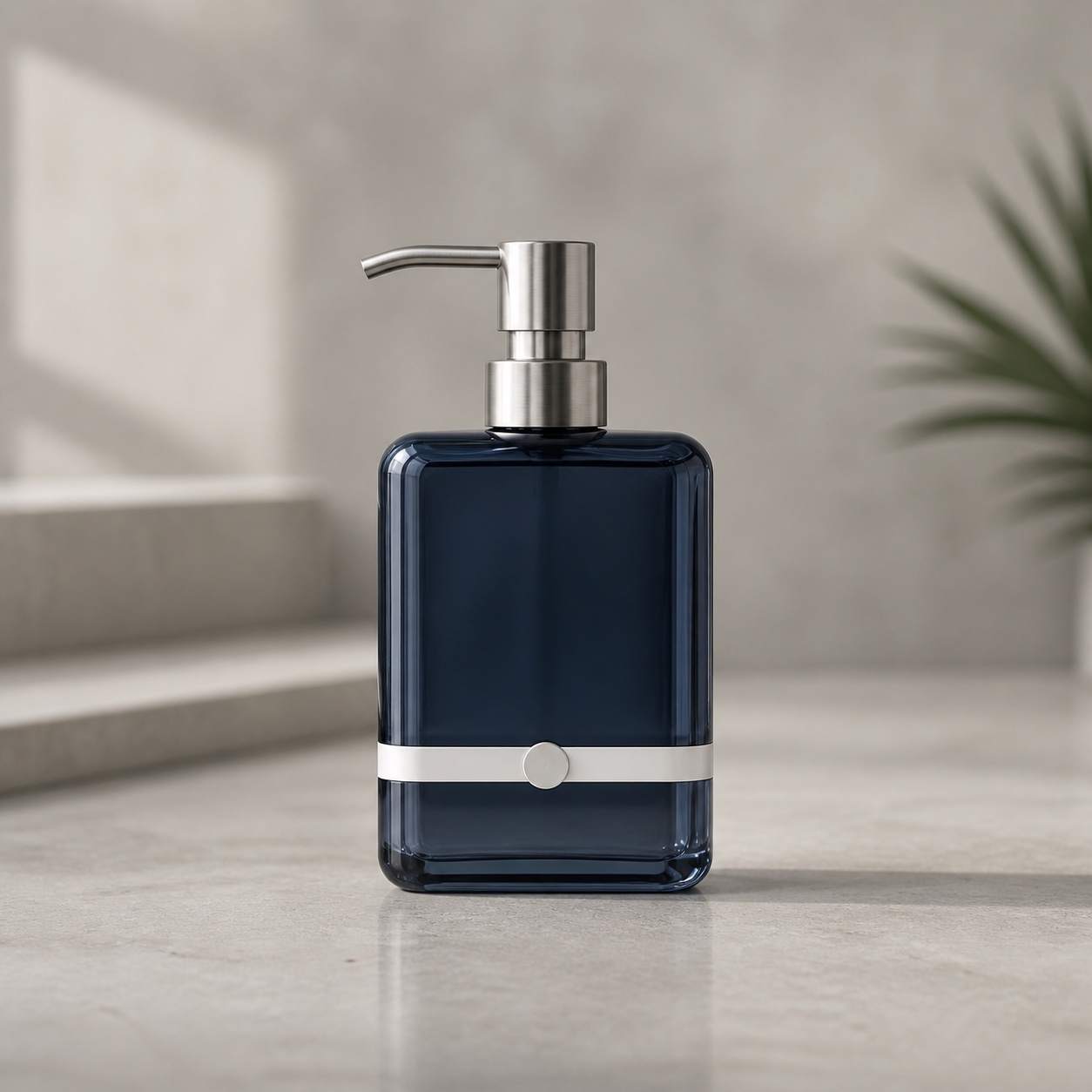
Place the bottle on warm stone while keeping its original product details.
The existing reviewed concept changes the blue, pump and badge. It is a useful rejection example, not an approved product photo.
Review before using the result
Compare the original and result side by side at full size. Check every changed letter, number, edge and subject detail. A convincing image can still contain factual errors. Keep the original and reject a draft that does not satisfy your brief.
The model may change labels, shape or color. Check every product detail against your original; reject results that misrepresent the item.
Credits and recovery
The page displays the current price. If it cannot load, refresh it before submitting. A price increase requires a fresh quote. If a status check times out, inspect History before creating another paid job. An uncertain start response may already have created a job; check History first.
Continue editing
Next step
Turn the workflow into a reviewable creation
Bring the direction you just shaped into the prompt field, review the idea and settings, and generate only when you choose to proceed.