
Compose images with clear reference roles
Set one primary image, give each additional image a single purpose and review the full composite.
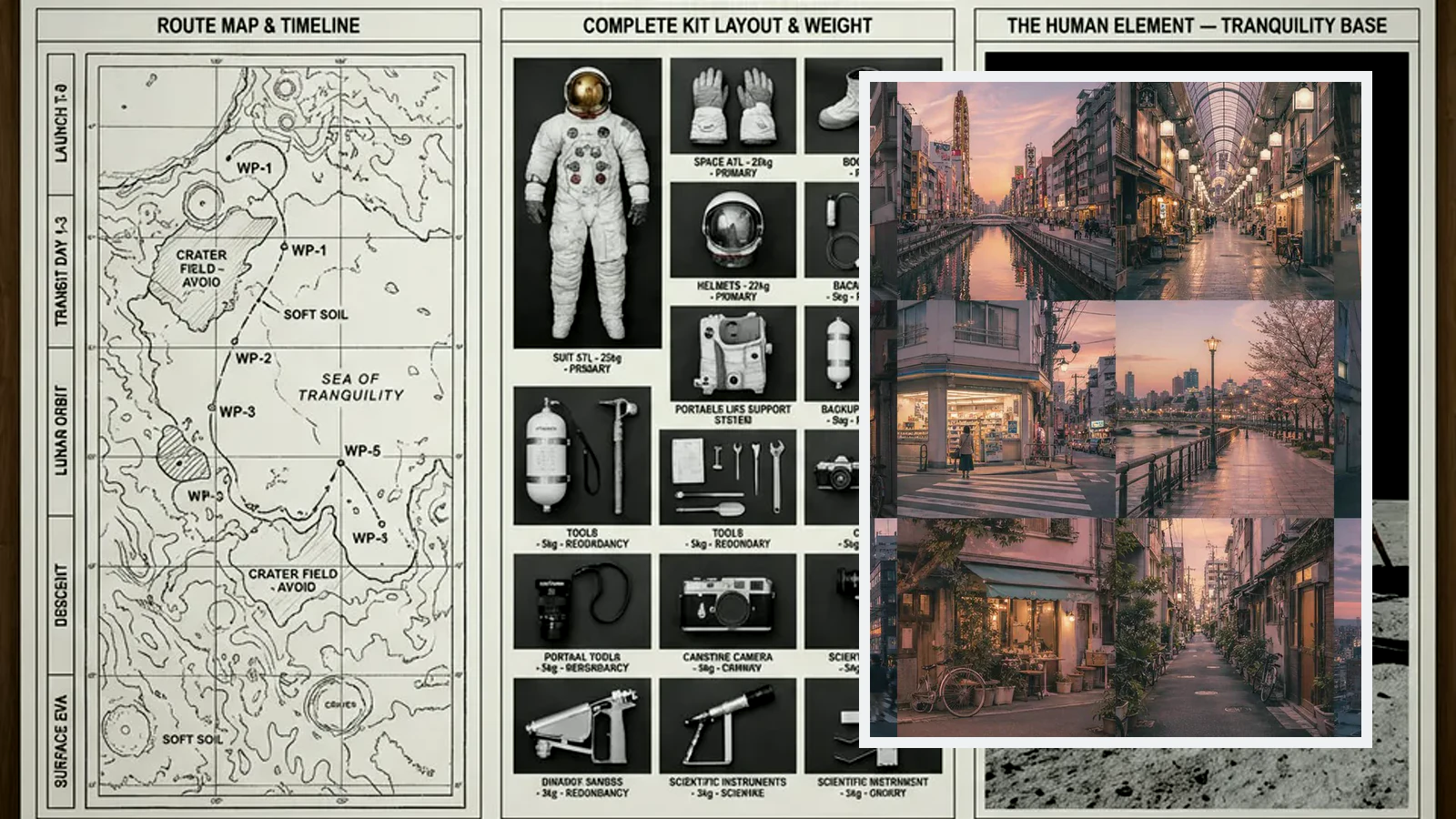
Set one primary image, give each additional image a single purpose and review the full composite.
Choose and order authorized sources
Image 1 remains the primary source. Supporting image numbers update after reordering or removal. Assign roles before submission: subject, environment, style and layout are separate. A pose reference must not supply a new identity; a garment reference must not replace the person. Confirm that you can use all sources and the recognizable people shown. Adding or removing references resets this confirmation.
| Task | Total images | Role and review |
|---|---|---|
| Multi-image Composite | 2–4 | Review the role of each source, scale, edges, labels, shadows and perspective. A generated composite is not proof that the subjects were photographed together. |
| Creative Group Photo | 2–4 | Review each identity, person count, anatomy, spacing, consent and scene context. Do not present the composite as documentary proof of a shared event. |
| Consistent Character | 1–4 | Compare distinctive traits across every output. Several generated images do not establish identity consistency until reviewed. |
| Outfit Swap | 2–7 | Review the real face, body proportions, garment patterns, fit, hands and layer order. References should supply clothing, not another person’s identity. |
| Compact Clothes Swap | 2–4 | Review identity, seams, labels, colors, fit and occlusion. Keep unrelated clothing and background unchanged. |
| Multi-item Clothes Changer | 2–8 | Review every clothing piece independently; do not accept blended patterns, duplicated accessories, altered body shape or a changed identity. |
| Pose Reference Transfer | 2–2 | Review anatomy, joints, balance and identity. The pose reference must not replace the source person’s face, clothing or background. |
Submit deliberately
Wait for every reference to decode. Complete the requested change, target area and protected details. Check the live quote and output count. The server checks reference counts and roles before creating a job, then reuses the current image pipeline, credits, history and downloads. Keep the source files until all outputs have been reviewed.
Permission and recovery
Sign in before preparing local files; leaving the page clears local selections. Confirm reference use and recognizable-person permission where applicable. If a start response is uncertain, inspect history before retrying. A later failure or a different source does not erase earlier jobs from history.
Next step
Turn the workflow into a reviewable creation
Bring the direction you just shaped into the prompt field, review the idea and settings, and generate only when you choose to proceed.