
Food image concepts with a clear ingredient brief
Name the dish, its visible ingredients, plate, light and camera angle, and keep prices and nutrition claims out of the generated image.

Choose one dish and name the visible ingredients, portion shape, plate, surface, light direction and camera angle. If the result represents a real menu item, start from an authorized photo and list the ingredients, packaging and marks that must stay. A generated dish can invent garnish, portion size or an ingredient.
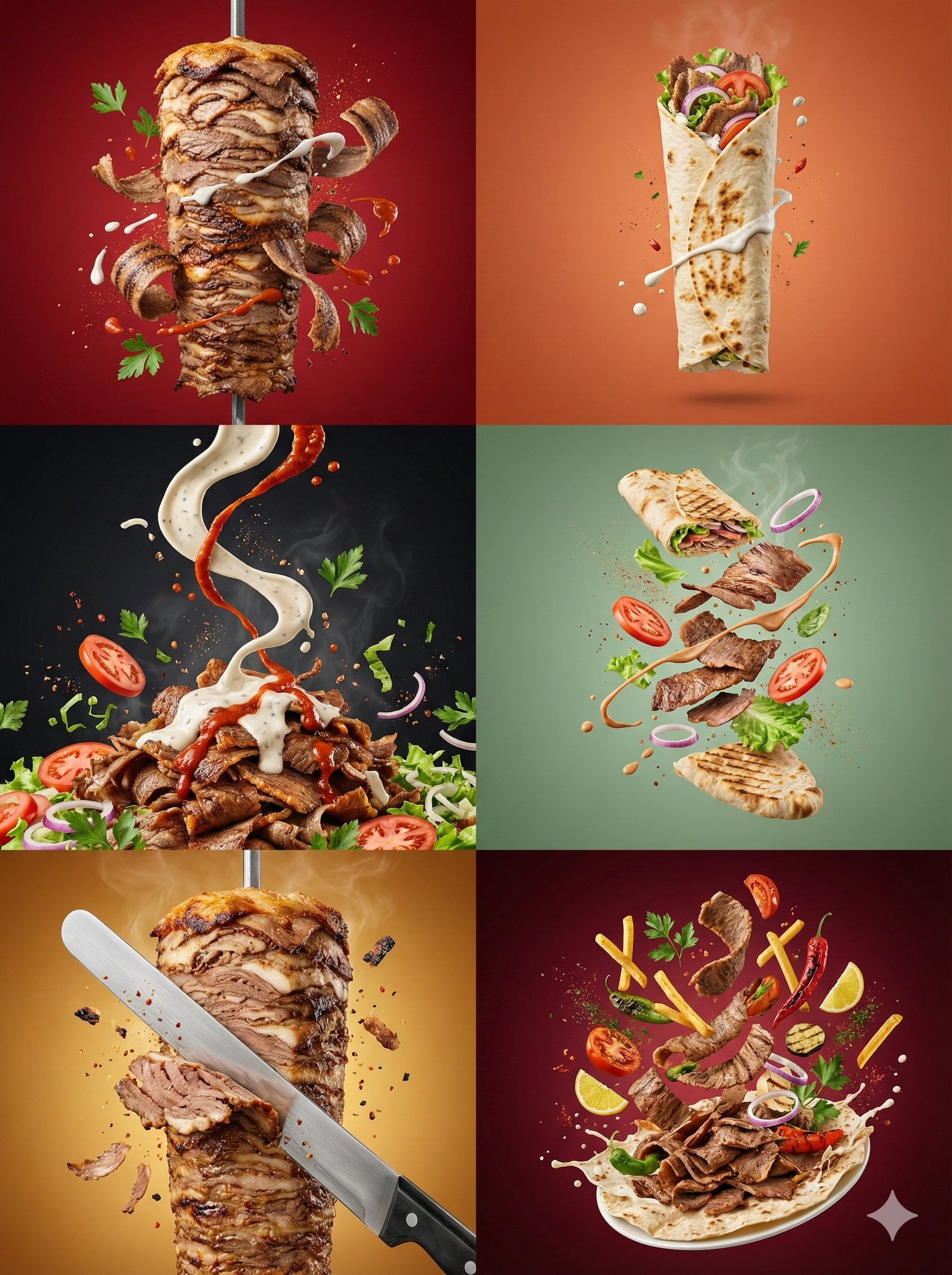
The visual below is a reviewed editorial reference, not a CinePixel generation result or a model comparison. The starter brief is an original example to adapt; it does not run automatically.
Review before reuse
The six-panel reference varies scene and composition: suspended meat, a wrap, a sauce ribbon and a separated ingredient stack. It illustrates direction, not gravity, a real portion or a validated recipe. Check every ingredient, steam, texture, utensil, container and label before using a draft.
A starter brief to adapt
One bowl of roasted vegetable soup, visible carrot and pumpkin, ceramic cream bowl, soft side window light, matte stone table, three-quarter camera angle, room above the bowl for a separate headline. No brand name, nutrition claim or price.
Continue in the current workspace
Compare one changed variable per iteration. For a real product, use photo editing or product background with protected facts. Browse the existing food gallery; its publication review still applies.
Next step
Turn the workflow into a reviewable creation
Bring the direction you just shaped into the prompt field, review the idea and settings, and generate only when you choose to proceed.