
Keep a character consistent across scenes
Build one identity reference set, describe each new scene separately, and compare face, hairline and marks across outputs before trusting a series.
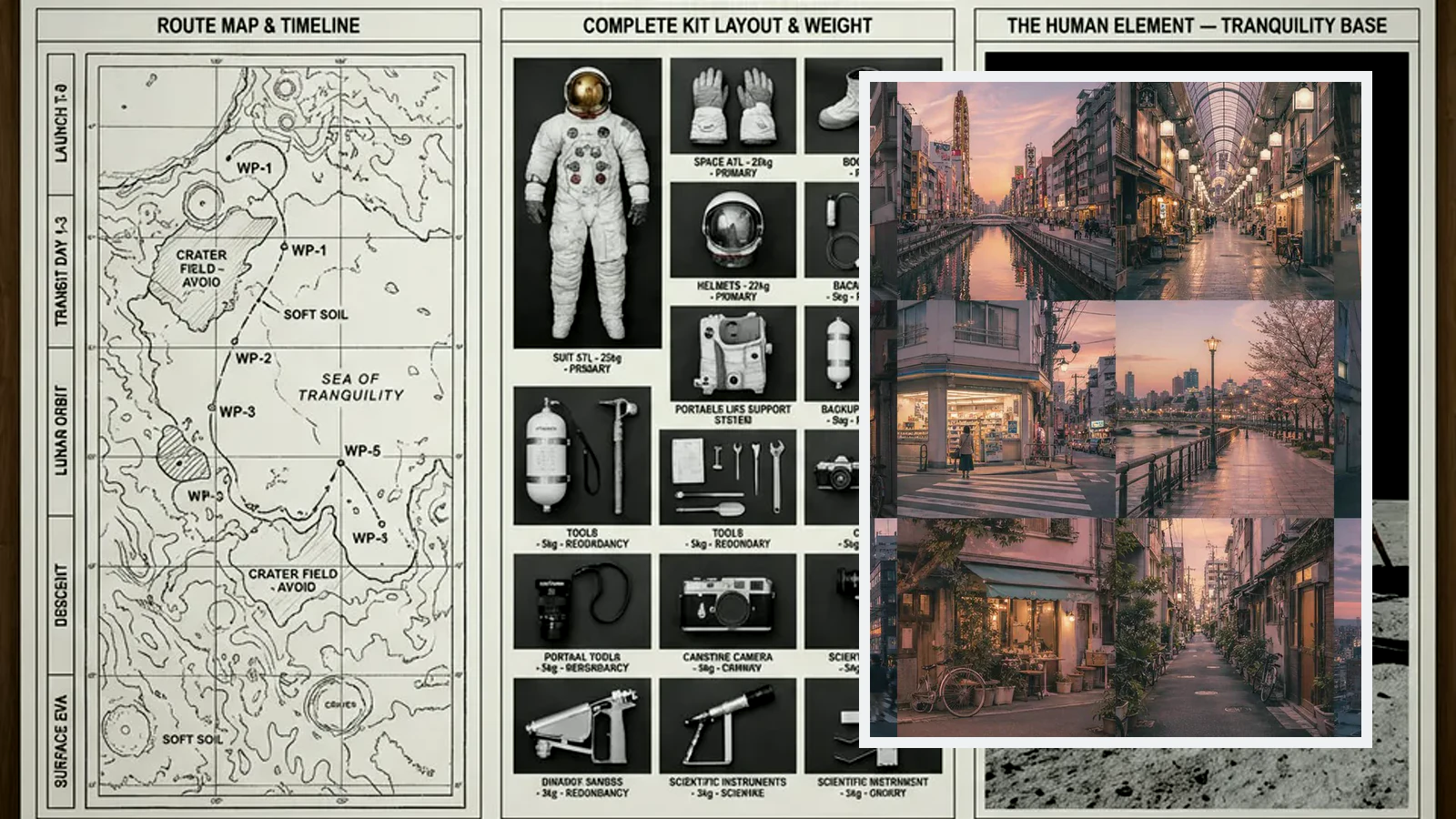
Use a stable identity anchor and compare distinctive features in every generated output.
Build one identity reference set
Use image 1 as the primary view. Optional extra images should show the same identity with useful, consistent detail. Do not mix different people or characters. Describe the new scene, clothing or composition separately from the traits that must stay.
Review outputs side by side
Compare facial geometry, hairline, distinctive marks, proportions, clothing constraints and material details across every output. Check anatomy, shadows and scene context as well. One successful image does not validate a series. These are generated interpretations, not documentary evidence.
Permission and recovery
Sign in before preparing local files; leaving the page clears local selections. Confirm reference use and recognizable-person permission where applicable. If a start response is uncertain, inspect history before retrying. A later failure or a different source does not erase earlier jobs from history.
Next step
Turn the workflow into a reviewable creation
Bring the direction you just shaped into the prompt field, review the idea and settings, and generate only when you choose to proceed.