
Create images from text
Create finished images, concept art, product shots, and visual drafts from text prompts.
- models
- 10 models
- frame options
- 7 frame options
- formats
- 3 formats
Sign in to use your CinePixel starter credits across generation, references, and saved history.
Generate
Refine, restyle, extend, or repair uploaded reference images.
Refine, restyle, extend, or repair uploaded reference images.
Create, edit, and refine images in CinePixel's AI image generator with credits, references, history, and retries in one focused workspace.

Image generator discovery
Open one of the featured model workspaces, or continue into the full directory to compare task generators, workflows, and catalog-backed capabilities.
28 evidence-backed generators
18 task generators · 10 model workspaces
Current mode
Image to Image
12 compatible generators
Specialized task generators
Browse a small set of evidence-backed task generators matched to the mode you are using. Each link opens a preparation page and never starts a generation automatically.
Choose a creation path
Start with the job you need to do, then use the same workspace to choose a model, set the frame, and keep the result with its history.
Create finished images, concept art, product shots, and visual drafts from text prompts.
Refine, restyle, extend, and repair uploaded reference images.
Evidence-backed starting points
Inspect a real prompt and output first, then open the model-owned workspace with that prompt ready to refine. Nothing runs until you choose to generate.
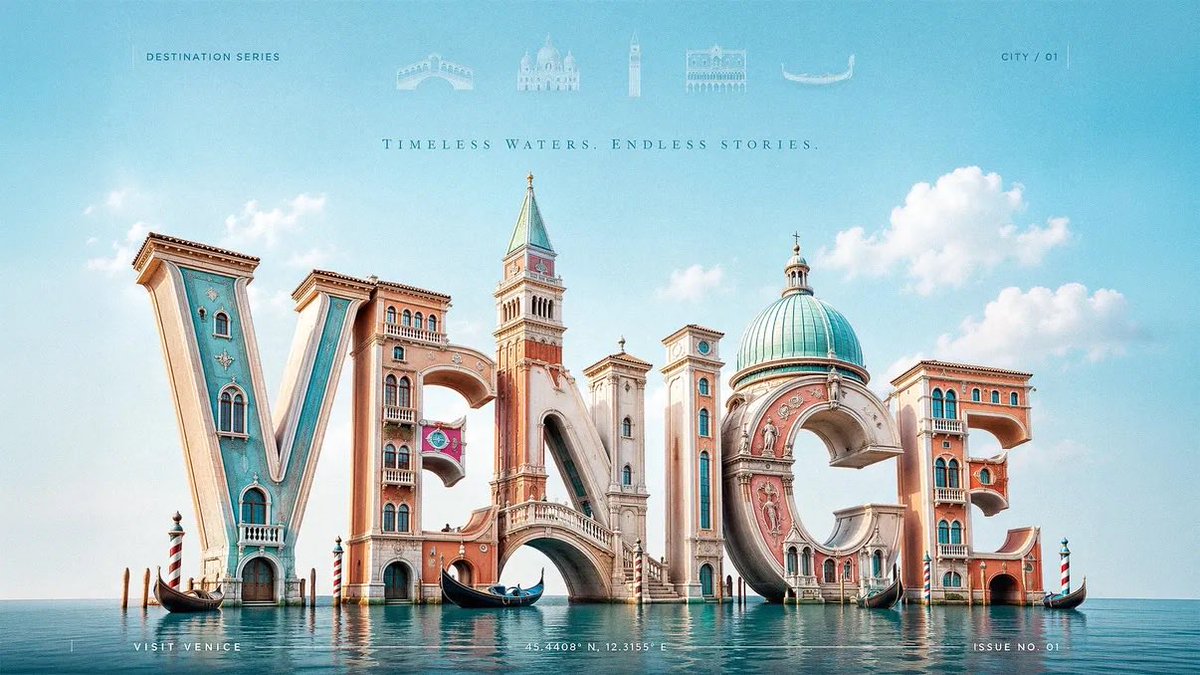
Turn an exact word or short phrase into a review-first 3D typography image with deliberate letterform geometry, material, lighting, and composition. The result is rendered artwork, not an editable font, vector, or 3D model.
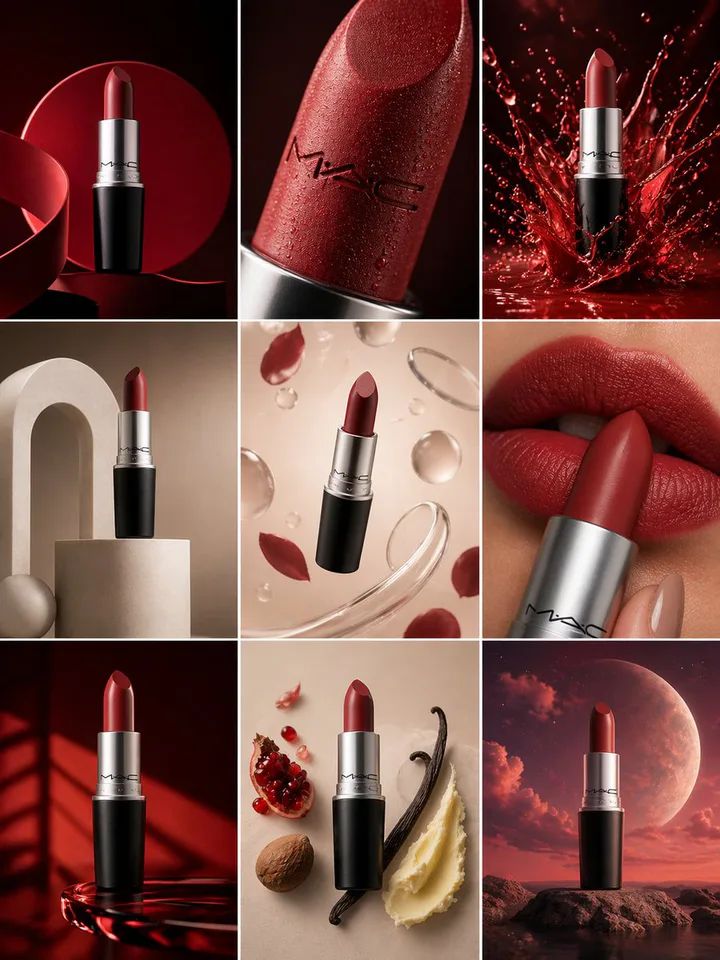
Build a coordinated set of product frames for campaign exploration, layout review, and visual direction.
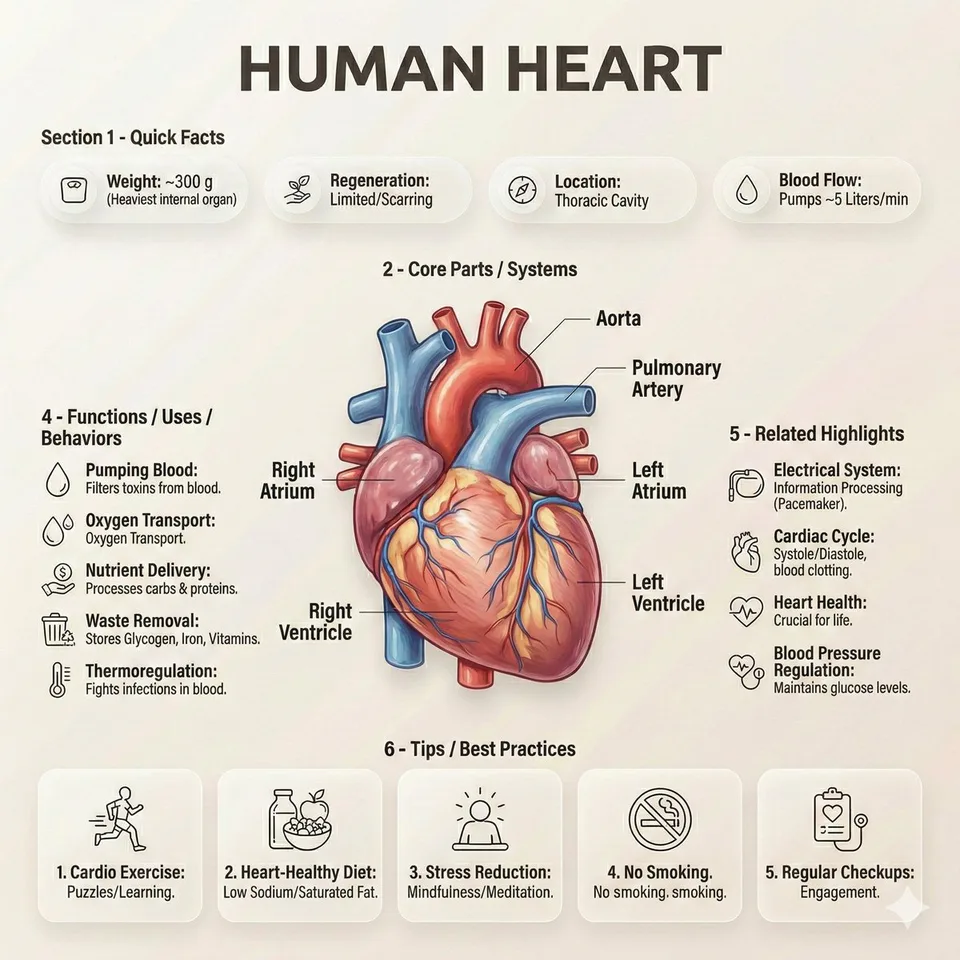
Explore structured visual explanations that combine a clear hierarchy, labeled details, and editorial composition.
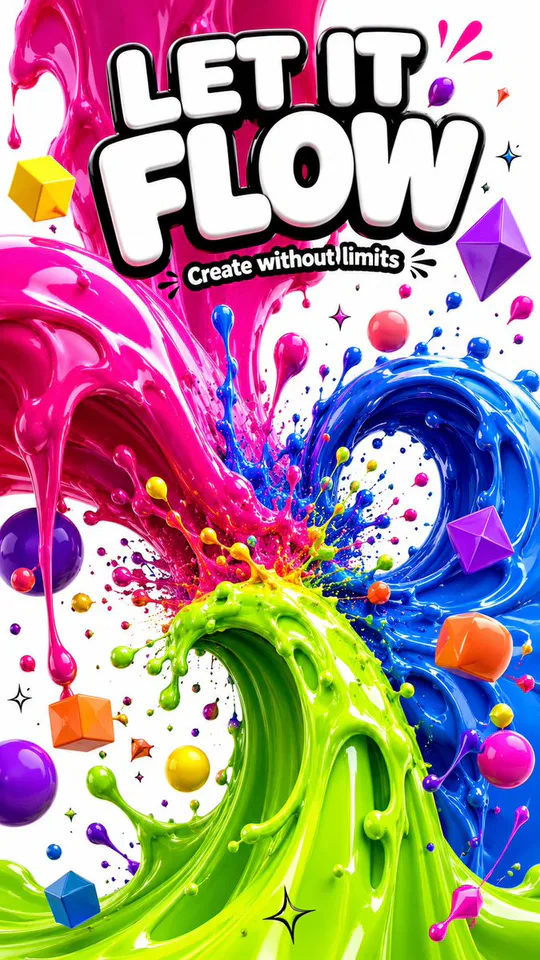
Develop bold poster directions with a controlled subject, material treatment, color system, and portrait framing.
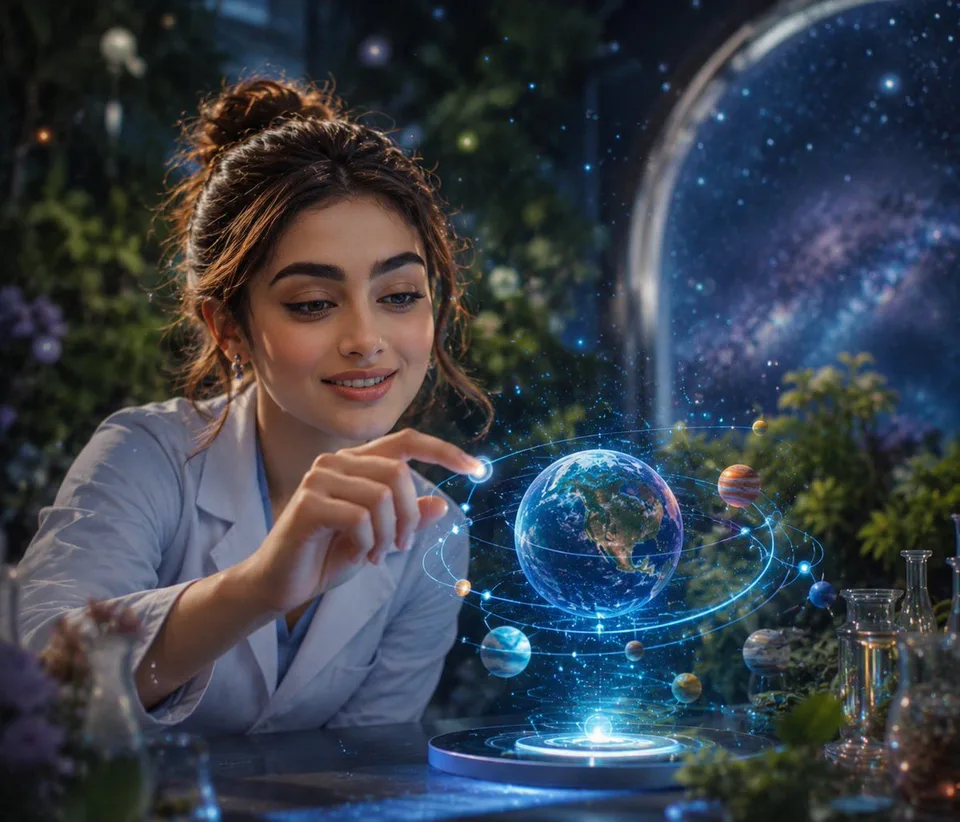
Shape a portrait direction from a written brief covering the subject, expression, setting, light, and visual style.
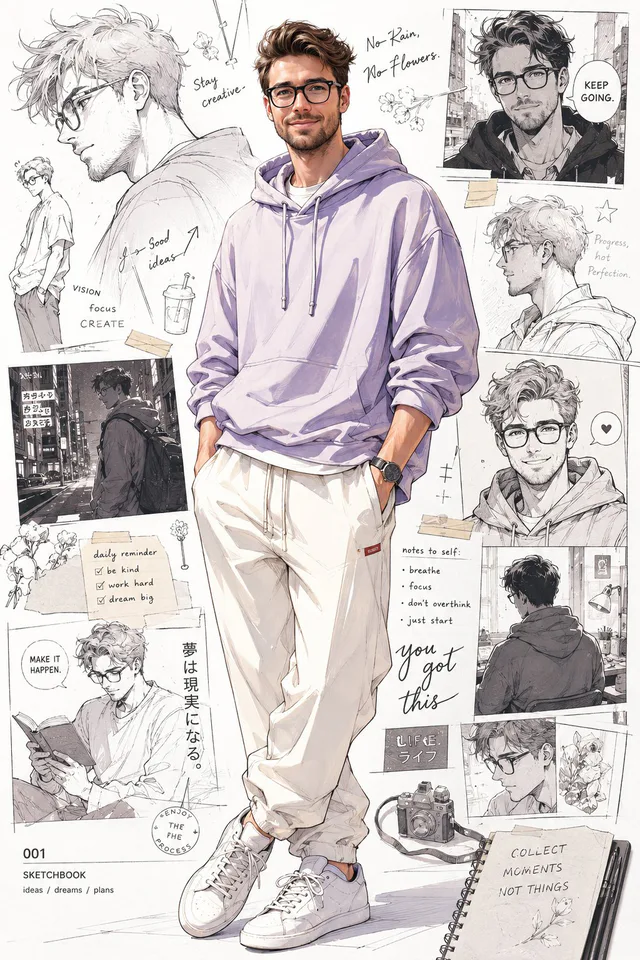
Develop one original character direction from a written brief covering role, silhouette, clothing, pose, setting, and visual style.
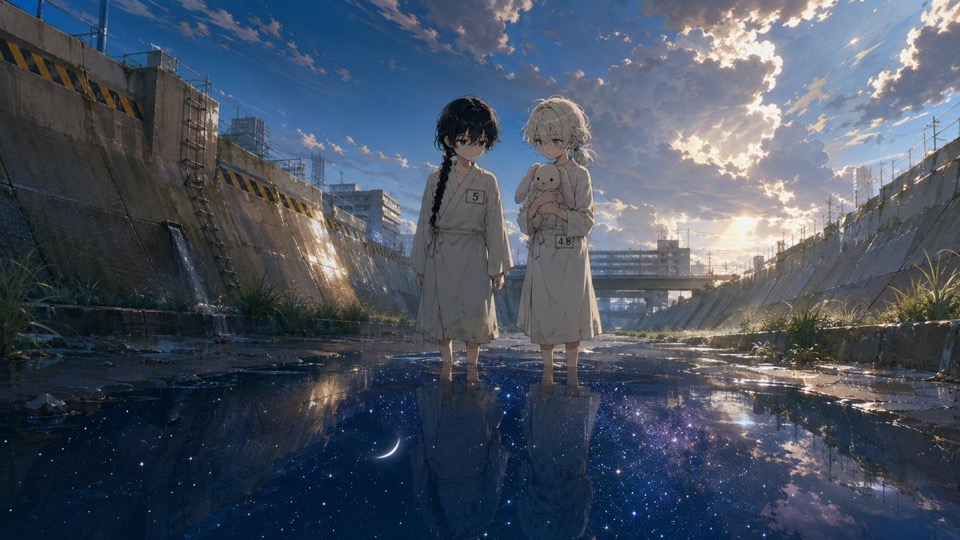
Explore one static 16:9 anime scene through character relationship, environment, light, and mood before continuity, dialogue, animation, and release review.
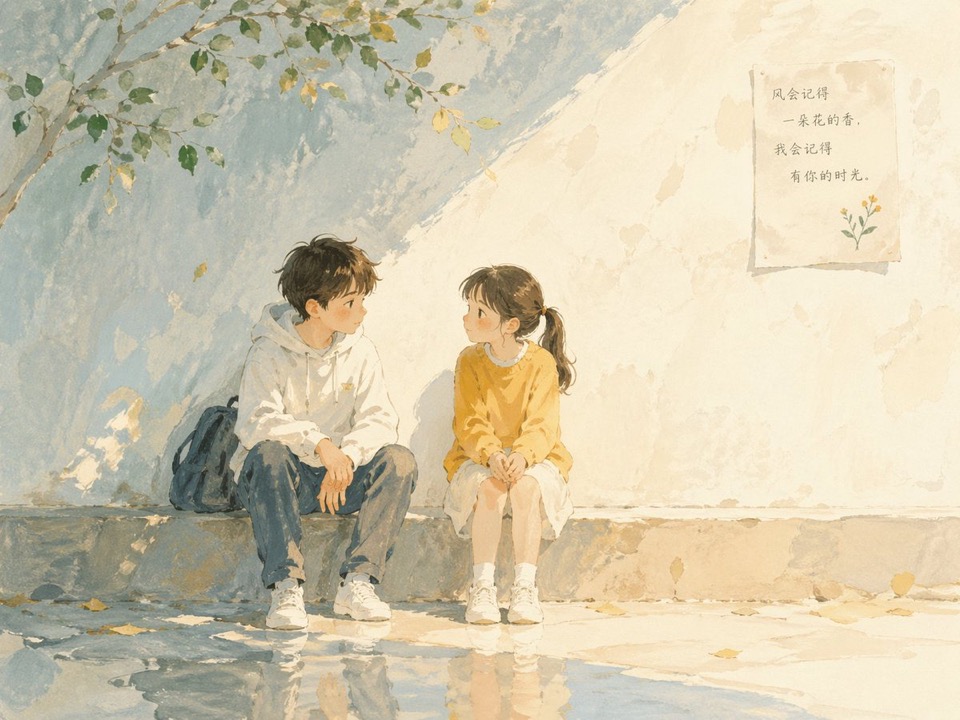
Explore one static story moment through fictional characters, setting, light, texture, and mood before continuity, typography, page layout, rights, and publication review.
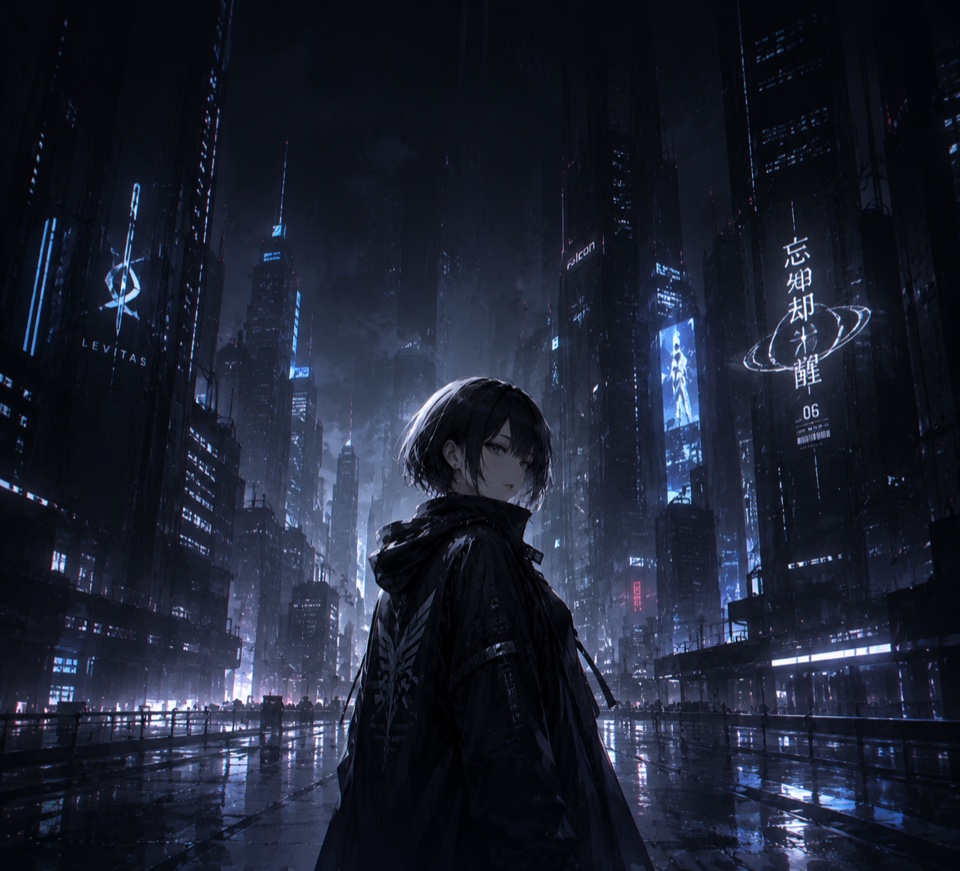
Explore one static neon-world screen composition through subject scale, viewpoint, environment, palette, lighting, weather, mood, crop, and calm overlay space before device preview, text review, rights, and file preparation.
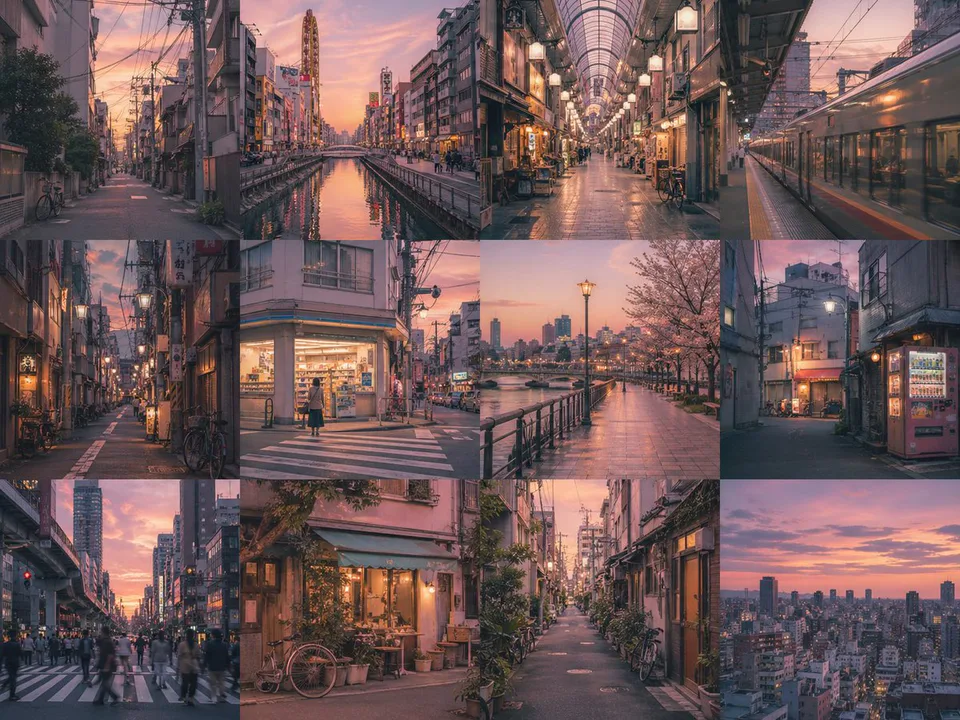
Plan one visual sequence from a written brief covering subject, scene order, mood, framing, and style.
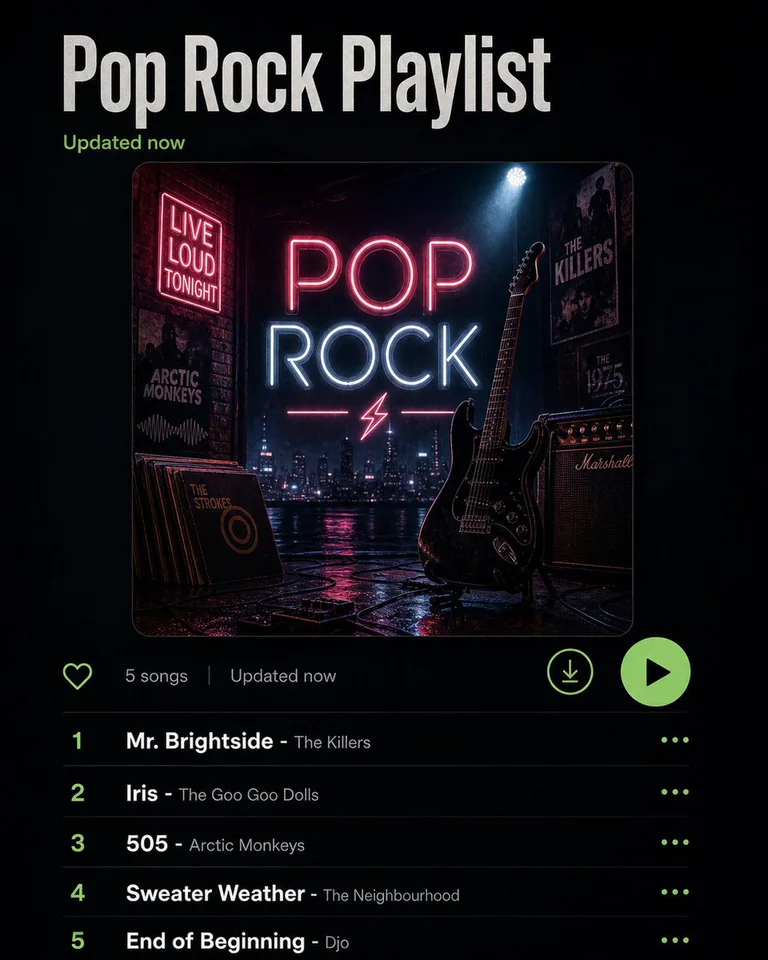
Translate a playlist or written music direction into one reviewable visual concept before release design and rights review.
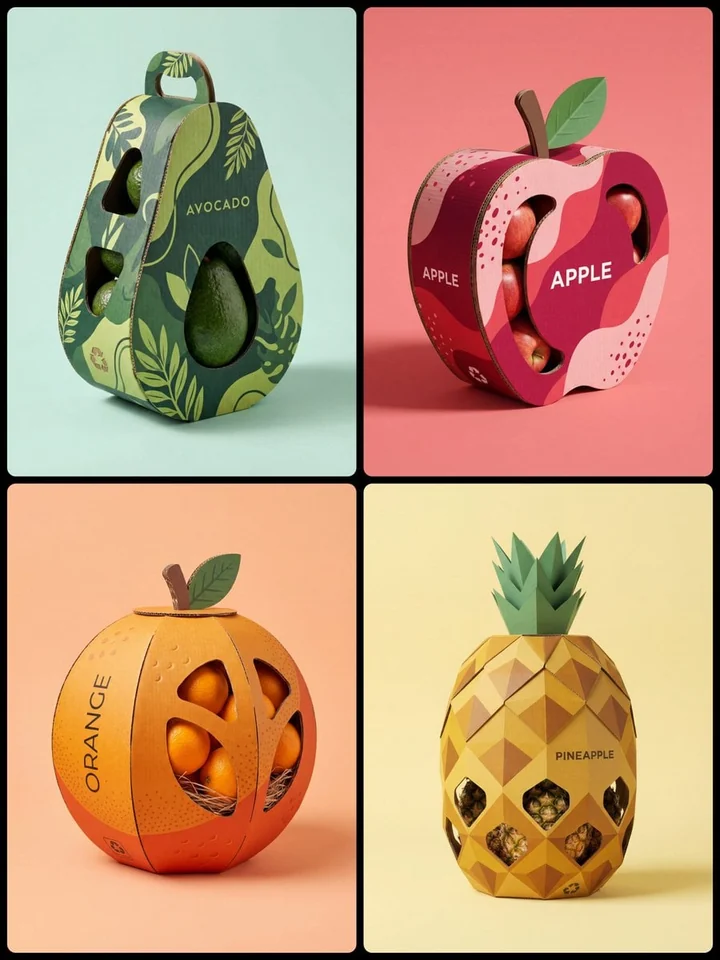
Explore package form, material mood, color, pattern, and product visibility as a reviewable concept before engineering and production work.
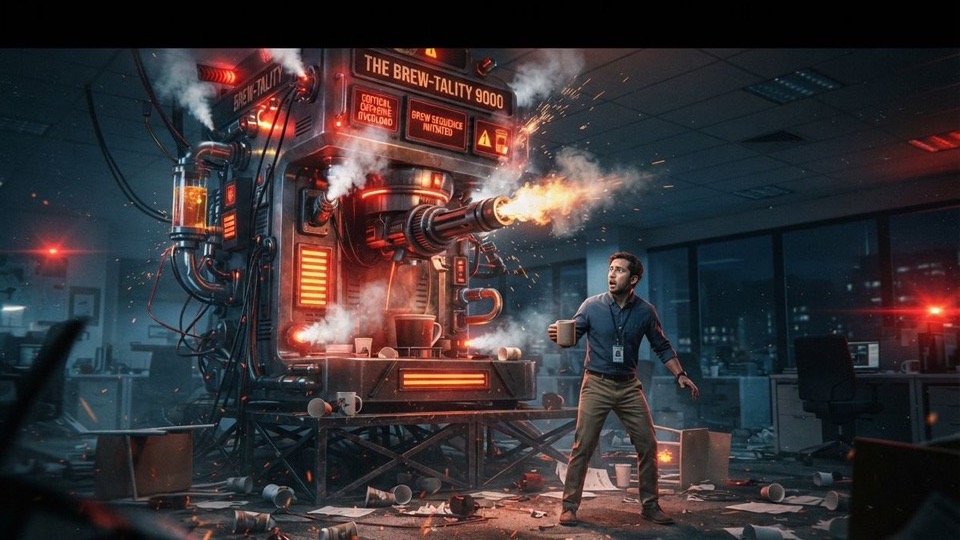
Use one authorized reference to explore a 16:9 story frame, focal hierarchy, scale, and contrast before adding final headlines and completing release review.
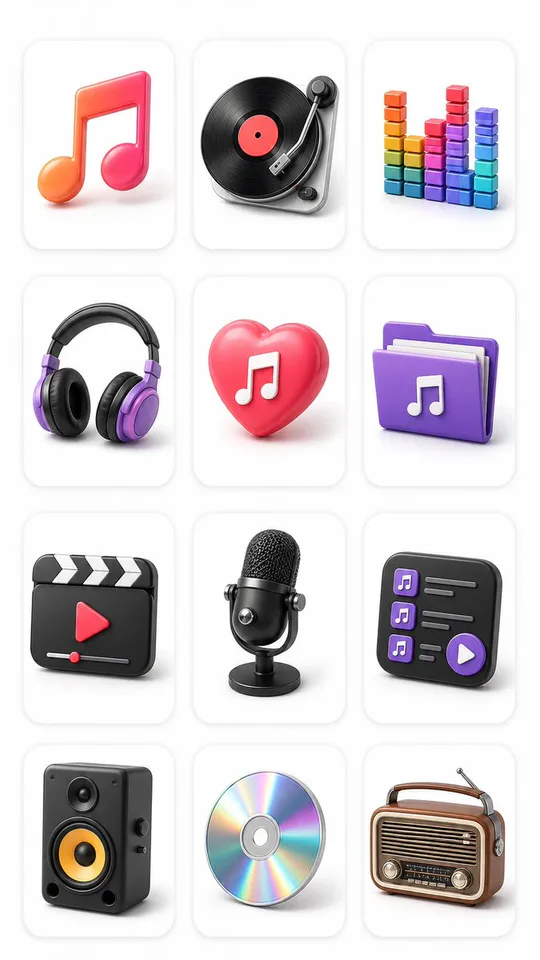
Explore multiple icon directions on one reviewable concept board before vector production, export preparation, and brand review.

Transform an approved reference into one reviewable pixel-character direction, then verify likeness, rights, and game-specific production requirements separately.
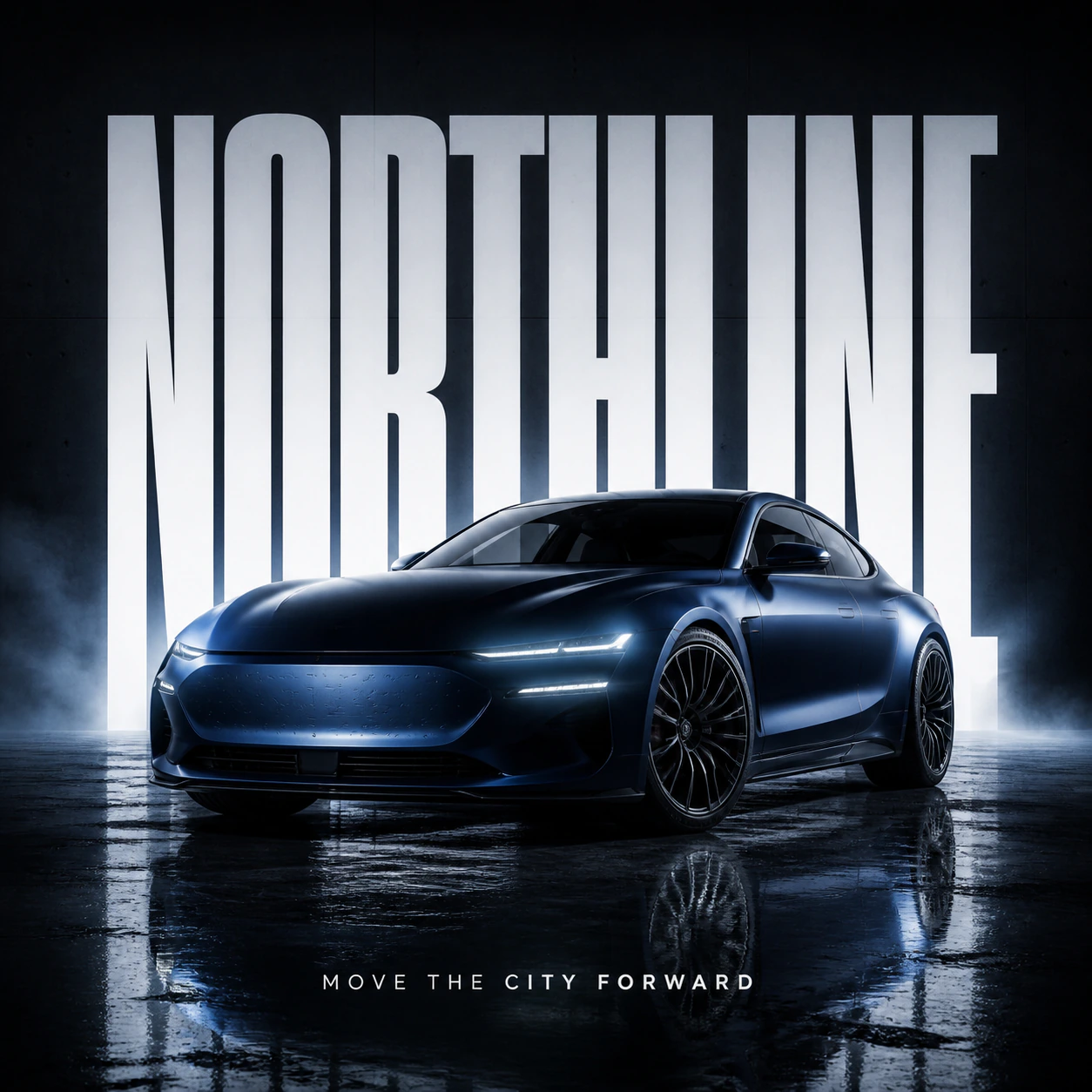
Turn a campaign objective, exact headline hierarchy, brand cues, placement context, and art direction into a reviewable outdoor-ad concept. CinePixel prepares the Prompt and never treats generated copy, trademarks, dimensions, or production readiness as verified.
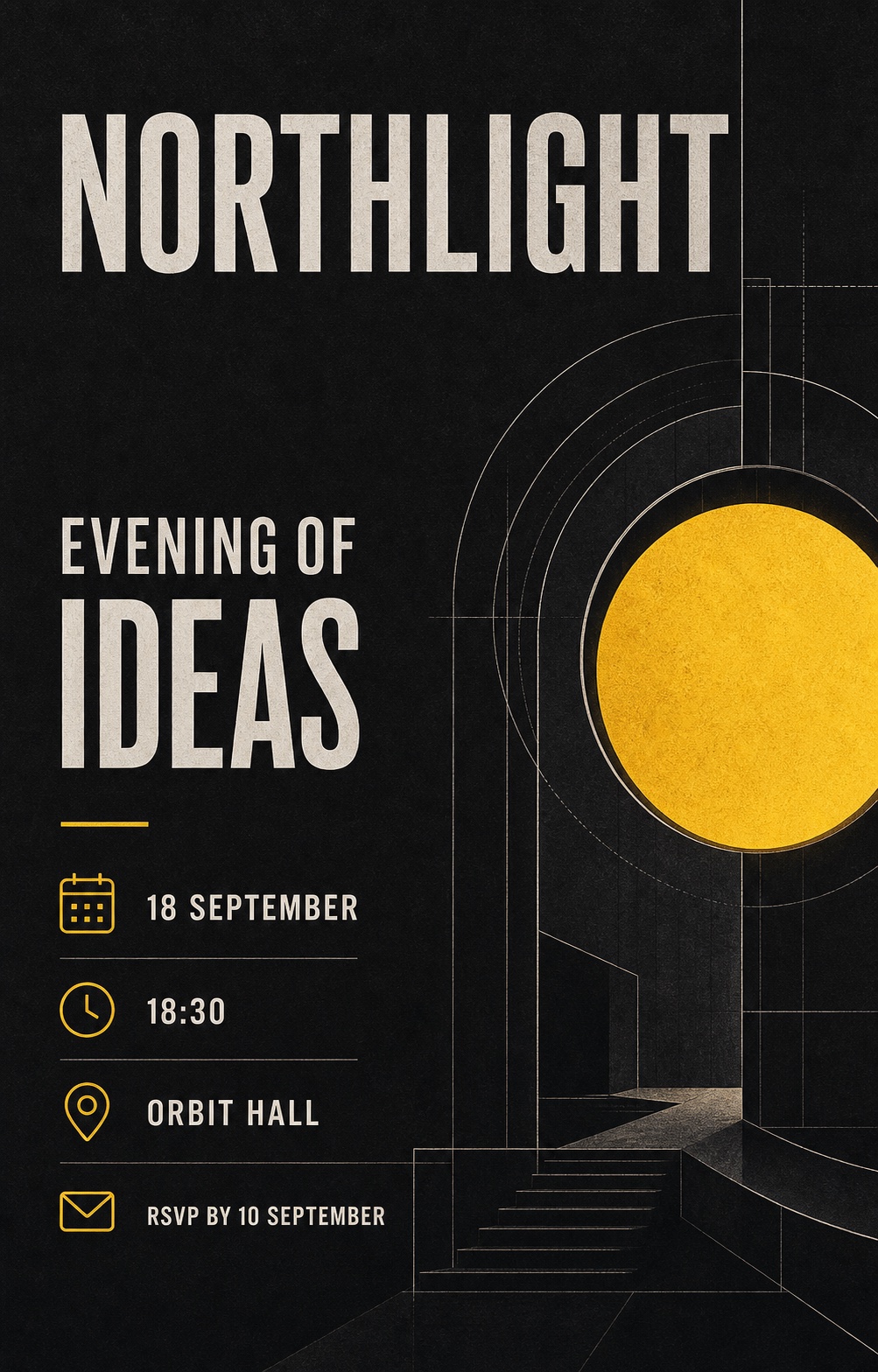
Turn an occasion, audience, exact event details, visual theme, and delivery format into a reviewable invitation artwork concept. CinePixel keeps every name, date, venue, and RSVP line subject to character-by-character review.
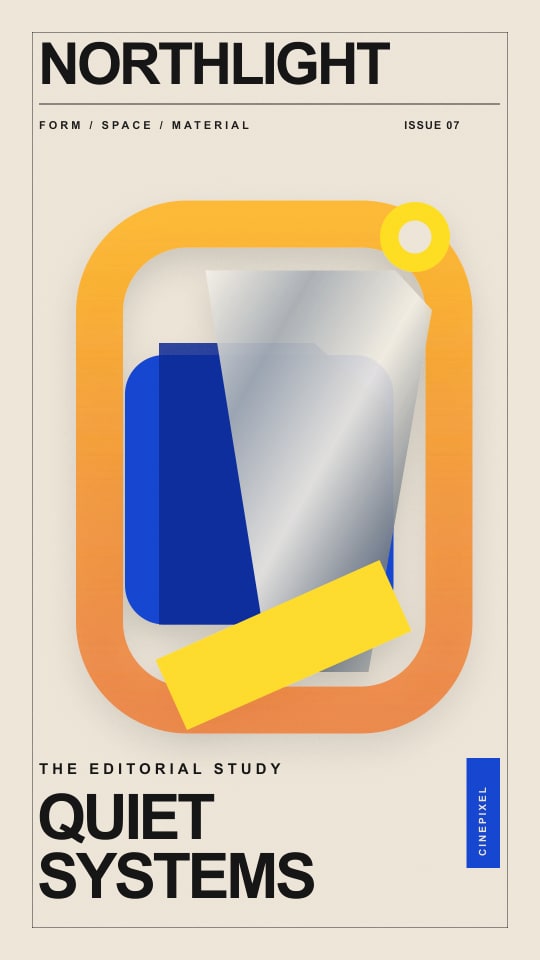
Turn an issue goal, approved masthead and cover lines, subject story, art direction, and layout into a reviewable editorial cover concept. CinePixel keeps text, facts, identity, rights, and production readiness subject to separate review.
AI Image Generator questions
No. It only fills the prompt so you can review the direction before creating.
Yes. Prompt examples preserve the current model workspace and its settings.
Compare CinePixel AI image models by workflow, provider, output controls, and current credit range, then open a verified model workspace to create.