
AI photo tool
3D Cartoon Mini Me: Your Photo as a Rounded 3D Character
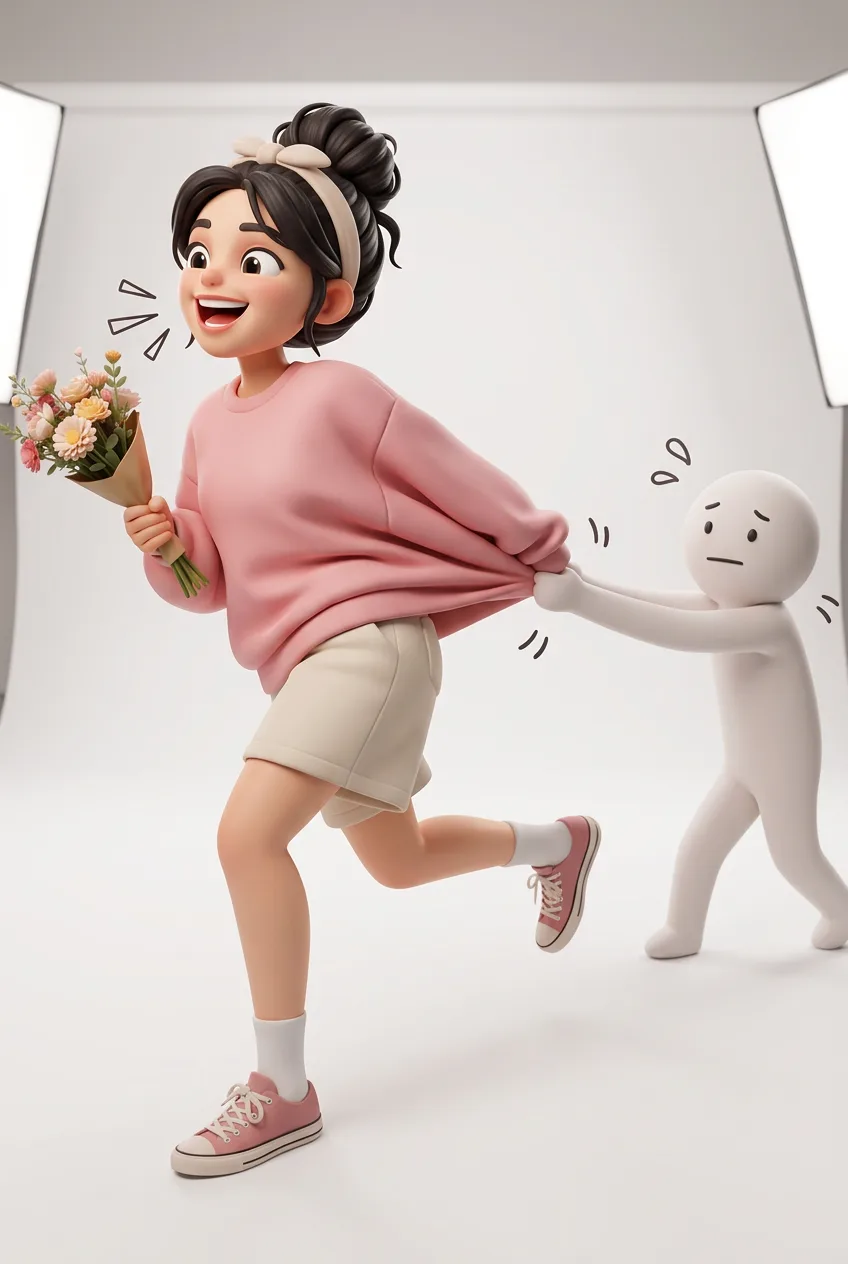
Upload a photo and the model is asked to turn the subject into an original stylized 3D cartoon character. It has a slightly larger head, soft rounded forms and studio lighting, and keeps your hair and clothing colors.
Upload a photo
No NSFW, harmful content, or deceptive identity edits. Follow our Acceptable Use Policy
Your results
Your edited photos will appear here. They are also saved to your history.
Want different instructions? Write your own in the image editor. Open in Image Editor
What 3D Cartoon Mini Me helps with
- Asks the model to keep your subject and everything outside the task.
- Shows the credit cost before anything runs.
- Keeps your source photo beside the result so you can compare them.
Results are AI-generated. Keep your original and compare details before you share or print.
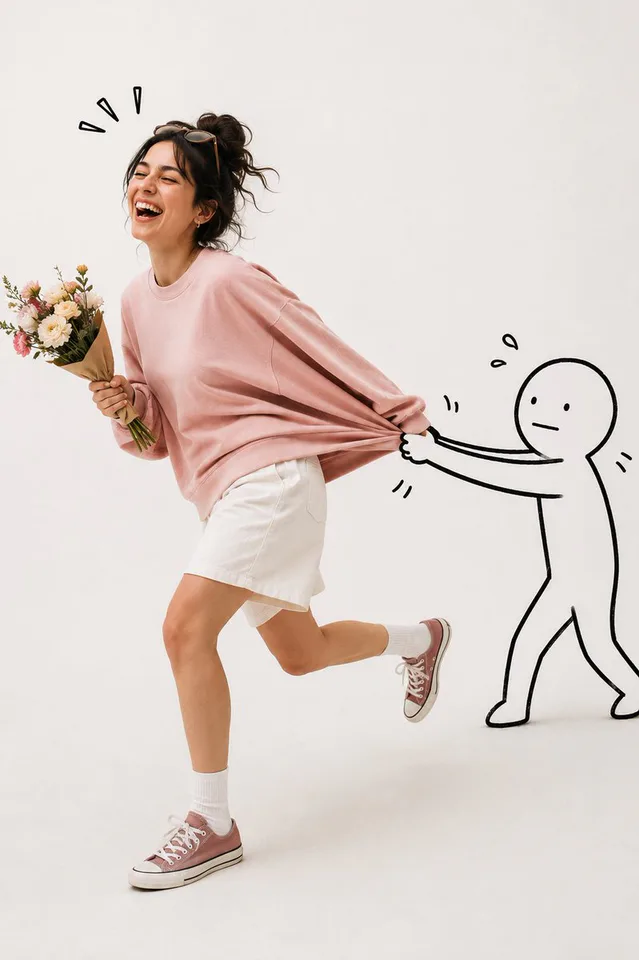
3D Cartoon Mini Me sample result
A real CinePixel image-editor result, made with this tool's editing instructions and a catalog image. Results vary with your photo and settings; review them before use.
What does 3D Cartoon Mini Me do?
3D Cartoon Mini Me turns the person in your photo into a small, rounded 3D-style character with a slightly larger head, soft forms and clean studio lighting. People use it for a profile avatar, a birthday or holiday card, a gift for a grandparent, a team page where everyone gets the same style, or a sticker for a group chat. Hair, clothing colors and recognizable features are kept, while faces become simpler and cuter. The result is one rendered-looking picture, not a 3D model file: you cannot rotate it, print it in 3D or import it into a 3D program.
How to use 3D Cartoon Mini Me
- 01
Upload your photo
Add the photo you want to edit. Use the original file or a good scan for the best result.
- 02
Run 3D Cartoon Mini Me
Upload a photo and the model is asked to turn the subject into an original stylized 3D cartoon character. It has a slightly larger head, soft rounded forms and studio lighting, and keeps your hair and clothing colors.
- 03
Check the result against your photo
Check that the hair, clothing colors and main features still match you, and that the head and body proportions look friendly.
- 04
Download the version you checked
Download the result you are happy with. Every result is also saved in your history.
3D Cartoon Mini Me features
Use a photo with the outfit in view
A half-body or full-body photo gives the character clothes and a pose; a tight face crop becomes a floating head. Bright, simple clothing colors carry over best.
Check the hair and glasses
Hairstyle, beard and glasses are what friends recognize first. If the fringe, parting or frames changed, run another draft.
Keep a team set consistent
For a team page, use photos with similar framing and light, and keep the same image size for everyone so the characters line up.
What you can do with 3D Cartoon Mini Me
3D avatars
Use a mini version of yourself as a profile picture or a game chat icon.
Personal gifts
Make a mini figure image for a birthday card, a mug design or a custom print.
Team and about pages
Give each team member a matching 3D character picture for an about page.
Tips for better 3D Cartoon Mini Me results
- Use a photo where the head, hair and clothes are fully visible, since the model keeps those colors.
- A front-facing, evenly lit portrait gives the most accurate likeness in the 3D look.
- Use photos you may edit once, and try two outputs to choose the version that looks most like you.
3D Cartoon Mini Me FAQ
- What should I review?
- Check that the hair, clothing colors and main features still match you, and that the head and body proportions look friendly.
- Can I get a 3D model file from this?
- No. The result is one image that looks rendered, so there is no mesh or file to rotate or print in 3D.
- Will it keep my outfit and hair color?
- The model is asked to keep hair, clothing colors and recognizable features, though small patterns may change.
- Can it copy a movie character look?
- No. The instruction asks for an original character and tells the model not to copy a named studio, film or protected character.